St Patrick's Day Scanner Prank PC
FoundationTen
GameLoopエミュレーターを使用してPCにSt Patrick's Day Scanner Prankをダウンロードします
St Patrick's Day Scanner Prank PC版
開発者FoundationTenからのSt Patrick's Day Scanner Prankは、過去にAndroidsystermで実行されています。
これで、GameLoopを搭載したPCでSt Patrick's Day Scanner Prankをスムーズにプレイできます。
GameLoopライブラリまたは検索結果にダウンロードしてください。 バッテリーに目を向けたり、間違った時間にイライラしたりすることはもうありません。
大画面でSt Patrick's Day Scanner PrankPCを無料でお楽しみください!
St Patrick's Day Scanner Prank 序章
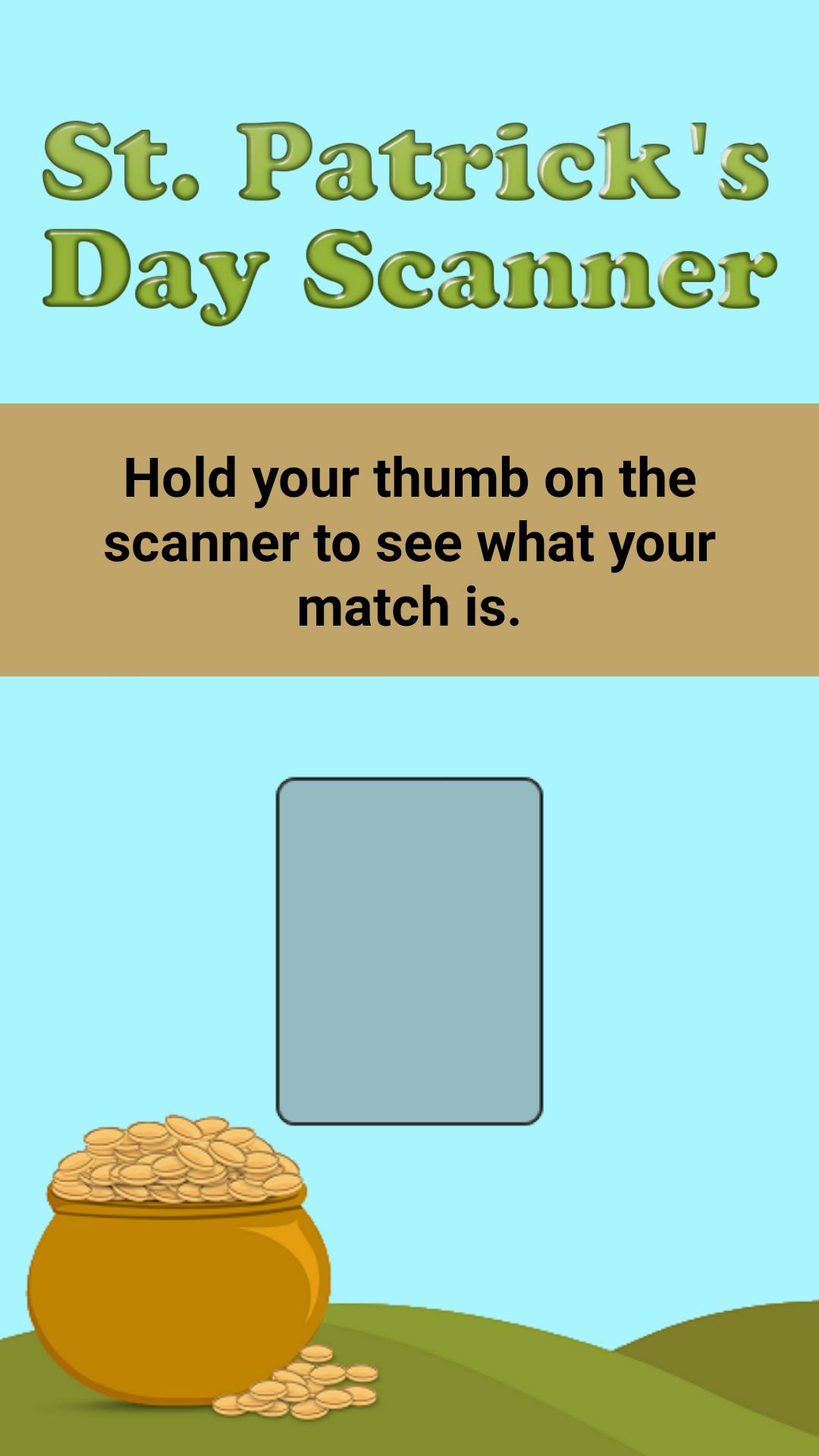
The St. Patrick’s Day Scanner is a technological breakthrough that determines what St. Patrick’s Day symbol that you match the closest to. It uses nothing but your fingerprint. To find out what St. Patrick’s Day symbol you are the most like, simply place any finger on the scanner and wait for the scan to complete. That’s it, your fingerprint will be read and you will find your match instantly.
Features:
- Simulated realistic scanning with vibrations
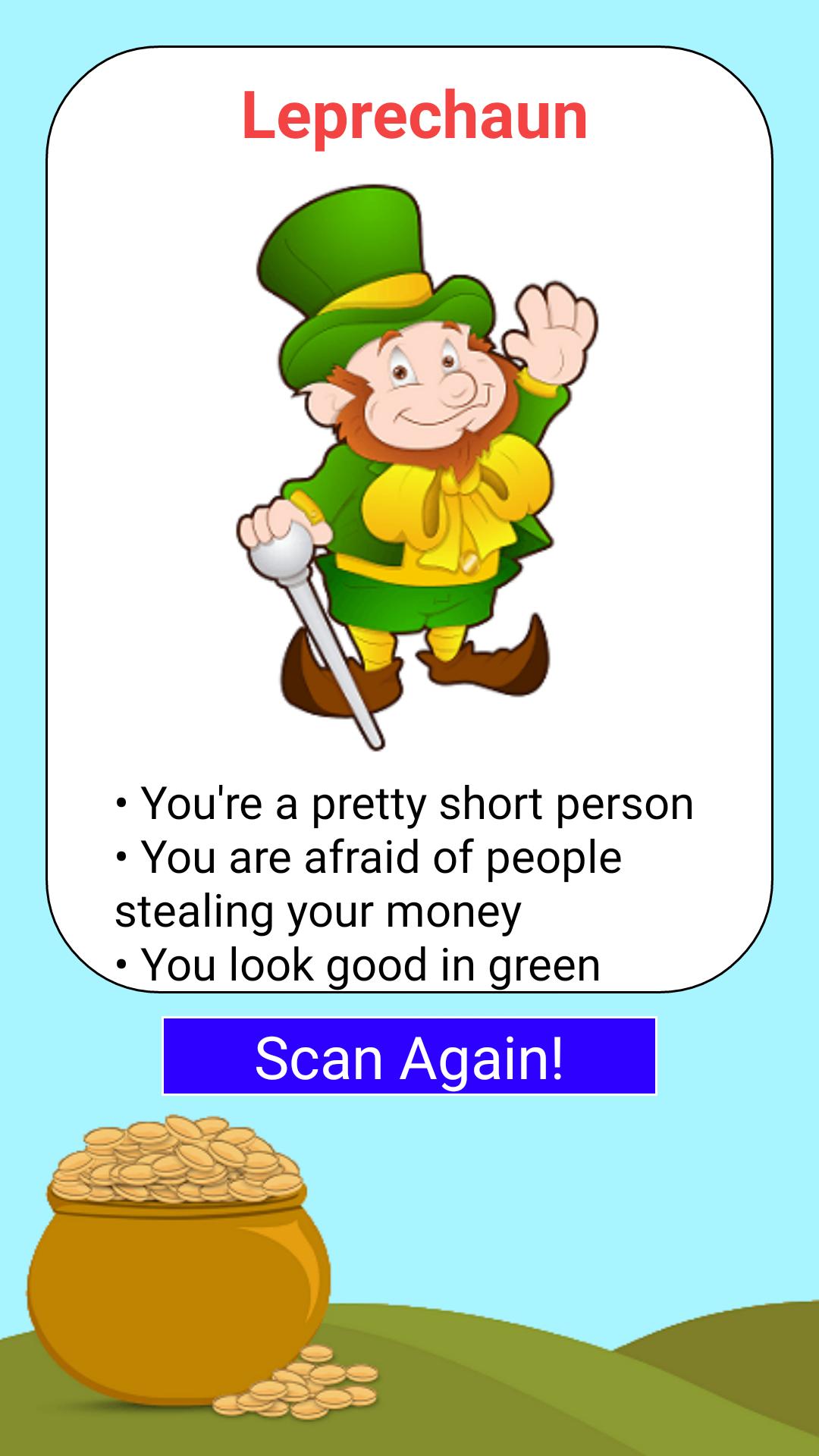
- Bright colorful pictures of your matching St. Patrick’s Day symbol
- Share your scan results with your friends easily
- A great prank that the whole family will love!
The St. Patrick’s Day Scanner is solely for entertainment purposes only. It does not actually read your fingerprint. Scanning a fingerprint from your screen is not possible. The St. Patrick’s Day Scanner is still a fun app for yourself or for pranking other people!
プレビュー
タグ
エンタメ情報
デベロッパー
FoundationTen
最新バージョン
1.0
最終更新
2016-02-22
カテゴリー
エンタメ
上で利用可能
Google Play
もっと見せる
PCでGameLoopを使用してSt Patrick's Day Scanner Prankをプレイする方法
1. 公式WebサイトからGameLoopをダウンロードし、exeファイルを実行してGameLoopをインストールします
2. GameLoopを開いて「St Patrick's Day Scanner Prank」を検索し、検索結果でSt Patrick's Day Scanner Prankを見つけて、「インストール」をクリックします。
3. GameLoopでSt Patrick's Day Scanner Prankを楽しんでください
Minimum requirements
OS
Windows 8.1 64-bit or Windows 10 64-bit
GPU
GTX 1050
CPU
i3-8300
Memory
8GB RAM
Storage
1GB available space
Recommended requirements
OS
Windows 8.1 64-bit or Windows 10 64-bit
GPU
GTX 1050
CPU
i3-9320
Memory
16GB RAM
Storage
1GB available space