
prank call bluey fake PC
Fake call studio
GameLoopエミュレーターを使用してPCにprank call bluey fakeをダウンロードします
prank call bluey fake PC版
開発者Fake call studioからのprank call bluey fakeは、過去にAndroidsystermで実行されています。
これで、GameLoopを搭載したPCでprank call bluey fakeをスムーズにプレイできます。
GameLoopライブラリまたは検索結果にダウンロードしてください。 バッテリーに目を向けたり、間違った時間にイライラしたりすることはもうありません。
大画面でprank call bluey fakePCを無料でお楽しみください!
prank call bluey fake 序章
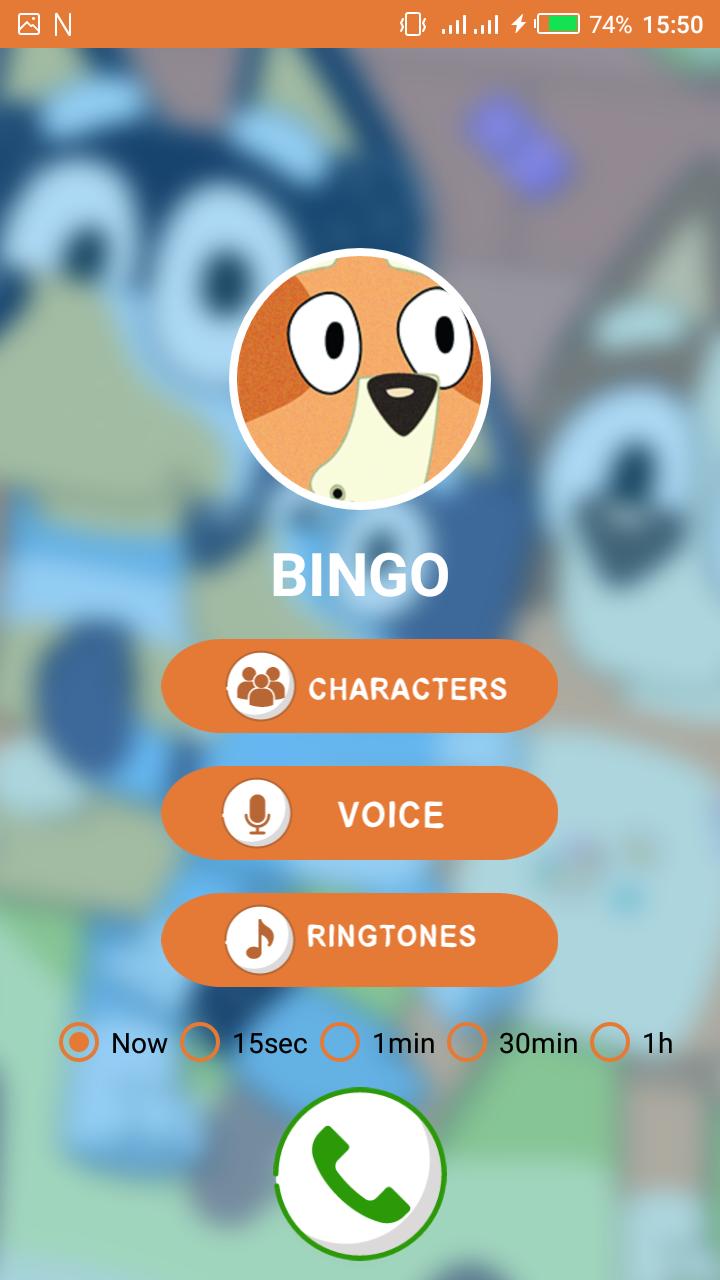
Welcome to The Best Humor game for prank call PRANK CALL BINGO that allows you to enjoy and laughing with your friends.
Prank call with a tap. Pick a prank, play with a friends and let them say wow
Funny prank call and joking with your friends! Real prankster fake call ha-ha.
Laughable application prank calling was never that easy
Awesome prank call & fake caller app for spoof call, prank call your friends!
You can record the prank call voice .
HOW TO USE THE FUNNIEST PRANK CALL BINGO & BLUEY
1-Choose your favorite character.
2-Record a comic voice for caller
4-Set a ringtone or play the default ringtone
5-choose the time to call
WHY USE THE PRANK CALL BLUEY & BINGO?
✔ Enjoy Prank calling app
✔ Calls are made using offline without additional costs
✔ Fake call that actually has a fake person talking
Disclaimer:
This app is only for joking is not an official application or real phone Call
プレビュー

情報
デベロッパー
Fake call studio
最新バージョン
1.0
最終更新
2021-01-07
カテゴリー
エンタメ
上で利用可能
Google Play
もっと見せる
PCでGameLoopを使用してprank call bluey fakeをプレイする方法
1. 公式WebサイトからGameLoopをダウンロードし、exeファイルを実行してGameLoopをインストールします
2. GameLoopを開いて「prank call bluey fake」を検索し、検索結果でprank call bluey fakeを見つけて、「インストール」をクリックします。
3. GameLoopでprank call bluey fakeを楽しんでください
Minimum requirements
OS
Windows 8.1 64-bit or Windows 10 64-bit
GPU
GTX 1050
CPU
i3-8300
Memory
8GB RAM
Storage
1GB available space
Recommended requirements
OS
Windows 8.1 64-bit or Windows 10 64-bit
GPU
GTX 1050
CPU
i3-9320
Memory
16GB RAM
Storage
1GB available space