
Play Lite for Youtube PC
VuviGame
GameLoopエミュレーターを使用してPCにPlay Lite for Youtubeをダウンロードします
Play Lite for Youtube PC版
開発者VuviGameからのPlay Lite for Youtubeは、過去にAndroidsystermで実行されています。
これで、GameLoopを搭載したPCでPlay Lite for Youtubeをスムーズにプレイできます。
GameLoopライブラリまたは検索結果にダウンロードしてください。 バッテリーに目を向けたり、間違った時間にイライラしたりすることはもうありません。
大画面でPlay Lite for YoutubePCを無料でお楽しみください!
Play Lite for Youtube 序章
Wellcome to Play Lite for Youtube
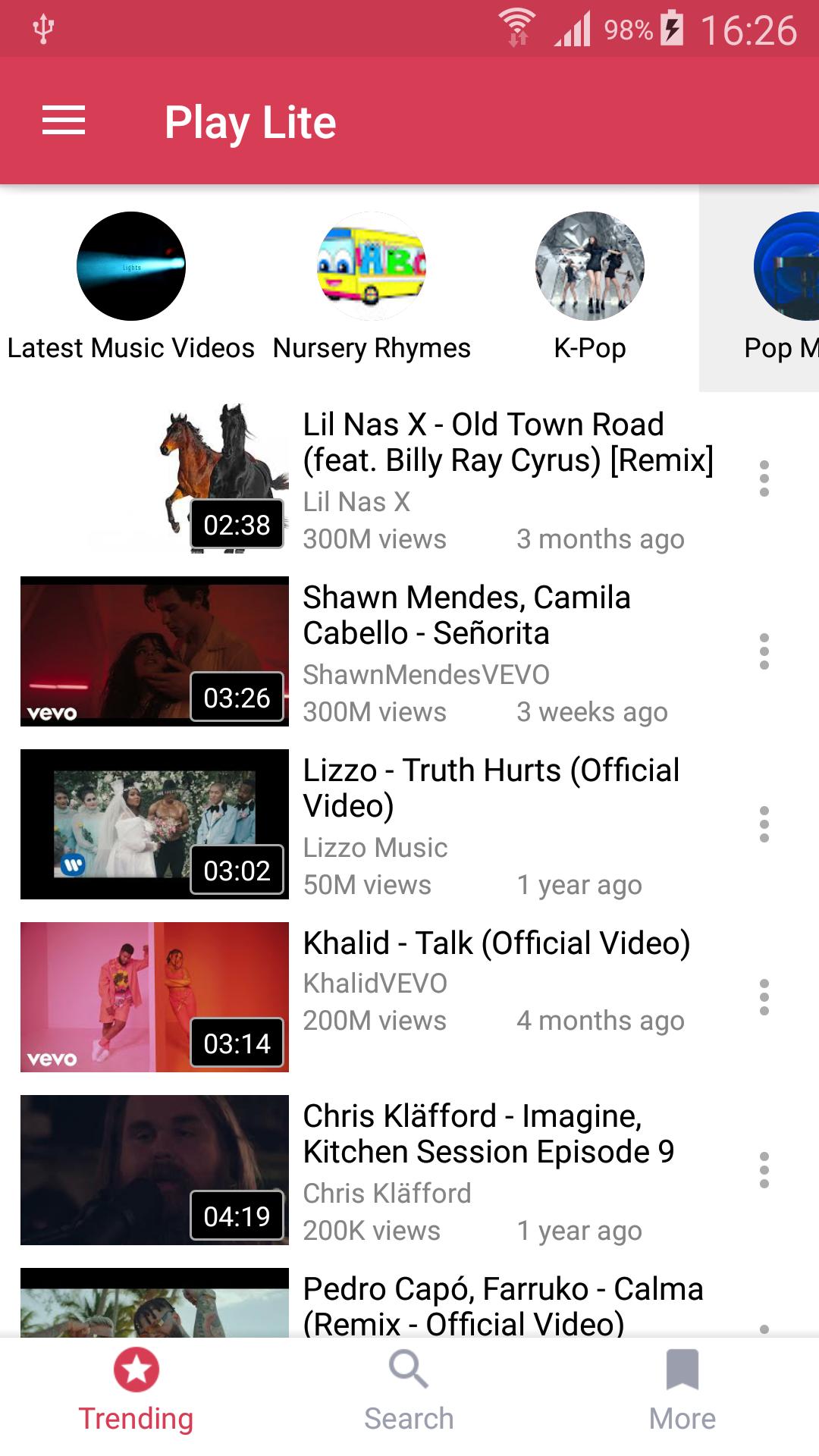
Watch youtube videos in floating mode so that can you can play youtube videos as well as youtube playlist out side the app in floating mode.
No need to download songs anymore: You can watch and listen to millions Music and Video.
Play Lite provides multitasking experience: always on top popup player helps you to use your apps while playing non-stop YouTube free music.
Note: playing music when the screen is off or on the lock screen is not allowed by YouTube terms of use.
In addition, you will be able to import your own playlists from YouTube.
☆ Enjoy free music with Play Lite.
• Search and listen to millions of free songs on YouTube
• Always on top floating player for multitasking. You can change its size and position.
• Songs, playlists, albums quick search with suggestions
• High-Quality video mode (wifi recommended)
• Discover free music with tons of predefined genres: Popular Music, Hip Hop, Rock, Classical, R&B, Jazz, Disco, Country and more
☆ Playlists
• Import playlists from YouTube including Liked Videos
• Favorites playlist
• Share playlists and tracks
☆ Music player
• Shuffle , Repeat, Next, Back ... modes
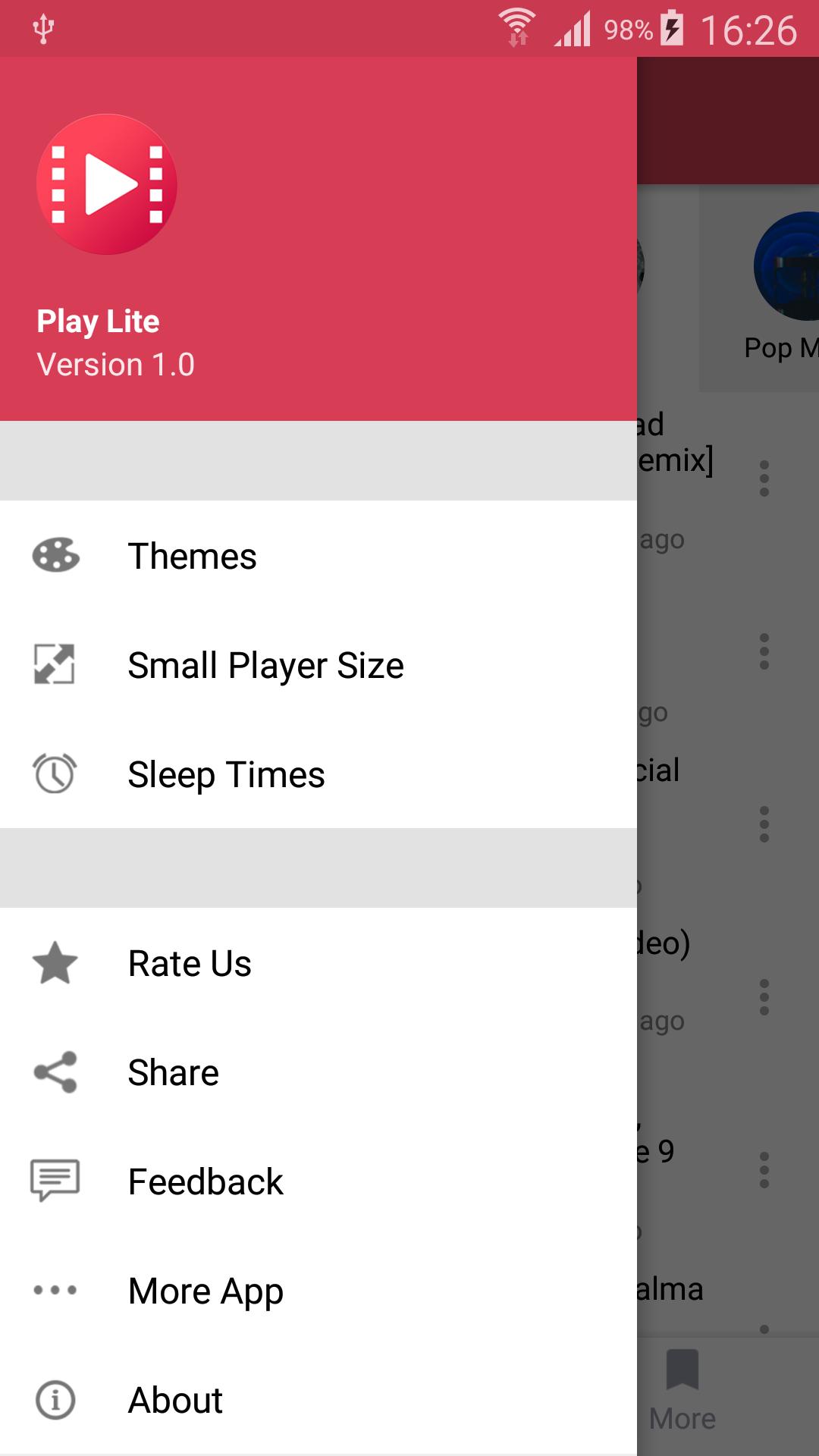
• Sleep timer , resize small player
☆ Bookmarks and history
• Easy to use bookmarks useful for music ,videos , etc
• History for search and playback
☆ PLEASE NOTE
Stream is a third party music streaming player app, not a downloader.
All the content is provided by YouTube services.
"Please use the following link to report any content that may infrige copyrights: https://www.youtube.com/yt/copyright/
Stream is not a App downloader."
An internet connection is required (wifi or cellular data).
According to YouTube's Terms of Use, we are not allowed to display videos when in lockscreen, nor to let you download songs.
プレビュー
情報
デベロッパー
VuviGame
最新バージョン
1.0
最終更新
2019-07-18
カテゴリー
エンタメ
上で利用可能
Google Play
もっと見せる
PCでGameLoopを使用してPlay Lite for Youtubeをプレイする方法
1. 公式WebサイトからGameLoopをダウンロードし、exeファイルを実行してGameLoopをインストールします
2. GameLoopを開いて「Play Lite for Youtube」を検索し、検索結果でPlay Lite for Youtubeを見つけて、「インストール」をクリックします。
3. GameLoopでPlay Lite for Youtubeを楽しんでください
Minimum requirements
OS
Windows 8.1 64-bit or Windows 10 64-bit
GPU
GTX 1050
CPU
i3-8300
Memory
8GB RAM
Storage
1GB available space
Recommended requirements
OS
Windows 8.1 64-bit or Windows 10 64-bit
GPU
GTX 1050
CPU
i3-9320
Memory
16GB RAM
Storage
1GB available space