Pixel Coloring PC
Dataverse games
GameLoopエミュレーターを使用してPCにPixel Coloringをダウンロードします
Pixel Coloring PC版
開発者Dataverse gamesからのPixel Coloringは、過去にAndroidsystermで実行されています。
これで、GameLoopを搭載したPCでPixel Coloringをスムーズにプレイできます。
GameLoopライブラリまたは検索結果にダウンロードしてください。 バッテリーに目を向けたり、間違った時間にイライラしたりすることはもうありません。
大画面でPixel ColoringPCを無料でお楽しみください!
Pixel Coloring 序章
Pixel Coloring is the best way to pass the time and relax in free time. Enjoy and color hours of fun and relaxation, develop your skill on drawings. Choose from the variety of super fun and cute-looking images, color by number the one you like to create your own album of artworks! Release the inner artist in you with Pixel Coloring!
Features:
- Easy to color. Enjoy intuitive design and smooth performance of coloring book;
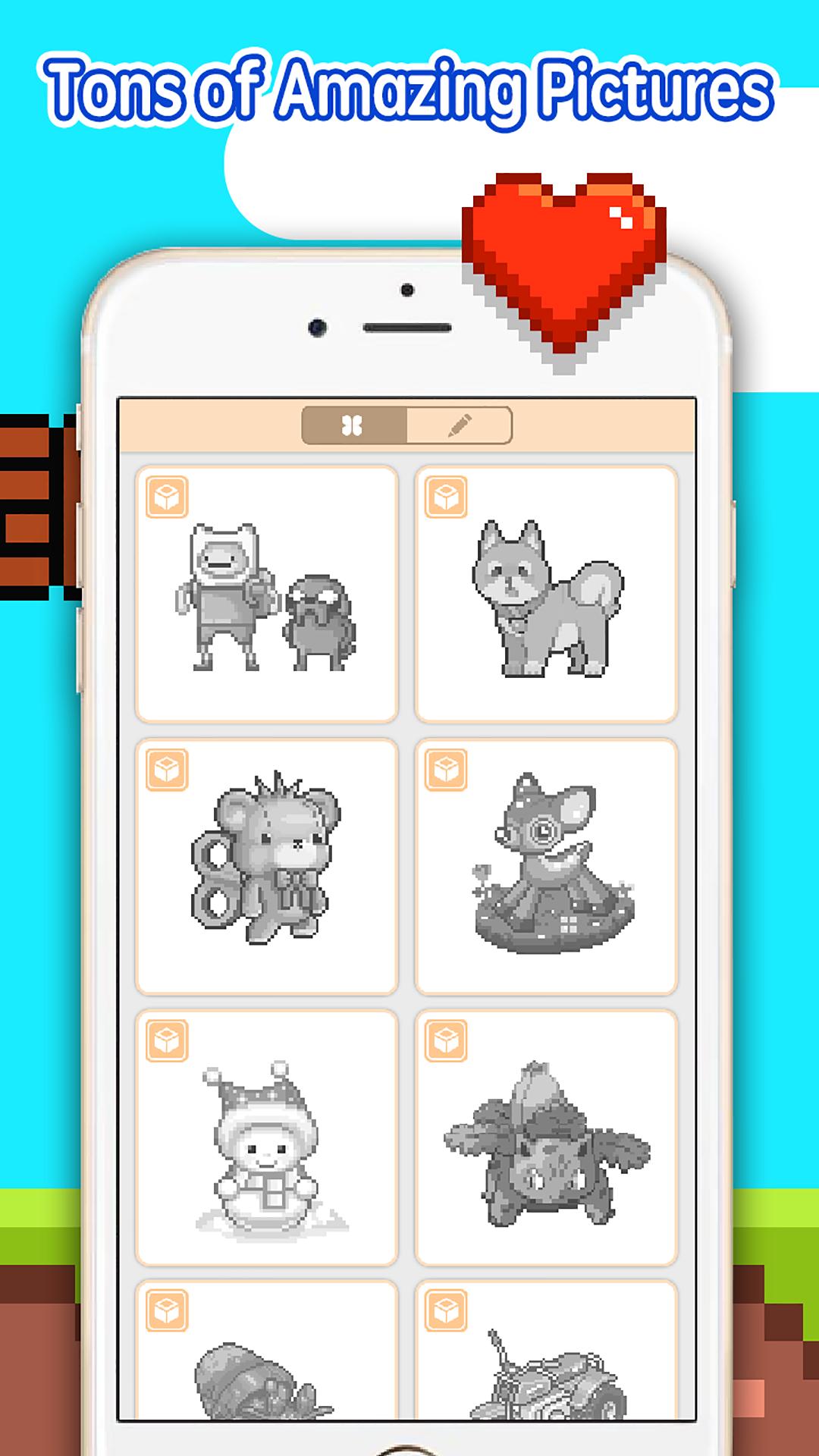
- Suitable for all ages. Lots of coloring page from Animals, Magical Creatures, Cartoon Characters, and more. Even kids will love it;
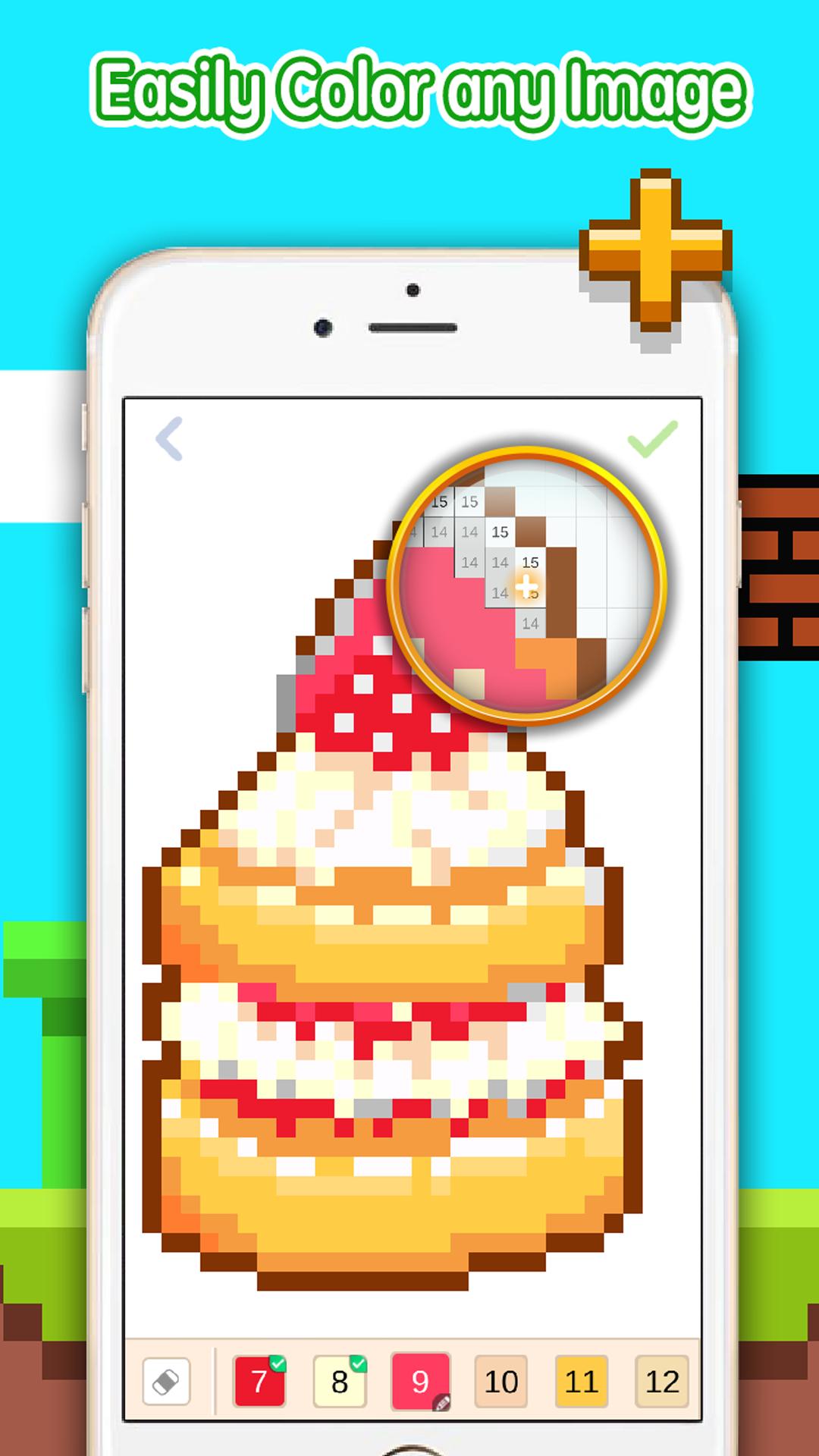
- Magnifying glass. Using magnifying glass makes your coloring easier and more enjoyable than ever;
- Quick sharing. Share your colorful pictures with friends on social networks or email in just one tap.
How to Play Pixel Coloring:
- Choose colors from the palette and fill in the boxes with matching numbers
- Double tap to zoom in the picture, zoom in and out by pinching with two fingers
- Long tap to show magnifying glass and drag to color the boxes
- Slide across the palette with your fingers to discover all colors
プレビュー
情報
デベロッパー
Dataverse games
最新バージョン
1.1.1
最終更新
2018-04-16
カテゴリー
エンタメ
上で利用可能
Google Play
もっと見せる
PCでGameLoopを使用してPixel Coloringをプレイする方法
1. 公式WebサイトからGameLoopをダウンロードし、exeファイルを実行してGameLoopをインストールします
2. GameLoopを開いて「Pixel Coloring」を検索し、検索結果でPixel Coloringを見つけて、「インストール」をクリックします。
3. GameLoopでPixel Coloringを楽しんでください
Minimum requirements
OS
Windows 8.1 64-bit or Windows 10 64-bit
GPU
GTX 1050
CPU
i3-8300
Memory
8GB RAM
Storage
1GB available space
Recommended requirements
OS
Windows 8.1 64-bit or Windows 10 64-bit
GPU
GTX 1050
CPU
i3-9320
Memory
16GB RAM
Storage
1GB available space