
Oneflix - Unify Your Streaming PC
Oneflix
GameLoopエミュレーターを使用してPCにOneflix - Unify Your Streamingをダウンロードします
Oneflix - Unify Your Streaming PC版
開発者OneflixからのOneflix - Unify Your Streamingは、過去にAndroidsystermで実行されています。
これで、GameLoopを搭載したPCでOneflix - Unify Your Streamingをスムーズにプレイできます。
GameLoopライブラリまたは検索結果にダウンロードしてください。 バッテリーに目を向けたり、間違った時間にイライラしたりすることはもうありません。
大画面でOneflix - Unify Your StreamingPCを無料でお楽しみください!
Oneflix - Unify Your Streaming 序章
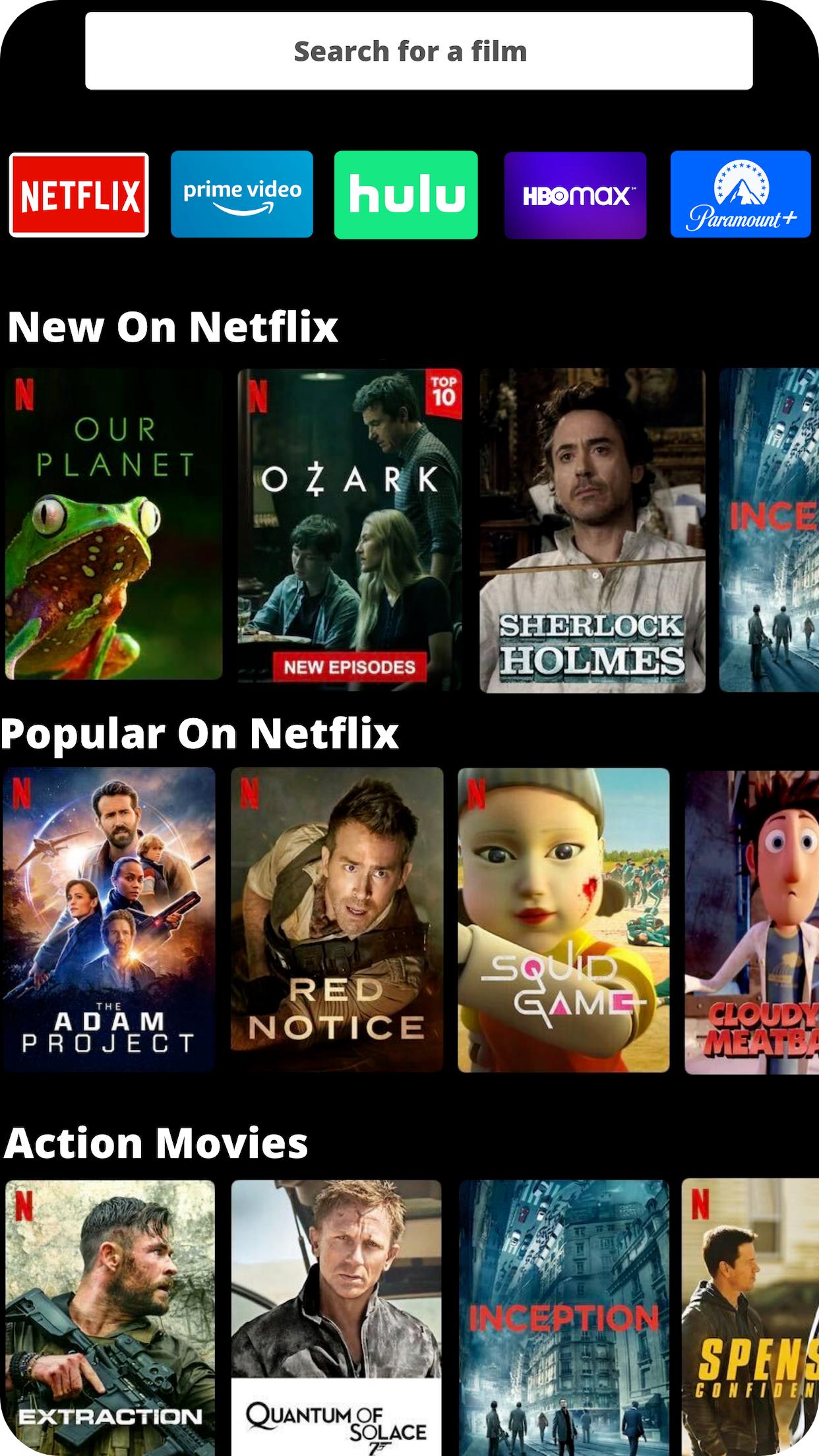
Oneflix allows you to unify your streaming services. Use one dashboard to browse content across all your major streaming services, including Netflix, Disney Plus, HBO Max, Amazon Prime Video, and many others.
If you run into any issues, email us at support@oneflix.app
With Oneflix you can:
✔ Use one unified streaming app to browse through content on Netflix, Amazon, HBO Max, Disney Plus, Hulu, and many other streaming services.
✔ Connect with your friends to discover what they’re streaming and talking about.
✔ Recommend great streaming content to your friends and family members.
✔ Give reviews and comments on streaming content that you and your friends are watching.
✔ Find where to watch any content on streaming using our powerful universal streaming search.
For questions, technical support, feature requests, or you just want to say hi, you can reach us at support@oneflix.app
プレビュー
タグ
エンタメ情報
デベロッパー
Oneflix
最新バージョン
1.0.29
最終更新
2022-05-31
カテゴリー
エンタメ
上で利用可能
Google Play
もっと見せる
PCでGameLoopを使用してOneflix - Unify Your Streamingをプレイする方法
1. 公式WebサイトからGameLoopをダウンロードし、exeファイルを実行してGameLoopをインストールします
2. GameLoopを開いて「Oneflix - Unify Your Streaming」を検索し、検索結果でOneflix - Unify Your Streamingを見つけて、「インストール」をクリックします。
3. GameLoopでOneflix - Unify Your Streamingを楽しんでください
Minimum requirements
OS
Windows 8.1 64-bit or Windows 10 64-bit
GPU
GTX 1050
CPU
i3-8300
Memory
8GB RAM
Storage
1GB available space
Recommended requirements
OS
Windows 8.1 64-bit or Windows 10 64-bit
GPU
GTX 1050
CPU
i3-9320
Memory
16GB RAM
Storage
1GB available space