
Odish Player 3 PC
Odish
GameLoopエミュレーターを使用してPCにOdish Player 3をダウンロードします
Odish Player 3 PC版
開発者OdishからのOdish Player 3は、過去にAndroidsystermで実行されています。
これで、GameLoopを搭載したPCでOdish Player 3をスムーズにプレイできます。
GameLoopライブラリまたは検索結果にダウンロードしてください。 バッテリーに目を向けたり、間違った時間にイライラしたりすることはもうありません。
大画面でOdish Player 3PCを無料でお楽しみください!
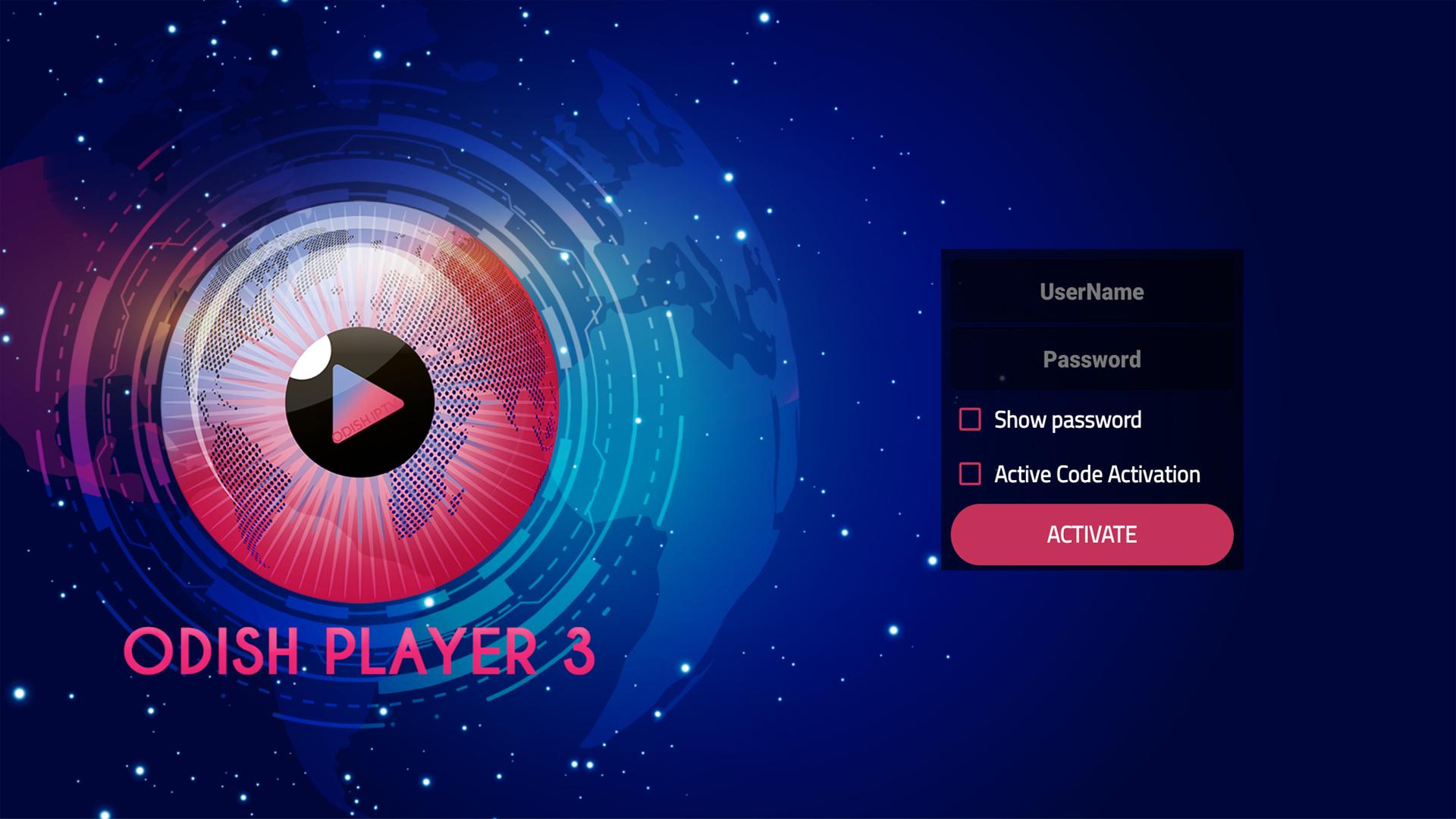
Odish Player 3 序章
FEATURES OVERVIEW:
- Support Xtream Codes API
- Live, Movies, Series & TV Catchup Streaming IPTV HD Played through our IPTV app
- Parental Control
- Built-in powerful IPTV player
- External Players Integration
- Attractive & Impressive Layout and More User-Friendly
IMPORTANT ANNOTATION:
We are not offering any kind of IPTV services like IPTV subscriptions, streams.
The user has to contact the TV Service Provider for Username, Password, Server URL or Playlist ( M3u file / URL )
The user must have your own content, this is just a fast IPTV app that provides the platform to play the content.
Disclaimer:
- Odish Player does not supply or include any media or content
- Users must provide their own content
- Odish Player has no affiliation with any third-party provider what so ever.
- We do not endorse the streaming of copyright-protected material without permission of the copyright holder.
プレビュー
タグ
エンタメ情報
デベロッパー
Odish
最新バージョン
3.4
最終更新
2022-02-17
カテゴリー
エンタメ
上で利用可能
Google Play
もっと見せる
PCでGameLoopを使用してOdish Player 3をプレイする方法
1. 公式WebサイトからGameLoopをダウンロードし、exeファイルを実行してGameLoopをインストールします
2. GameLoopを開いて「Odish Player 3」を検索し、検索結果でOdish Player 3を見つけて、「インストール」をクリックします。
3. GameLoopでOdish Player 3を楽しんでください
Minimum requirements
OS
Windows 8.1 64-bit or Windows 10 64-bit
GPU
GTX 1050
CPU
i3-8300
Memory
8GB RAM
Storage
1GB available space
Recommended requirements
OS
Windows 8.1 64-bit or Windows 10 64-bit
GPU
GTX 1050
CPU
i3-9320
Memory
16GB RAM
Storage
1GB available space