NEON NZ – Watch TV & Movies Online PC
Sky Network Television Limited
GameLoopエミュレーターを使用してPCにNEON NZ – Watch TV & Movies Onlineをダウンロードします
NEON NZ – Watch TV & Movies Online PC版
開発者Sky Network Television LimitedからのNEON NZ – Watch TV & Movies Onlineは、過去にAndroidsystermで実行されています。
これで、GameLoopを搭載したPCでNEON NZ – Watch TV & Movies Onlineをスムーズにプレイできます。
GameLoopライブラリまたは検索結果にダウンロードしてください。 バッテリーに目を向けたり、間違った時間にイライラしたりすることはもうありません。
大画面でNEON NZ – Watch TV & Movies OnlinePCを無料でお楽しみください!
NEON NZ – Watch TV & Movies Online 序章
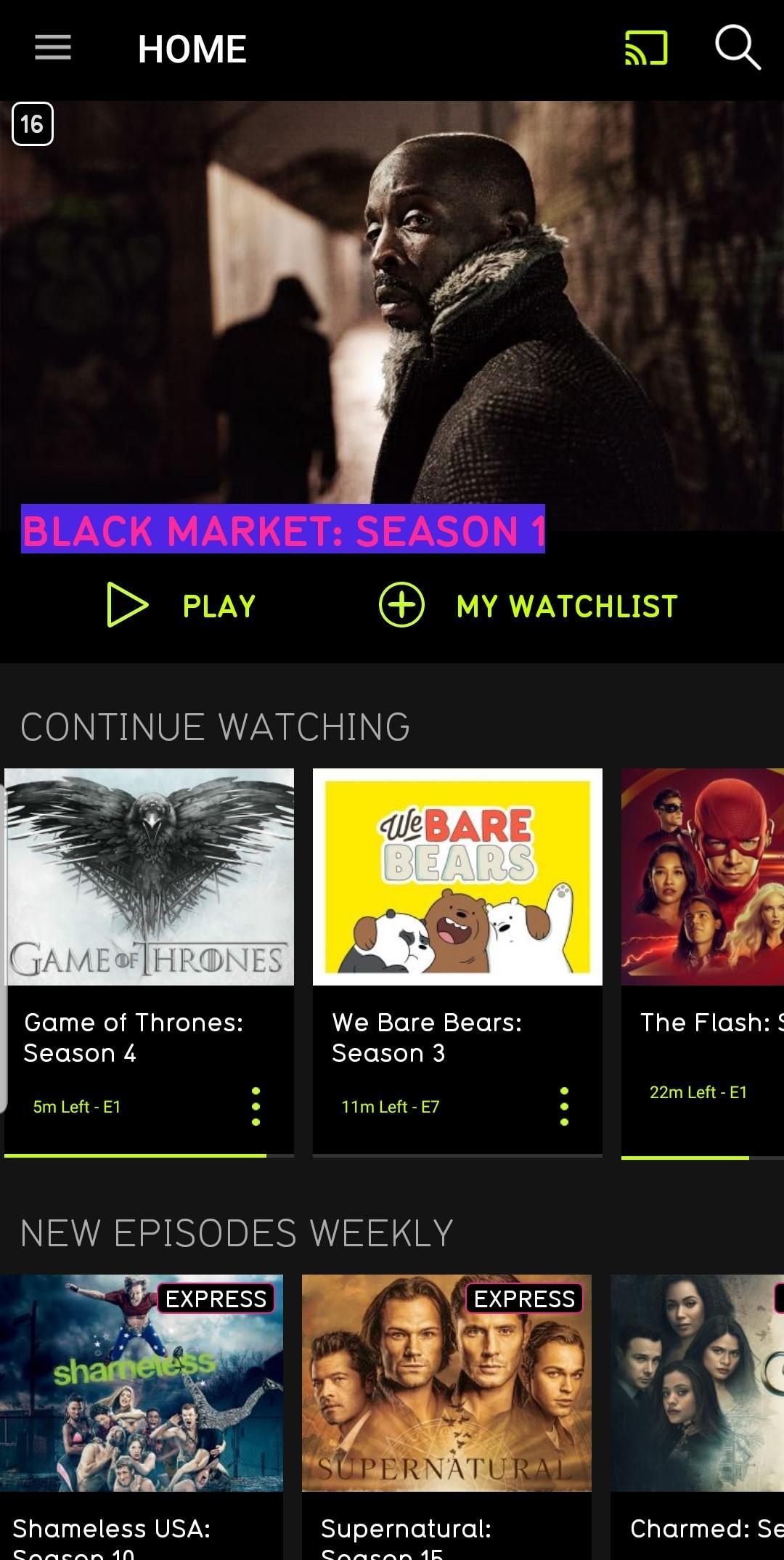
NEON is a subscription video on demand service. Watch TV shows and movies online.
New to NEON? Create your account at neontv.co.nz and get a free 14-day trial at the start of your subscription.
With the app on select Samsung Galaxy tablets and mobile phones you can:
- Explore the entire NEON catalogue of critically acclaimed TV shows, blockbuster movies and premieres
- Binge away with no ads
- Line up all the TV shows and movies you want to watch in your watchlist
- Pick up and start playing the TV show or movie you were watching from where you left off across any device
- Cast to your big screen with Chromecast support on your Android device
- So there are no squabbles, two people can watch TV shows and movies from a single account on different devices at the same time
- Register up to five devices to use on a single account – they’ll all automatically register as you use them
- Set parental controls to keep your kids viewing safe
To keep up with NEON, follow us on Facebook.com/NeonNewZealand, Twitter.com/NeonNZ or Instagram @NEON_NZ
プレビュー

情報
デベロッパー
Sky Network Television Limited
最新バージョン
2.22.1
最終更新
2020-04-09
カテゴリー
エンタメ
上で利用可能
Google Play
もっと見せる
PCでGameLoopを使用してNEON NZ – Watch TV & Movies Onlineをプレイする方法
1. 公式WebサイトからGameLoopをダウンロードし、exeファイルを実行してGameLoopをインストールします
2. GameLoopを開いて「NEON NZ – Watch TV & Movies Online」を検索し、検索結果でNEON NZ – Watch TV & Movies Onlineを見つけて、「インストール」をクリックします。
3. GameLoopでNEON NZ – Watch TV & Movies Onlineを楽しんでください
Minimum requirements
OS
Windows 8.1 64-bit or Windows 10 64-bit
GPU
GTX 1050
CPU
i3-8300
Memory
8GB RAM
Storage
1GB available space
Recommended requirements
OS
Windows 8.1 64-bit or Windows 10 64-bit
GPU
GTX 1050
CPU
i3-9320
Memory
16GB RAM
Storage
1GB available space