
Meme Creator & Sharing - Meme PC
Pluz App - Entertainment
GameLoopエミュレーターを使用してPCにMeme Creator & Sharing - Meme をダウンロードします
Meme Creator & Sharing - Meme PC版
開発者Pluz App - EntertainmentからのMeme Creator & Sharing - Meme は、過去にAndroidsystermで実行されています。
これで、GameLoopを搭載したPCでMeme Creator & Sharing - Meme をスムーズにプレイできます。
GameLoopライブラリまたは検索結果にダウンロードしてください。 バッテリーに目を向けたり、間違った時間にイライラしたりすることはもうありません。
大画面でMeme Creator & Sharing - Meme PCを無料でお楽しみください!
Meme Creator & Sharing - Meme 序章
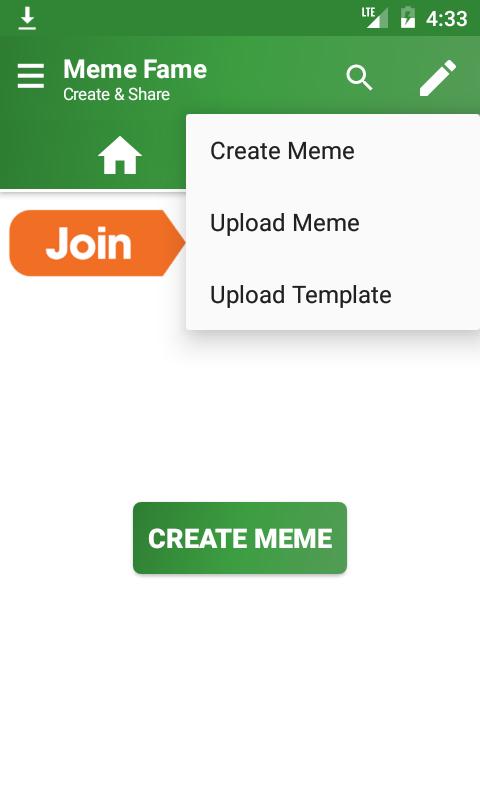
Meme Fame, best meme creator to create a meme like a pro. Create & Share your own Memes and get fame & fans. You can create memes in your own native language. We recommend using Google Input Tools for native language support.
Features:-
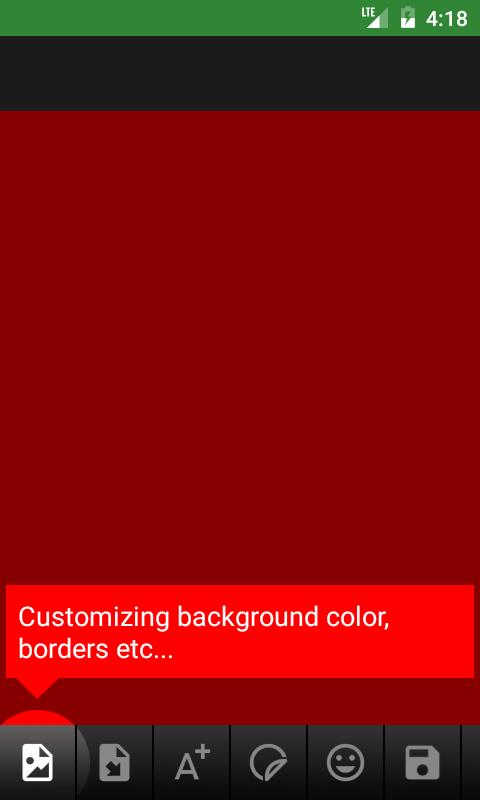
◘ Add multiple images & collage
◘ Add Stickers
◘ Add Smilies
◘ Own Community
◘ Save without watermark
◘ Can Favorite Memes
◘ Favorite Templates
◘ Upload your memes to Meme Fame
◘ Upload your templates to Meme Fame Community
◘ Google Login
◘ Adding different colored borders and sizes
◘ Can add Text Stroke size and color
◘ Crop Images
◘ Drag move, scale and rotate images
プレビュー
タグ
エンタメ情報
デベロッパー
Pluz App - Entertainment
最新バージョン
1.0
最終更新
2022-12-02
カテゴリー
エンタメ
上で利用可能
Google Play
もっと見せる
PCでGameLoopを使用してMeme Creator & Sharing - Meme をプレイする方法
1. 公式WebサイトからGameLoopをダウンロードし、exeファイルを実行してGameLoopをインストールします
2. GameLoopを開いて「Meme Creator & Sharing - Meme 」を検索し、検索結果でMeme Creator & Sharing - Meme を見つけて、「インストール」をクリックします。
3. GameLoopでMeme Creator & Sharing - Meme を楽しんでください
Minimum requirements
OS
Windows 8.1 64-bit or Windows 10 64-bit
GPU
GTX 1050
CPU
i3-8300
Memory
8GB RAM
Storage
1GB available space
Recommended requirements
OS
Windows 8.1 64-bit or Windows 10 64-bit
GPU
GTX 1050
CPU
i3-9320
Memory
16GB RAM
Storage
1GB available space