KaraRemote - Karaoke Remote PC
Thunderiven Studios
GameLoopエミュレーターを使用してPCにKaraRemote - Karaoke Remoteをダウンロードします
KaraRemote - Karaoke Remote PC版
開発者Thunderiven StudiosからのKaraRemote - Karaoke Remoteは、過去にAndroidsystermで実行されています。
これで、GameLoopを搭載したPCでKaraRemote - Karaoke Remoteをスムーズにプレイできます。
GameLoopライブラリまたは検索結果にダウンロードしてください。 バッテリーに目を向けたり、間違った時間にイライラしたりすることはもうありません。
大画面でKaraRemote - Karaoke RemotePCを無料でお楽しみください!
KaraRemote - Karaoke Remote 序章
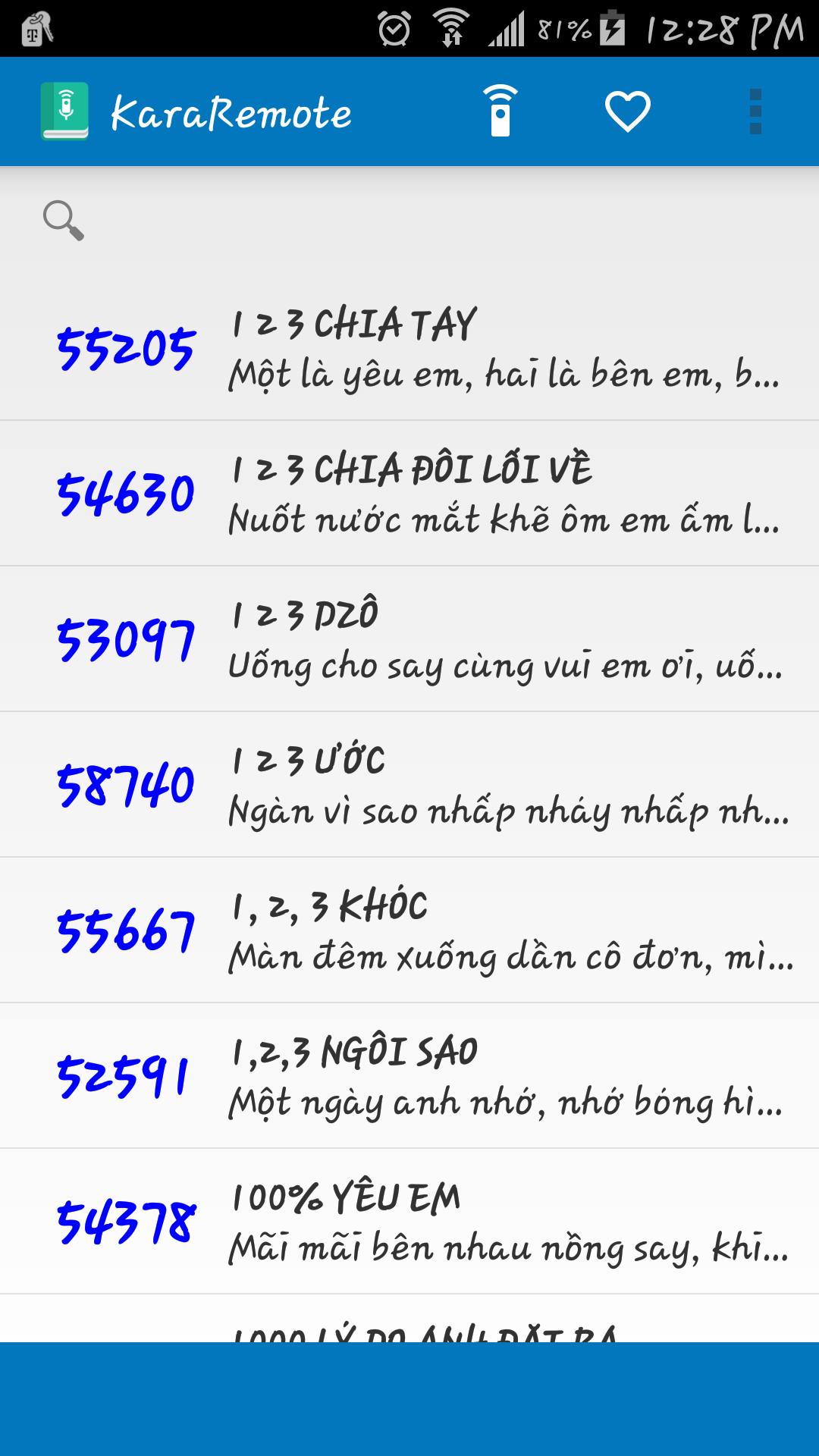
Features:
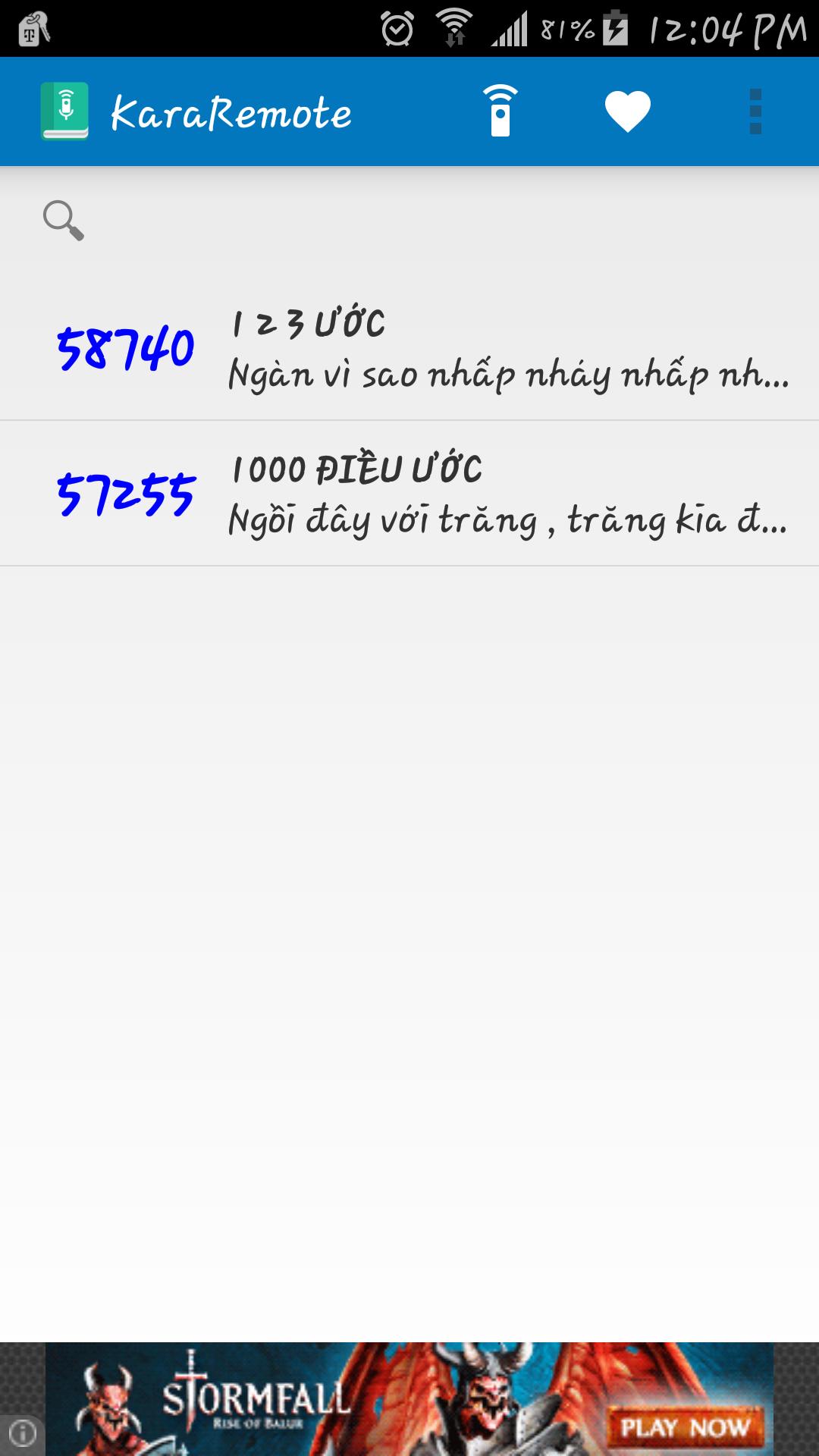
• Search song by name and abbreviation
• Bilingual Vietnamese and English
• Automatically backup and restore on Google Cloud service ( Must enable Google backup and restore )
• Built in remote control for Arirang karaoke (For devices such as Samsung and HTC with built in IR Blaster)
• Fast reserve song
• Delay between IR signal transmission
Supported Remotes:
• AR36+
• AR36NR
• AR3600
• AR3600s
• AR3600hdmi
Notes:
• Remote control feature has been tested with Samsung Galaxy S5 running on Android 5.0, if your device does not work properly, please contact me at vincentngo31051991@gmail.com for support.
プレビュー
情報
デベロッパー
Thunderiven Studios
最新バージョン
1.1
最終更新
2015-08-23
カテゴリー
エンタメ
上で利用可能
Google Play
もっと見せる
PCでGameLoopを使用してKaraRemote - Karaoke Remoteをプレイする方法
1. 公式WebサイトからGameLoopをダウンロードし、exeファイルを実行してGameLoopをインストールします
2. GameLoopを開いて「KaraRemote - Karaoke Remote」を検索し、検索結果でKaraRemote - Karaoke Remoteを見つけて、「インストール」をクリックします。
3. GameLoopでKaraRemote - Karaoke Remoteを楽しんでください
Minimum requirements
OS
Windows 8.1 64-bit or Windows 10 64-bit
GPU
GTX 1050
CPU
i3-8300
Memory
8GB RAM
Storage
1GB available space
Recommended requirements
OS
Windows 8.1 64-bit or Windows 10 64-bit
GPU
GTX 1050
CPU
i3-9320
Memory
16GB RAM
Storage
1GB available space