
Horoscope Launcher PC
Color Phone Studios
GameLoopエミュレーターを使用してPCにHoroscope Launcherをダウンロードします
Horoscope Launcher PC版
開発者Color Phone StudiosからのHoroscope Launcherは、過去にAndroidsystermで実行されています。
これで、GameLoopを搭載したPCでHoroscope Launcherをスムーズにプレイできます。
GameLoopライブラリまたは検索結果にダウンロードしてください。 バッテリーに目を向けたり、間違った時間にイライラしたりすることはもうありません。
大画面でHoroscope LauncherPCを無料でお楽しみください!
Horoscope Launcher 序章
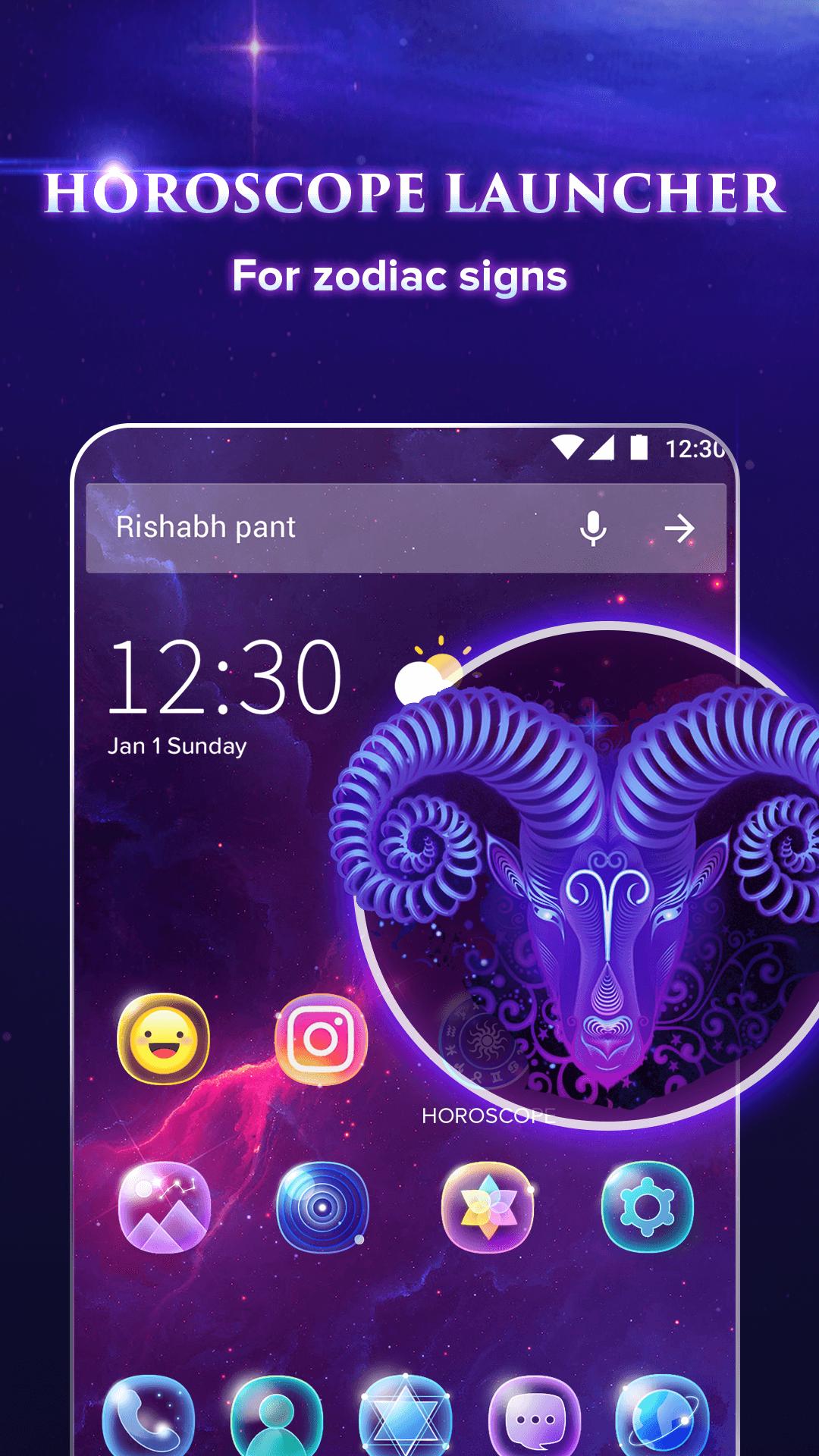
Horoscope Launcher - the best horoscope launcher app free for Android! Enjoy your zodiac sign’s predictions, horoscopes wallpapers, horoscope emojis and horoscope theme with Horoscope Launcher!
Horoscope Launcher provides a horoscope widget, 10000+ launcher wallpapers, and horoscope theme for free! Horoscope Launcher not only provides themes, wallpapers, and icons, but also provides the zodiac sign predictions. Enjoy your horoscope launcher theme and daily prediction here!
Personalization features:
-Horoscope wallpapers & 3D wallpapers: 10000+ free Android wallpapers, including horoscope wallpapers, home-screen wallpapers, theme wallpapers , and other stylish wallpapers. Make your home-screen cooler!
-Themes: apply the hottest Android themes and horoscope app icons for your phone for free!
-Cute emojis and GIFs: share your emotion with your family and friends!
-Transition effect: the 3D transition effect, which make the effect more funny
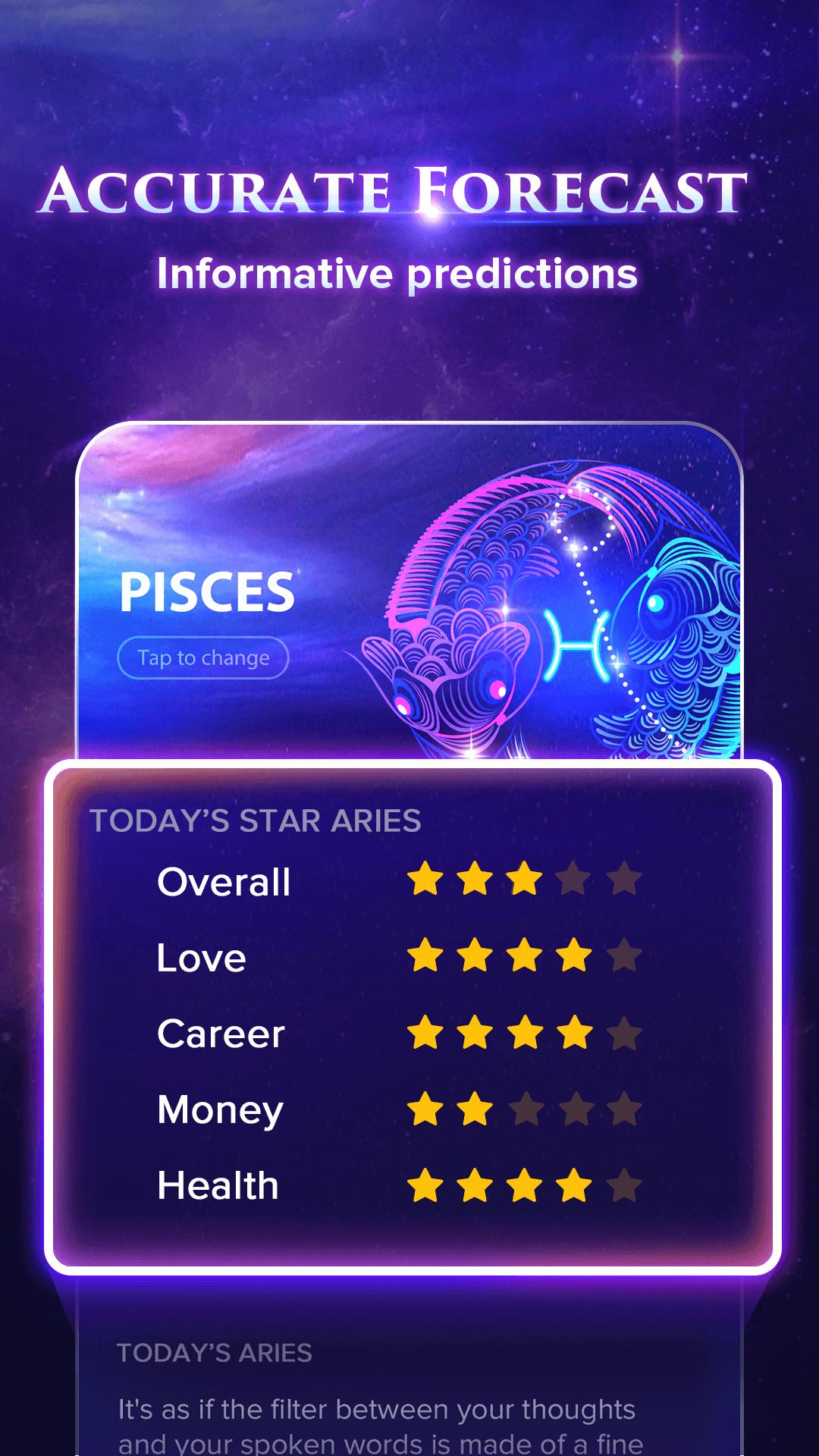
-Horoscope widget - provides accurate daily predictions, love predictions, work predictions and character analysis, which covers all the zodiac sun signs: ♈ Aries, ♉ Taurus, ♊ Gemini, ♋ Cancer, ♌ Leo, ♍ Virgo,♎ Libra, ♏ Scorpio, ♐ Sagittarius, ♑ Capricorn, ♒ Aquarius and ♓ Pisces.
System optimization:
✔️Junk cleaner: remove junk files to make phone smoother
✔️Battery saver: save battery live for longer life
✔️Boost & Boost+: in-depth boost phone speed
✔️Notification cleaner: clean junk notifications
✔️CPU cooler: cool down the CPU
Gadgets and plugins:
✔️Widgets: easy to access the launcher widget and system widget
✔️Weather: forecast the weather in the few days
✔️Flashlight: easily to turn on the flashlight
✔️Notification toolbar: some common tools can be found easily in the toolbar, like WI-FI, flashlight, boost and so on
✔️Search bar with google search engine: easily to search information on the home screen
Home screen changer:
✔️Unread message: notice the number of unread messages on the home screen
✔️Screen manger: change the position and number of screens
✔️Smart folder: sort apps with the same function in the same folder
✔️Desktop settings: change the size and color of icons and fonts.
✔️Menu: long-press on home screen to easily access the common features
Entertainment:
✔️Online games: more than 20 H5 games
Protect privacy:
✔️APP lock: lock secret apps on your home-screen
✔️Hide APP: protects your privacy by hiding apps from desktop
Notice: The default search engine in this app is Google.
This launcher app will change your default home screen and it can be cleared in your phone settings.
Contact us:feedback.horoscopephone@outlook.com
プレビュー
情報
デベロッパー
Color Phone Studios
最新バージョン
1.0.10
最終更新
2018-11-19
カテゴリー
エンタメ
上で利用可能
Google Play
もっと見せる
PCでGameLoopを使用してHoroscope Launcherをプレイする方法
1. 公式WebサイトからGameLoopをダウンロードし、exeファイルを実行してGameLoopをインストールします
2. GameLoopを開いて「Horoscope Launcher」を検索し、検索結果でHoroscope Launcherを見つけて、「インストール」をクリックします。
3. GameLoopでHoroscope Launcherを楽しんでください
Minimum requirements
OS
Windows 8.1 64-bit or Windows 10 64-bit
GPU
GTX 1050
CPU
i3-8300
Memory
8GB RAM
Storage
1GB available space
Recommended requirements
OS
Windows 8.1 64-bit or Windows 10 64-bit
GPU
GTX 1050
CPU
i3-9320
Memory
16GB RAM
Storage
1GB available space