
Go -web tele PC
Play Media!
GameLoopエミュレーターを使用してPCにGo -web teleをダウンロードします
Go -web tele PC版
開発者Play Media!からのGo -web teleは、過去にAndroidsystermで実行されています。
これで、GameLoopを搭載したPCでGo -web teleをスムーズにプレイできます。
GameLoopライブラリまたは検索結果にダウンロードしてください。 バッテリーに目を向けたり、間違った時間にイライラしたりすることはもうありません。
大画面でGo -web telePCを無料でお楽しみください!
Go -web tele 序章
USTVGO and how to watch free live TV on any device.
USTVGO is one of the most popular websites available for streaming sports and other programs for free.
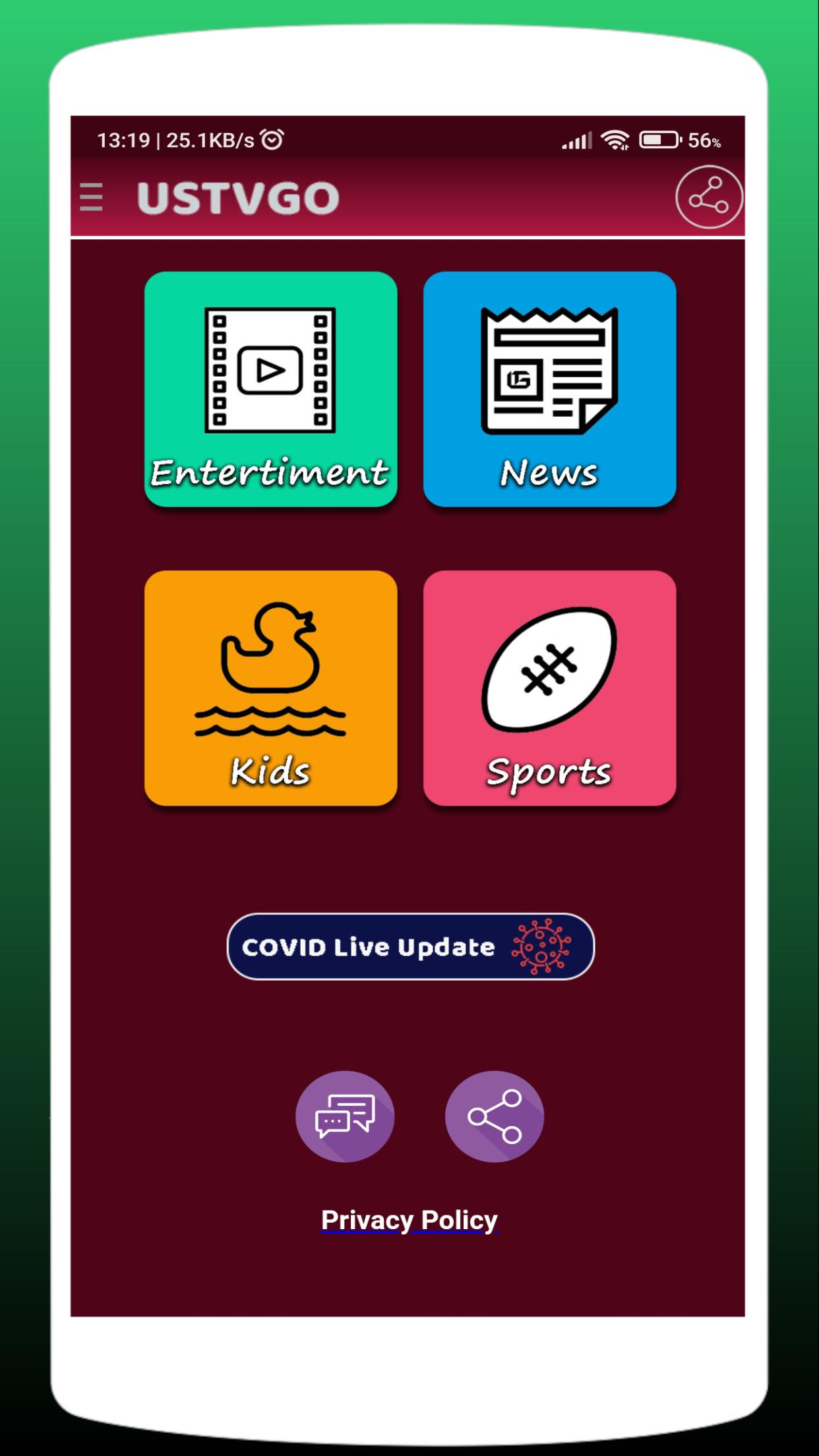
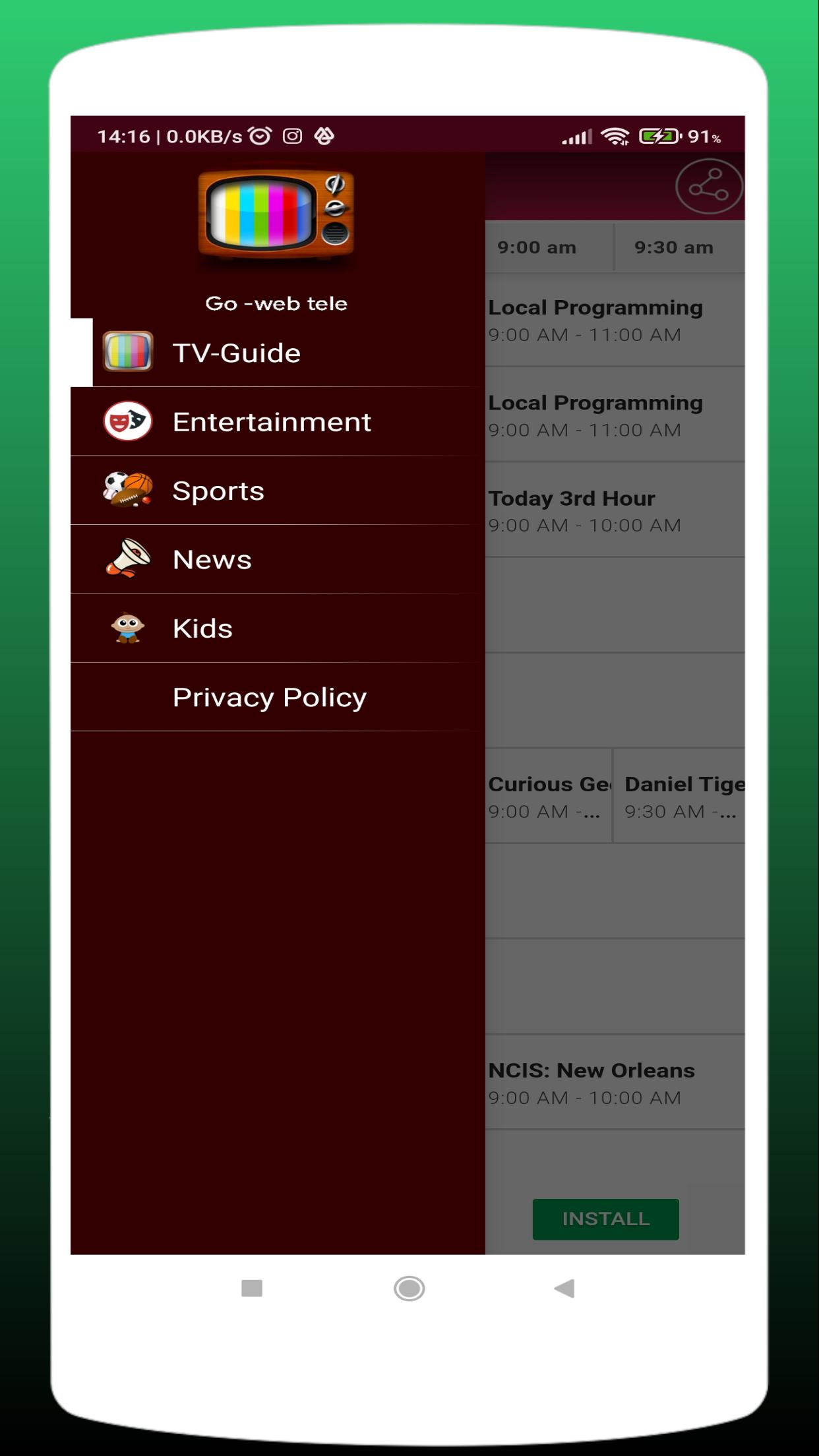
This streaming site contains over 100 channels in various categories such as Sports, News, Entertainment, Kids, and more. There is also a free electronic program guide (EPG) if you prefer using a TV guide.
USTVGO Highlights:
-Over 100 channels with most in SD quality
- 100% free to watch
- Compatible with any internet-connected device
- Works great with VPN
- Electronic Program Guide (EPG)
- Major news channels
- Sports channels
- Popular U.S. entertainment channels
- International channels
- Kids channels
- No signup required
Note: This site has several clones including the USTV247 website. Both have similar channel offerings and layouts.
USTVGO can be streamed on any internet-connected device such as the Amazon Firestick/Fire TV, Android, Windows PC, Mac, phones, tablets, and more.
プレビュー
情報
デベロッパー
Play Media!
最新バージョン
1.0
最終更新
2022-02-02
カテゴリー
エンタメ
上で利用可能
Google Play
もっと見せる
PCでGameLoopを使用してGo -web teleをプレイする方法
1. 公式WebサイトからGameLoopをダウンロードし、exeファイルを実行してGameLoopをインストールします
2. GameLoopを開いて「Go -web tele」を検索し、検索結果でGo -web teleを見つけて、「インストール」をクリックします。
3. GameLoopでGo -web teleを楽しんでください
Minimum requirements
OS
Windows 8.1 64-bit or Windows 10 64-bit
GPU
GTX 1050
CPU
i3-8300
Memory
8GB RAM
Storage
1GB available space
Recommended requirements
OS
Windows 8.1 64-bit or Windows 10 64-bit
GPU
GTX 1050
CPU
i3-9320
Memory
16GB RAM
Storage
1GB available space