
Fake Call - Prank PC
GameAndro
GameLoopエミュレーターを使用してPCにFake Call - Prankをダウンロードします
Fake Call - Prank PC版
開発者GameAndroからのFake Call - Prankは、過去にAndroidsystermで実行されています。
これで、GameLoopを搭載したPCでFake Call - Prankをスムーズにプレイできます。
GameLoopライブラリまたは検索結果にダウンロードしてください。 バッテリーに目を向けたり、間違った時間にイライラしたりすることはもうありません。
大画面でFake Call - PrankPCを無料でお楽しみください!
Fake Call - Prank 序章
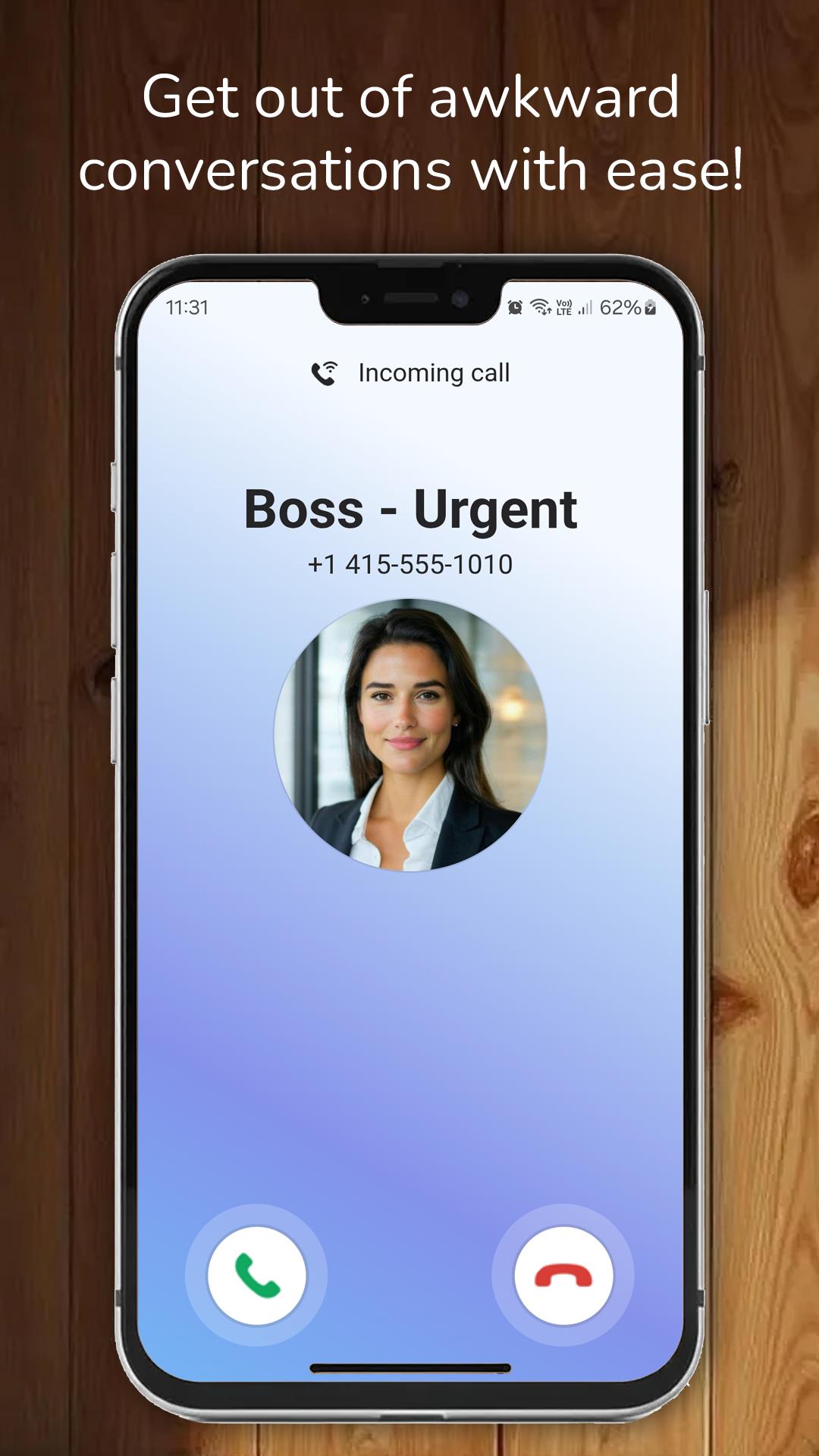
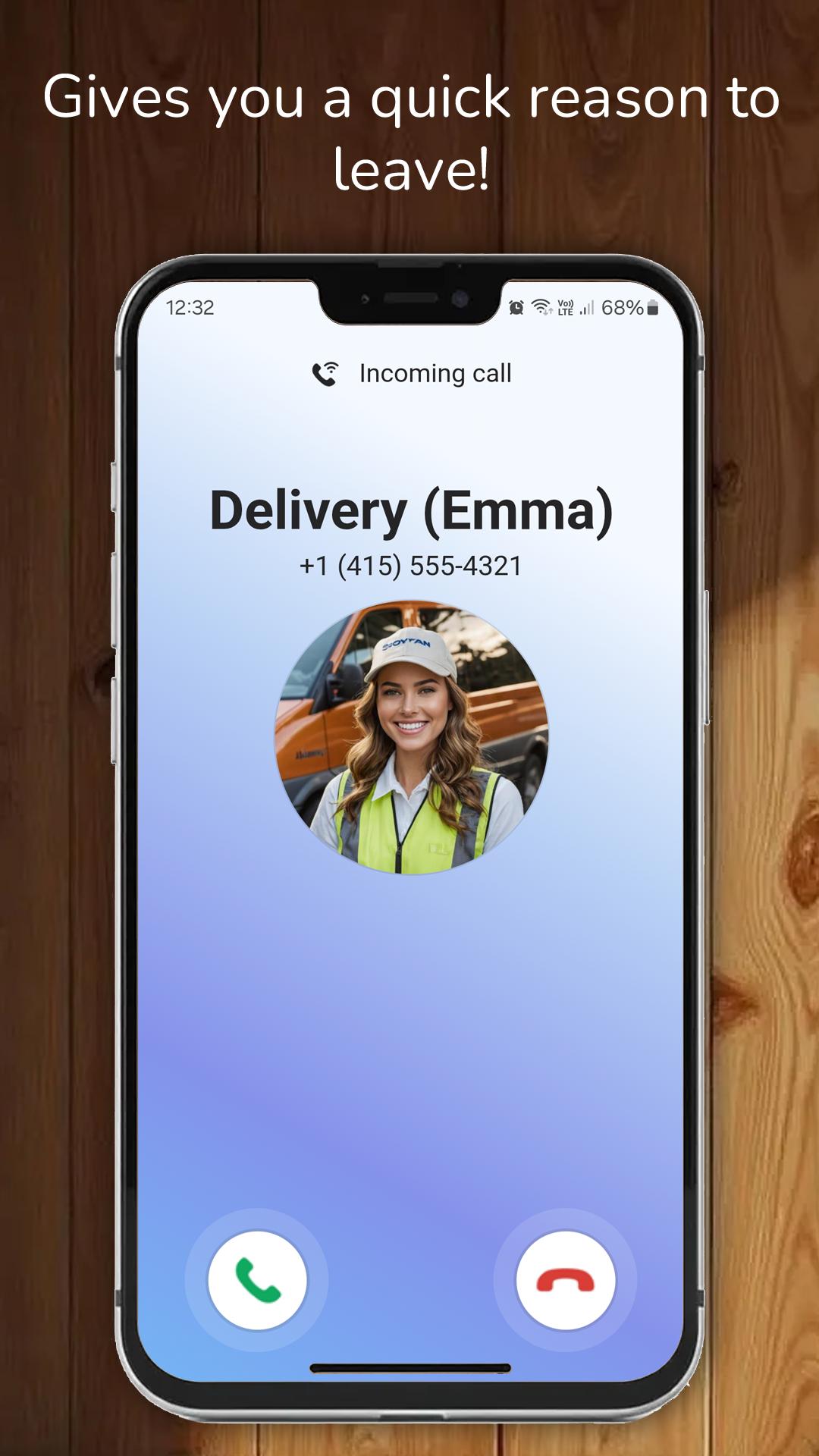
In Fake Call, you can simulate an incoming prank call.
How to use Fake Call - Prank:
- Tap "Simulate a Call" to trigger the fake call prank.
- Choose when you want the prank call to happen:
- Select "Now" for an immediate call,
- Choose "10 seconds" or "30 seconds" for a delayed call.
- After selecting your preferred time, tap "Simulate a Call" to start the prank.
Fake Call Prank features:
- Set the caller's name.
- Set the caller's number.
- Choose a caller's picture.
- Choose a character (e.g., police or pizza delivery).
- Set a ringtone or use the default ringtone.
- Set a voice for the caller.
- Record your own voice and add it from your media gallery.
Disclaimer:
Fake Call does not feature real incoming calls—it only simulates incoming calls for prank purposes.
プレビュー
タグ
エンタメ情報
デベロッパー
GameAndro
最新バージョン
1.0.47
最終更新
2025-07-05
カテゴリー
エンタメ
上で利用可能
Google Play
もっと見せる
PCでGameLoopを使用してFake Call - Prankをプレイする方法
1. 公式WebサイトからGameLoopをダウンロードし、exeファイルを実行してGameLoopをインストールします
2. GameLoopを開いて「Fake Call - Prank」を検索し、検索結果でFake Call - Prankを見つけて、「インストール」をクリックします。
3. GameLoopでFake Call - Prankを楽しんでください
Minimum requirements
OS
Windows 8.1 64-bit or Windows 10 64-bit
GPU
GTX 1050
CPU
i3-8300
Memory
8GB RAM
Storage
1GB available space
Recommended requirements
OS
Windows 8.1 64-bit or Windows 10 64-bit
GPU
GTX 1050
CPU
i3-9320
Memory
16GB RAM
Storage
1GB available space