Sound Recorder PC
Idea Soft Apps
GameLoopエミュレーターを使用してPCにSound Recorderをダウンロードします
Sound Recorder PC版
開発者Idea Soft AppsからのSound Recorderは、過去にAndroidsystermで実行されています。
これで、GameLoopを搭載したPCでSound Recorderをスムーズにプレイできます。
GameLoopライブラリまたは検索結果にダウンロードしてください。 バッテリーに目を向けたり、間違った時間にイライラしたりすることはもうありません。
大画面でSound RecorderPCを無料でお楽しみください!
Sound Recorder 序章
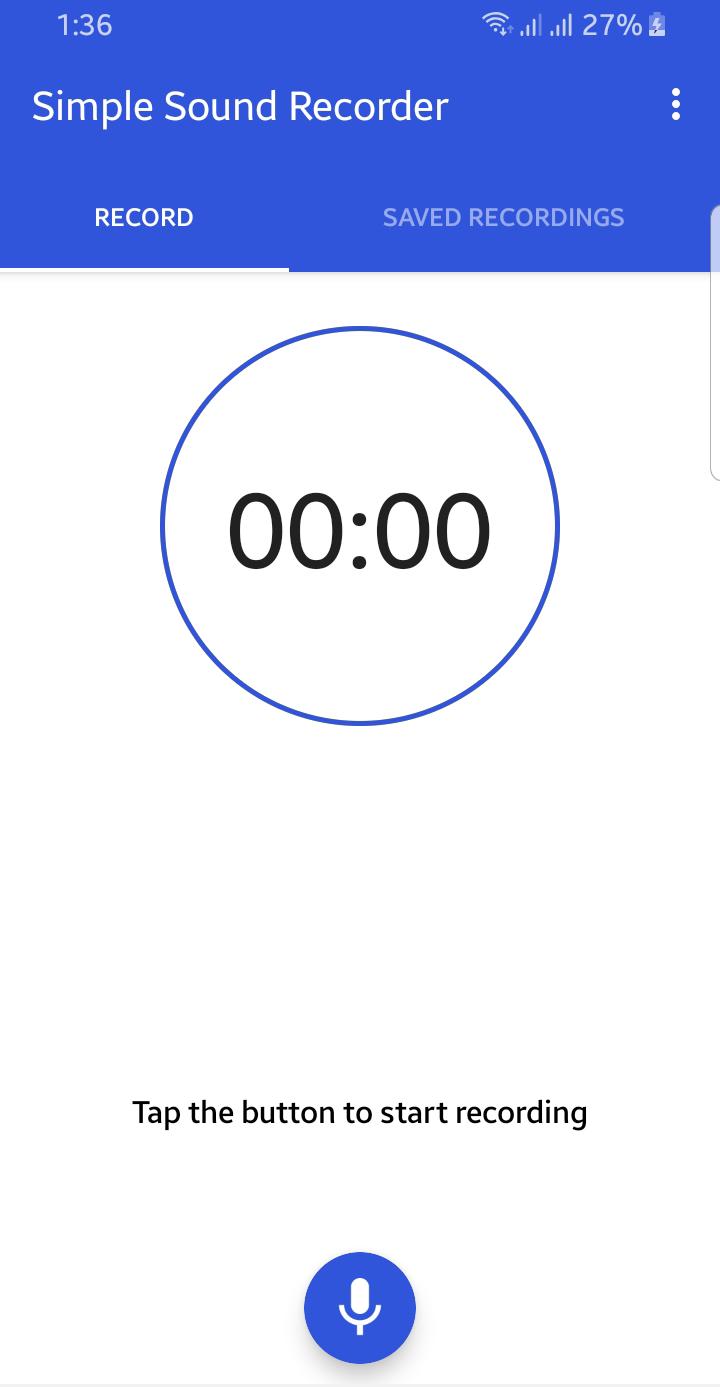
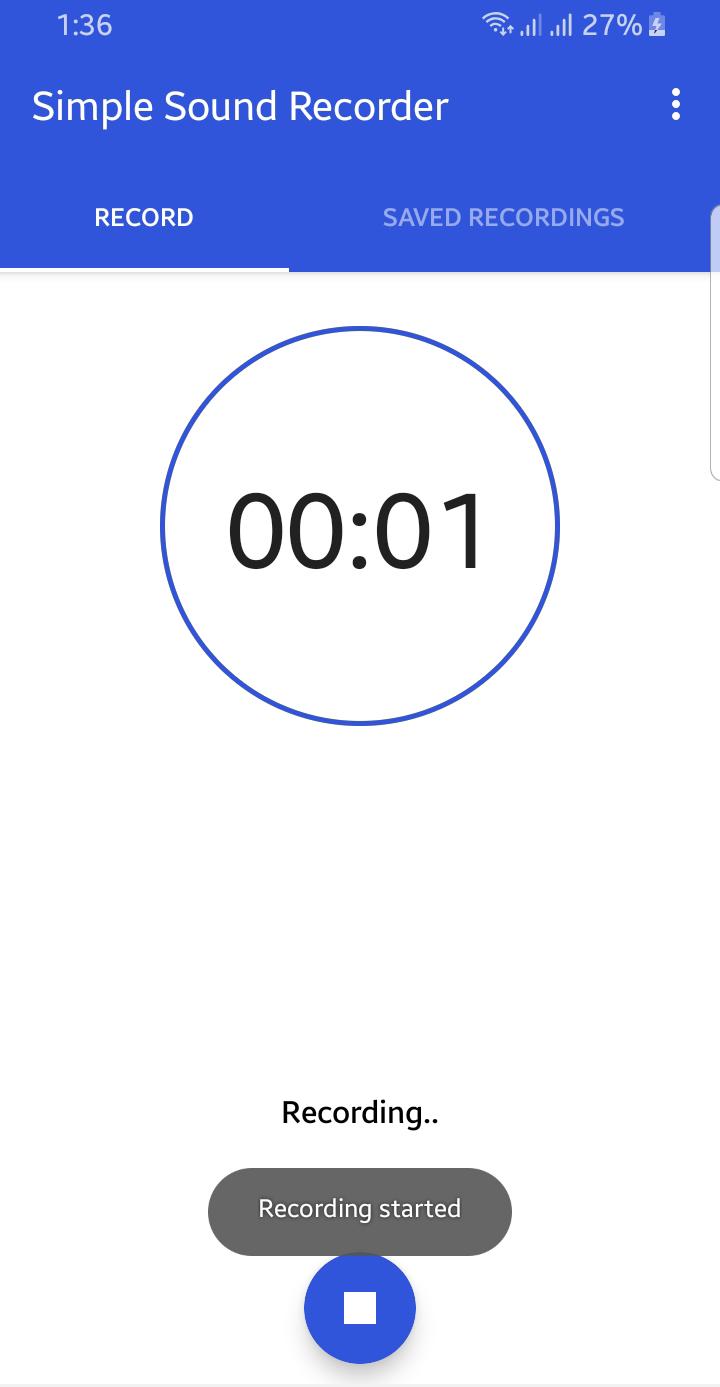
Application is totally free. It is simple and easy to use. You can reliably record your meetings, personal notes, speeches, lectures, songs. There is no time limits. This application can record most of your sound and voice. You can record a business meeting, a lecture, an interview. This app is a best choice. Other names which you can call it: voice recorder, audio recorder, sound recorder. Record classes and lectures with clear quality, even when the teacher is not right in front of you. Listen to these recordings as many times as you want to help you study for that next exam.
Features:
1. Record voice with different qualities.
2. Simple user interface, easy to use.
3. Simple and Reliable.
4. Keep Recordings Safe.
5. Quality Settings.
6. Manage Clips.
With many options to fine-tune the recording, the app is great for rehearsals and for capturing melodies that pop into your head. Try new ideas fast, hear the results and make adjustments on a new take.
プレビュー
タグ
エンタメ情報
デベロッパー
Idea Soft Apps
最新バージョン
2.0
最終更新
2021-08-21
カテゴリー
エンタメ
上で利用可能
Google Play
もっと見せる
PCでGameLoopを使用してSound Recorderをプレイする方法
1. 公式WebサイトからGameLoopをダウンロードし、exeファイルを実行してGameLoopをインストールします
2. GameLoopを開いて「Sound Recorder」を検索し、検索結果でSound Recorderを見つけて、「インストール」をクリックします。
3. GameLoopでSound Recorderを楽しんでください
Minimum requirements
OS
Windows 8.1 64-bit or Windows 10 64-bit
GPU
GTX 1050
CPU
i3-8300
Memory
8GB RAM
Storage
1GB available space
Recommended requirements
OS
Windows 8.1 64-bit or Windows 10 64-bit
GPU
GTX 1050
CPU
i3-9320
Memory
16GB RAM
Storage
1GB available space