
Pikchar PC
Good Game Dynamix
GameLoopエミュレーターを使用してPCにPikcharをダウンロードします
Pikchar PC版
開発者Good Game DynamixからのPikcharは、過去にAndroidsystermで実行されています。
これで、GameLoopを搭載したPCでPikcharをスムーズにプレイできます。
GameLoopライブラリまたは検索結果にダウンロードしてください。 バッテリーに目を向けたり、間違った時間にイライラしたりすることはもうありません。
大画面でPikcharPCを無料でお楽しみください!
Pikchar 序章
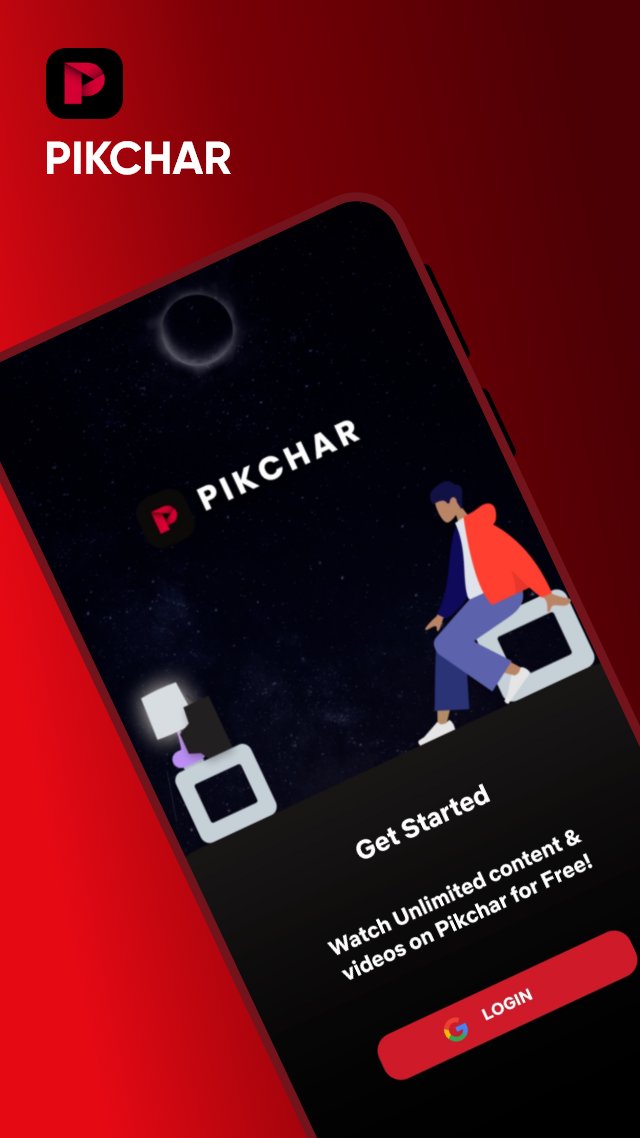
Download our app today to enjoy new features!
Video player supporters all formats to play media files.
🍿All format videos supported
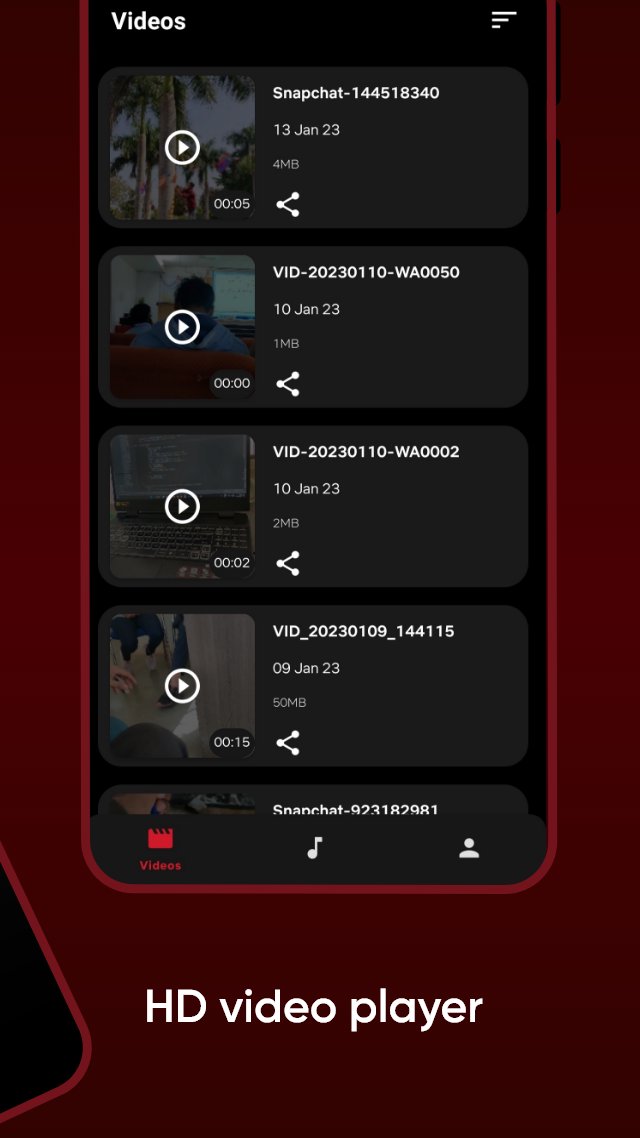
HD sax video player for all format: 4k videos, 1080p videos, MKV videos, FLV videos, 3GP videos, M4V videos, TS videos, MPG videos
🔍Auto-detect and manage local media files
Auto-detect all video files on Android device and SD card, All format video downloaded and analyzed by HD video remain high-definition.
Pikchar Features :
✔️ Smooth User Interface.
✔️ Fast content loading.
✔️ Quality caption
✔️ Get notifications of newly uploaded free content
Disclaimer :
All Content provided in this app is available in the public domain. We do not show any modified content. All the data in this app is publicly available on different public platforms. We neither own this data nor reuse it.
プレビュー
タグ
エンタメ情報
デベロッパー
Good Game Dynamix
最新バージョン
31.4
最終更新
2026-03-10
カテゴリー
エンタメ
上で利用可能
Google Play
もっと見せる
PCでGameLoopを使用してPikcharをプレイする方法
1. 公式WebサイトからGameLoopをダウンロードし、exeファイルを実行してGameLoopをインストールします
2. GameLoopを開いて「Pikchar」を検索し、検索結果でPikcharを見つけて、「インストール」をクリックします。
3. GameLoopでPikcharを楽しんでください
Minimum requirements
OS
Windows 8.1 64-bit or Windows 10 64-bit
GPU
GTX 1050
CPU
i3-8300
Memory
8GB RAM
Storage
1GB available space
Recommended requirements
OS
Windows 8.1 64-bit or Windows 10 64-bit
GPU
GTX 1050
CPU
i3-9320
Memory
16GB RAM
Storage
1GB available space