Voice Changer PC
Creative Photo Tools
GameLoopエミュレーターを使用してPCにVoice Changerをダウンロードします
Voice Changer PC版
開発者Creative Photo ToolsからのVoice Changerは、過去にAndroidsystermで実行されています。
これで、GameLoopを搭載したPCでVoice Changerをスムーズにプレイできます。
GameLoopライブラリまたは検索結果にダウンロードしてください。 バッテリーに目を向けたり、間違った時間にイライラしたりすることはもうありません。
大画面でVoice ChangerPCを無料でお楽しみください!
Voice Changer 序章
Voice Changer
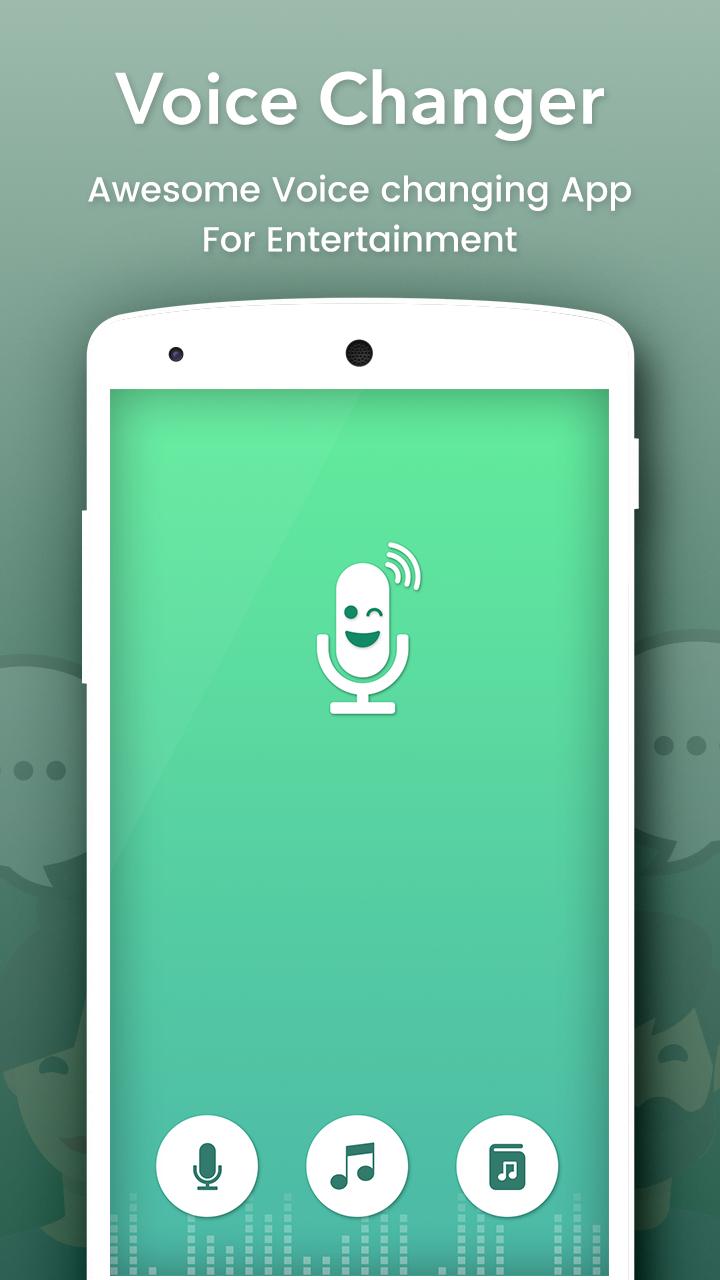
Change your voice and have fun listening to your modified voice. Record your voice, apply effects, and share them with your friends.
This is the best app for changing your voice by applying effects on the audios. It is very simple to use and can generate fantastic and funny effects.
INCLUDES FOLLOWING EFFECTS:
• Normal
• Helium
• Hexafluoride
• Robot
• Space mutant
• Backwards
• Monster
• Small creature
• Telephone
• Dragon
• Nervous
• Extraterrestrial
• Cathedral
• Cyborg
• Android
• Drunk
• Giant
• Squirrel
• Grand Canyon
• Fly
• Zombie
• Child
• Underwater
• Evil puppet
• Battery low
• Shrinking
• Devil
• Fan
• Ghost
• Alien
• Small alien
• Villain
• Death
• Everything is spinning
• Poltergeist
• Skull mask
FEATURES :
- Amazing effects: normal, helium, hexafluoride, fast, slow, cave, chipmunk, monster, alien, big sound, small sound, bee, death…
- Custom sound with effects: echo, reverb, pitch, tempo, volume, bass, mid, treble
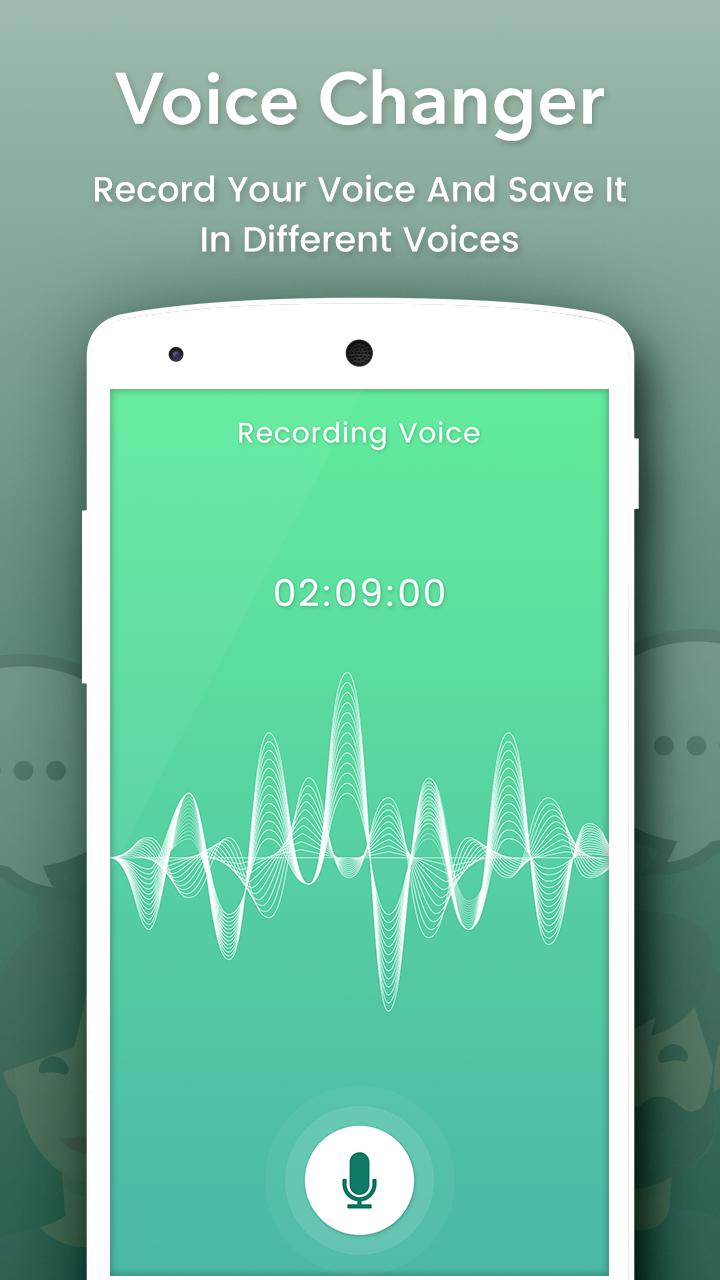
- Record and change your voice Directly.
- Import sound, song, audio files, add effects and change them
- Save, share, set as ringtone by your records
- Amazing quality.
- Nice User Interface and Easy to Use.
- View in Album.
- View, edit the saved audios.
- Share the saved audios to your friends via bluetooth, or social networks.
プレビュー
情報
デベロッパー
Creative Photo Tools
最新バージョン
1.4
最終更新
2018-07-11
カテゴリー
エンタメ
上で利用可能
Google Play
もっと見せる
PCでGameLoopを使用してVoice Changerをプレイする方法
1. 公式WebサイトからGameLoopをダウンロードし、exeファイルを実行してGameLoopをインストールします
2. GameLoopを開いて「Voice Changer」を検索し、検索結果でVoice Changerを見つけて、「インストール」をクリックします。
3. GameLoopでVoice Changerを楽しんでください
Minimum requirements
OS
Windows 8.1 64-bit or Windows 10 64-bit
GPU
GTX 1050
CPU
i3-8300
Memory
8GB RAM
Storage
1GB available space
Recommended requirements
OS
Windows 8.1 64-bit or Windows 10 64-bit
GPU
GTX 1050
CPU
i3-9320
Memory
16GB RAM
Storage
1GB available space