classic Shader For Minecraft PC
Leman Indie Dev
GameLoopエミュレーターを使用してPCにclassic Shader For Minecraftをダウンロードします
classic Shader For Minecraft PC版
開発者Leman Indie Devからのclassic Shader For Minecraftは、過去にAndroidsystermで実行されています。
これで、GameLoopを搭載したPCでclassic Shader For Minecraftをスムーズにプレイできます。
GameLoopライブラリまたは検索結果にダウンロードしてください。 バッテリーに目を向けたり、間違った時間にイライラしたりすることはもうありません。
大画面でclassic Shader For MinecraftPCを無料でお楽しみください!
classic Shader For Minecraft 序章
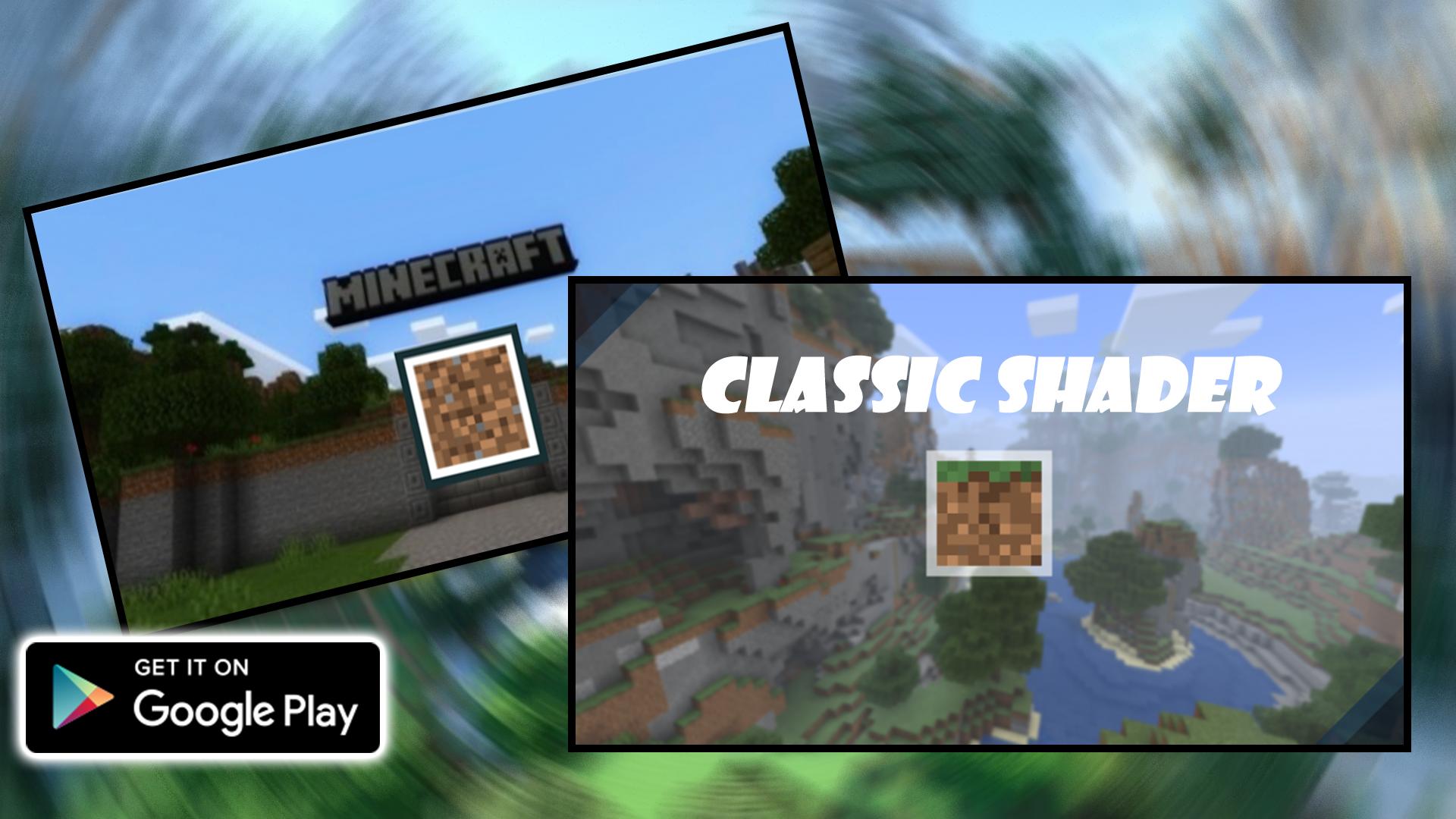
This shader is a lightweight shader that you can play with 1-2 GB ram phones. This shader has a few features because, this shader is just being released for the first time, so the next update will have many features.
how to install mod from leman dev app
1. open the mod application that is already installed on your android
2. after that select the mod that you will install on your minecraft pe
3. click install to install directly to minecraft pemu
4. or if you want to install it manually you can download the mod in zip format to your storage
this app ask for storage permission, location and other Id
DISCLAIMER: NOT AN OFFICIAL MINECRAFT PRODUCT. NOT APPROVED BY OR ASSOCIATED WITH MOJANG. All rights reserved. According to http://account.mojang.com/documents/brand_guidelines
All files provided for download in this application are provided under a free distribution license. We (Leman Dev) do not claim any copyright or intellectual property at all.
プレビュー
タグ
エンタメ情報
デベロッパー
Leman Indie Dev
最新バージョン
1.0.1
最終更新
2022-07-25
カテゴリー
エンタメ
上で利用可能
Google Play
もっと見せる
PCでGameLoopを使用してclassic Shader For Minecraftをプレイする方法
1. 公式WebサイトからGameLoopをダウンロードし、exeファイルを実行してGameLoopをインストールします
2. GameLoopを開いて「classic Shader For Minecraft」を検索し、検索結果でclassic Shader For Minecraftを見つけて、「インストール」をクリックします。
3. GameLoopでclassic Shader For Minecraftを楽しんでください
Minimum requirements
OS
Windows 8.1 64-bit or Windows 10 64-bit
GPU
GTX 1050
CPU
i3-8300
Memory
8GB RAM
Storage
1GB available space
Recommended requirements
OS
Windows 8.1 64-bit or Windows 10 64-bit
GPU
GTX 1050
CPU
i3-9320
Memory
16GB RAM
Storage
1GB available space