Mikode for Miko 2 PC
Emotix
GameLoopエミュレーターを使用してPCにMikode for Miko 2をダウンロードします
Mikode for Miko 2 PC版
開発者EmotixからのMikode for Miko 2は、過去にAndroidsystermで実行されています。
これで、GameLoopを搭載したPCでMikode for Miko 2をスムーズにプレイできます。
GameLoopライブラリまたは検索結果にダウンロードしてください。 バッテリーに目を向けたり、間違った時間にイライラしたりすることはもうありません。
大画面でMikode for Miko 2PCを無料でお楽しみください!
Mikode for Miko 2 序章
Mikode brings code alive, right in front of your children's eyes. Immersive by design to hold children's attention, unlike any coding terminal can! An all-important skill that school doesn't teach. Gift your child coding prodigy a head start with Mikode!
Early childhood education needs to better inculcate coding in the curriculum. Mikode is a path-breaking attempt at bringing coding to the real-world from consoles.
• Visual & Colorful
• Real-world coding experience
• Code the Miko robot
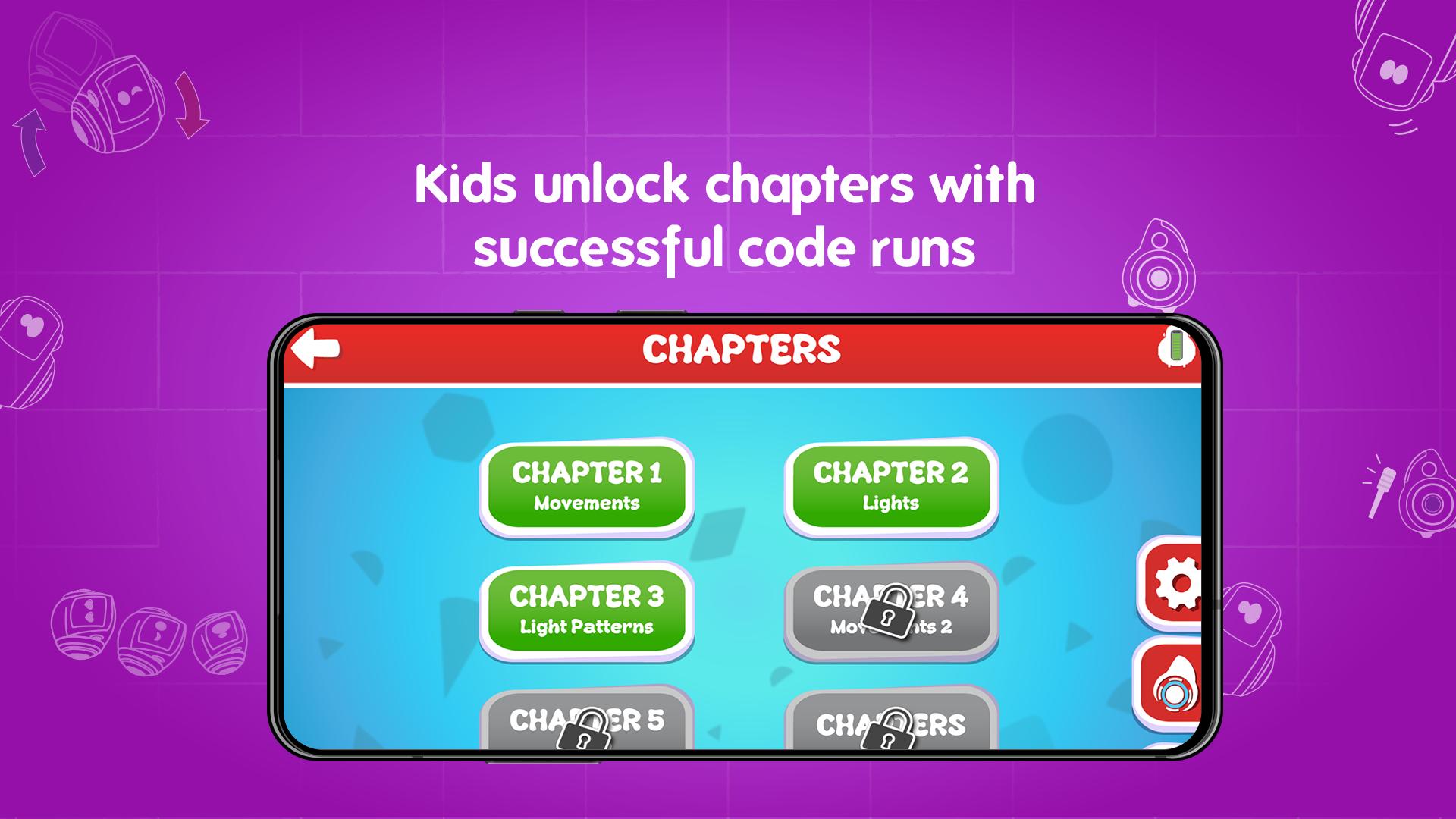
• Comprehensive curriculum
Children are good with shapes, objects, and colors. Not so much with syntax and dull, boring terminals. If it's teaching them coding, it's got to be bright, cheerful, and never out of the reach of their tiny fingers. Your 5-10-year-old can run their code and watch it burst to life on a Miko: moving, dancing, coding!
Grab Mikode's innovative curriculum that lays the groundwork for the up and coming coder in your child!
プレビュー
情報
デベロッパー
Emotix
最新バージョン
1.6
最終更新
2020-10-15
カテゴリー
教育
上で利用可能
Google Play
もっと見せる
PCでGameLoopを使用してMikode for Miko 2をプレイする方法
1. 公式WebサイトからGameLoopをダウンロードし、exeファイルを実行してGameLoopをインストールします
2. GameLoopを開いて「Mikode for Miko 2」を検索し、検索結果でMikode for Miko 2を見つけて、「インストール」をクリックします。
3. GameLoopでMikode for Miko 2を楽しんでください
Minimum requirements
OS
Windows 8.1 64-bit or Windows 10 64-bit
GPU
GTX 1050
CPU
i3-8300
Memory
8GB RAM
Storage
1GB available space
Recommended requirements
OS
Windows 8.1 64-bit or Windows 10 64-bit
GPU
GTX 1050
CPU
i3-9320
Memory
16GB RAM
Storage
1GB available space