
Zeraki Analytics - O-Levels PC
Litemore
GameLoopエミュレーターを使用してPCにZeraki Analytics - O-Levelsをダウンロードします
Zeraki Analytics - O-Levels PC版
開発者LitemoreからのZeraki Analytics - O-Levelsは、過去にAndroidsystermで実行されています。
これで、GameLoopを搭載したPCでZeraki Analytics - O-Levelsをスムーズにプレイできます。
GameLoopライブラリまたは検索結果にダウンロードしてください。 バッテリーに目を向けたり、間違った時間にイライラしたりすることはもうありません。
大画面でZeraki Analytics - O-LevelsPCを無料でお楽しみください!
Zeraki Analytics - O-Levels 序章
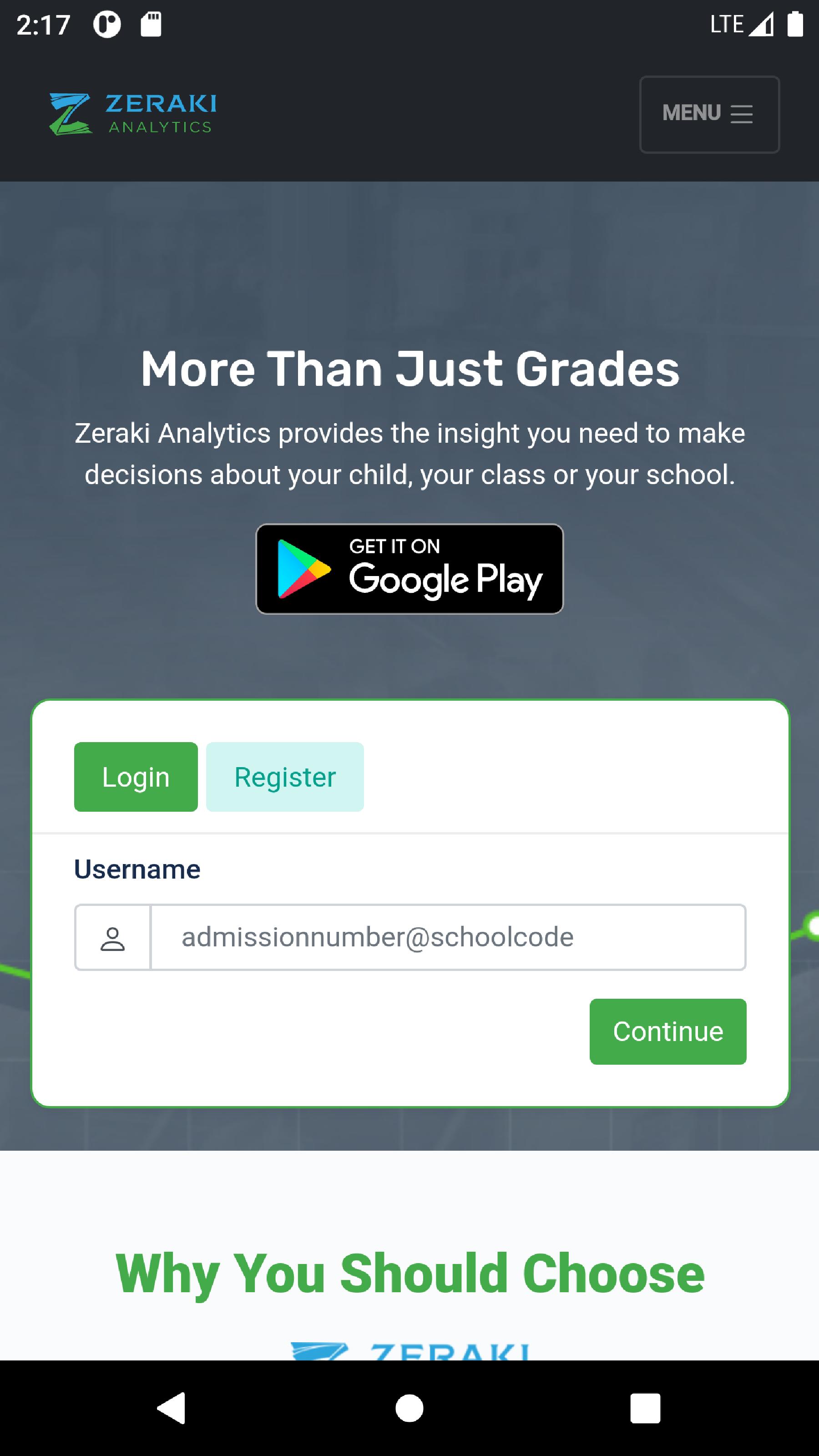
Zeraki Analytics helps schools analyze academic performance, generate informative report forms and share analyses of academic performance with students and parents. Zeraki Analytics helps schools make sense of academic data faster and observe interesting patterns that wouldn’t be apparent from looking at tabular data. Because you spend a lot of time preparing students for exams, administering and grading exams, Zeraki Analytics gives you a new and easy way to analyze and visualize exam results. From a mark sheet to a variety of graphs and pre-formatted tables, Zeraki Analytics makes it easy for teachers to focus on their work.
プレビュー

タグ
教育情報
デベロッパー
Litemore
最新バージョン
0.0.1
最終更新
2022-05-12
カテゴリー
教育
上で利用可能
Google Play
もっと見せる
PCでGameLoopを使用してZeraki Analytics - O-Levelsをプレイする方法
1. 公式WebサイトからGameLoopをダウンロードし、exeファイルを実行してGameLoopをインストールします
2. GameLoopを開いて「Zeraki Analytics - O-Levels」を検索し、検索結果でZeraki Analytics - O-Levelsを見つけて、「インストール」をクリックします。
3. GameLoopでZeraki Analytics - O-Levelsを楽しんでください
Minimum requirements
OS
Windows 8.1 64-bit or Windows 10 64-bit
GPU
GTX 1050
CPU
i3-8300
Memory
8GB RAM
Storage
1GB available space
Recommended requirements
OS
Windows 8.1 64-bit or Windows 10 64-bit
GPU
GTX 1050
CPU
i3-9320
Memory
16GB RAM
Storage
1GB available space