VR Cinema Bus Simulator PC
Barra Skull Studios
GameLoopエミュレーターを使用してPCにVR Cinema Bus Simulatorをダウンロードします
VR Cinema Bus Simulator PC版
開発者Barra Skull StudiosからのVR Cinema Bus Simulatorは、過去にAndroidsystermで実行されています。
これで、GameLoopを搭載したPCでVR Cinema Bus Simulatorをスムーズにプレイできます。
GameLoopライブラリまたは検索結果にダウンロードしてください。 バッテリーに目を向けたり、間違った時間にイライラしたりすることはもうありません。
大画面でVR Cinema Bus SimulatorPCを無料でお楽しみください!
VR Cinema Bus Simulator 序章
Note: Only one ad for each launch. So it will not disturb you VR experience in the middle. Thanks
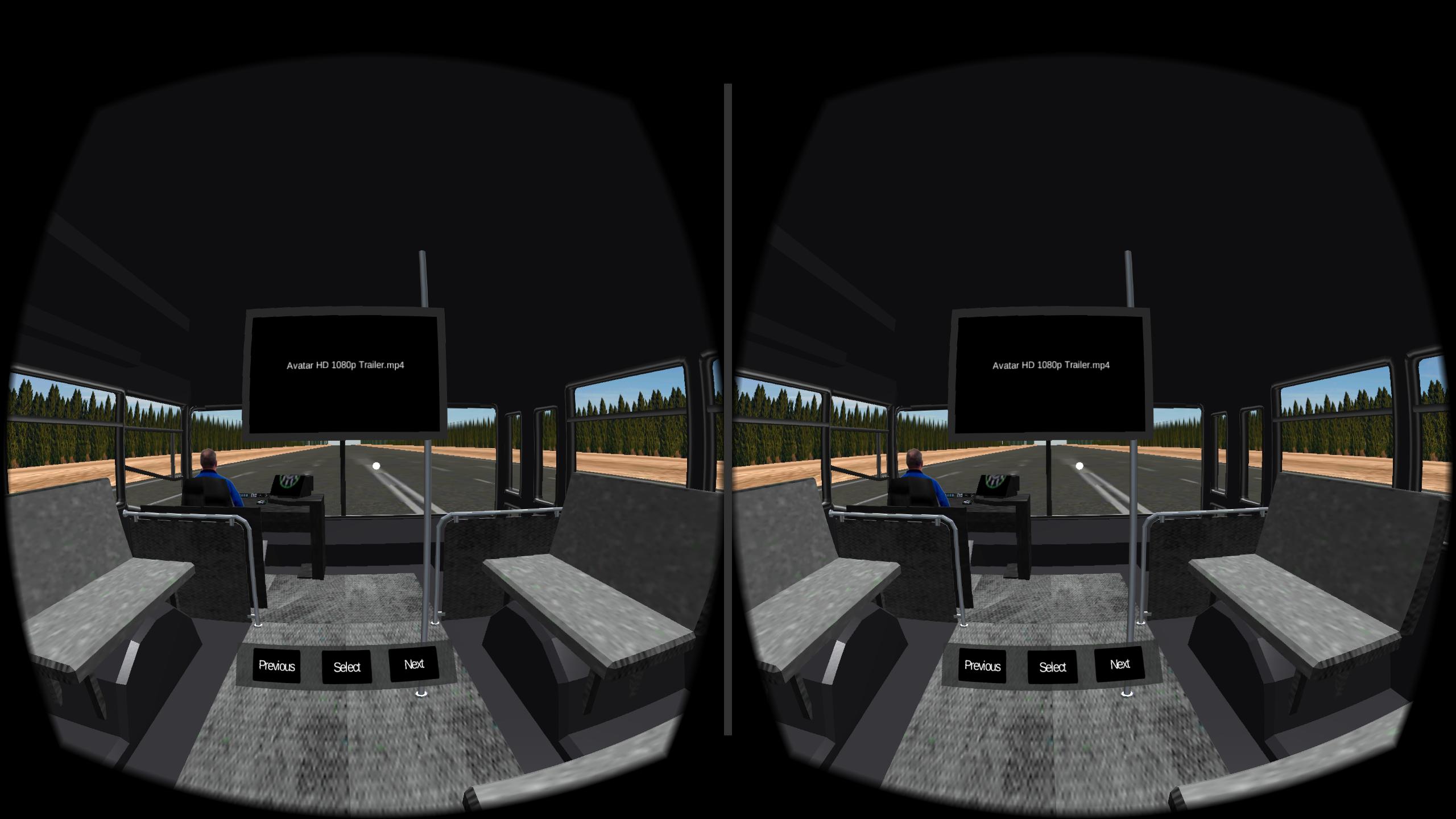
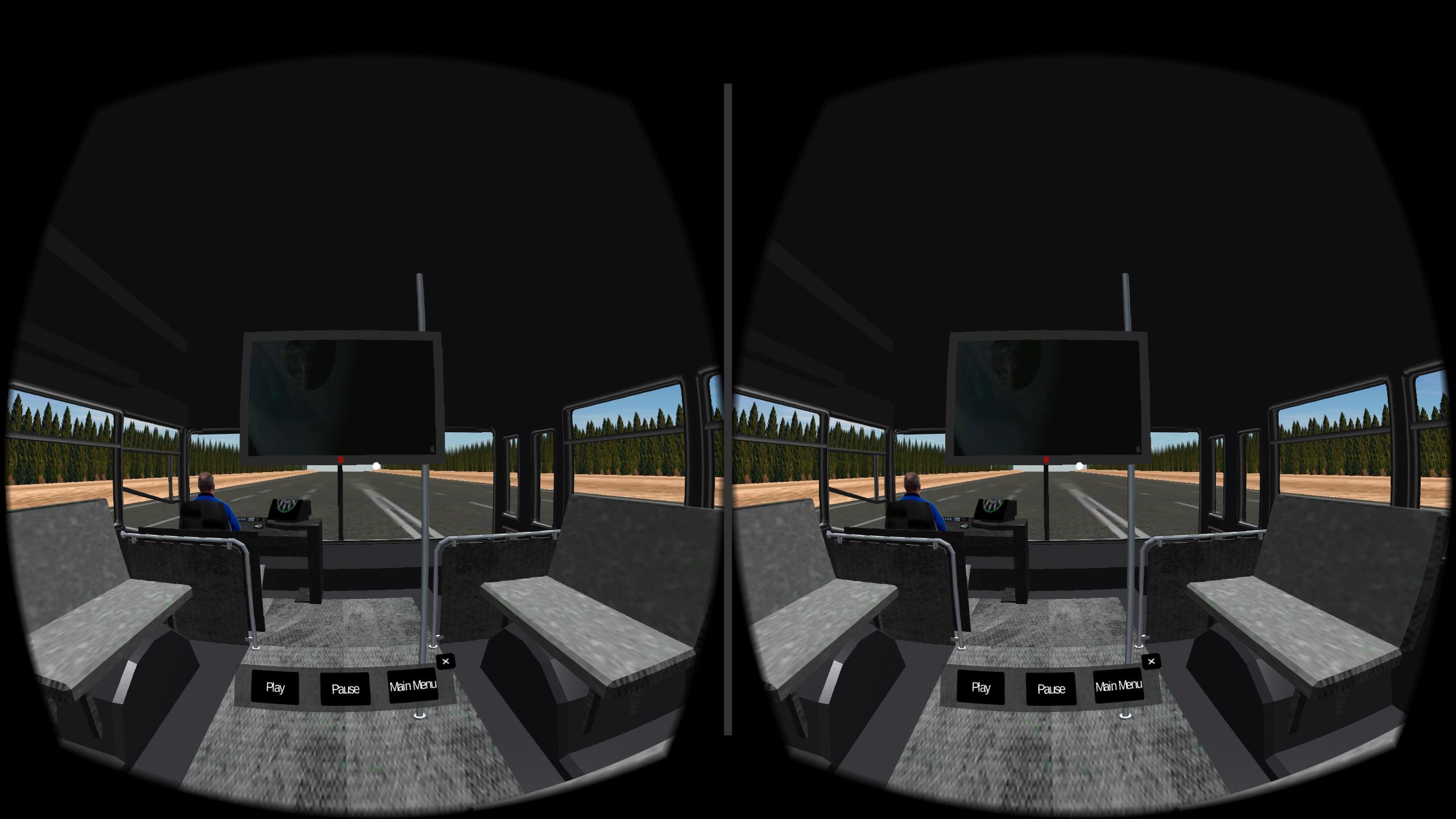
Best in class VR Enjoy watching your favorite movie in moving Bus. in any VR Head Set like Google Cardboard etc.
Steps to use the VR Gold Class Cinema.
1) After installing app from the Play store. It creates a folder named “VR Real Cinema” in your mobile internal memory.
2) Quit the application and Paste your favorite videos in “VR Real Cinema” folder.
3) Open “VR Gold Class Cinema” app and select your video to watch.
Note: You can create a folder named “VR Real Cinema” in EXTERNAL SD CARD and paste your favorite movies. The app will pick movies both from Internal and External Memory Card. Only the folder name should be “VR Real Cinema”.
Tips:
For Drift Issue:
1) Before watching the movie place the device for 15 seconds on flat ground.
2) Samsung users can call *#0*# and go to sensors select Gyro and place it on flat ground and press test to PASS.
Features in VR Bus Simulator:
1) Easy to control menu items.(View the Option and Click Select).
2) Re-center View by just pulling magnet or touch.
3) Compatible for both Google Cardboard versions.
4) 360 degree view with traffic on both sides.
5) Optimized performance.
6) Device heating is reduced.
Thank you for showing interest to have a look at “VR Bus Simulator” app.
プレビュー
情報
デベロッパー
Barra Skull Studios
最新バージョン
1.1
最終更新
2016-04-02
カテゴリー
教育
上で利用可能
Google Play
もっと見せる
PCでGameLoopを使用してVR Cinema Bus Simulatorをプレイする方法
1. 公式WebサイトからGameLoopをダウンロードし、exeファイルを実行してGameLoopをインストールします
2. GameLoopを開いて「VR Cinema Bus Simulator」を検索し、検索結果でVR Cinema Bus Simulatorを見つけて、「インストール」をクリックします。
3. GameLoopでVR Cinema Bus Simulatorを楽しんでください
Minimum requirements
OS
Windows 8.1 64-bit or Windows 10 64-bit
GPU
GTX 1050
CPU
i3-8300
Memory
8GB RAM
Storage
1GB available space
Recommended requirements
OS
Windows 8.1 64-bit or Windows 10 64-bit
GPU
GTX 1050
CPU
i3-9320
Memory
16GB RAM
Storage
1GB available space