
Vocaberry: Vocal Coach 0+ PC
adhocapp
GameLoopエミュレーターを使用してPCにVocaberry: Vocal Coach 0+をダウンロードします
Vocaberry: Vocal Coach 0+ PC版
開発者adhocappからのVocaberry: Vocal Coach 0+は、過去にAndroidsystermで実行されています。
これで、GameLoopを搭載したPCでVocaberry: Vocal Coach 0+をスムーズにプレイできます。
GameLoopライブラリまたは検索結果にダウンロードしてください。 バッテリーに目を向けたり、間違った時間にイライラしたりすることはもうありません。
大画面でVocaberry: Vocal Coach 0+PCを無料でお楽しみください!
Vocaberry: Vocal Coach 0+ 序章
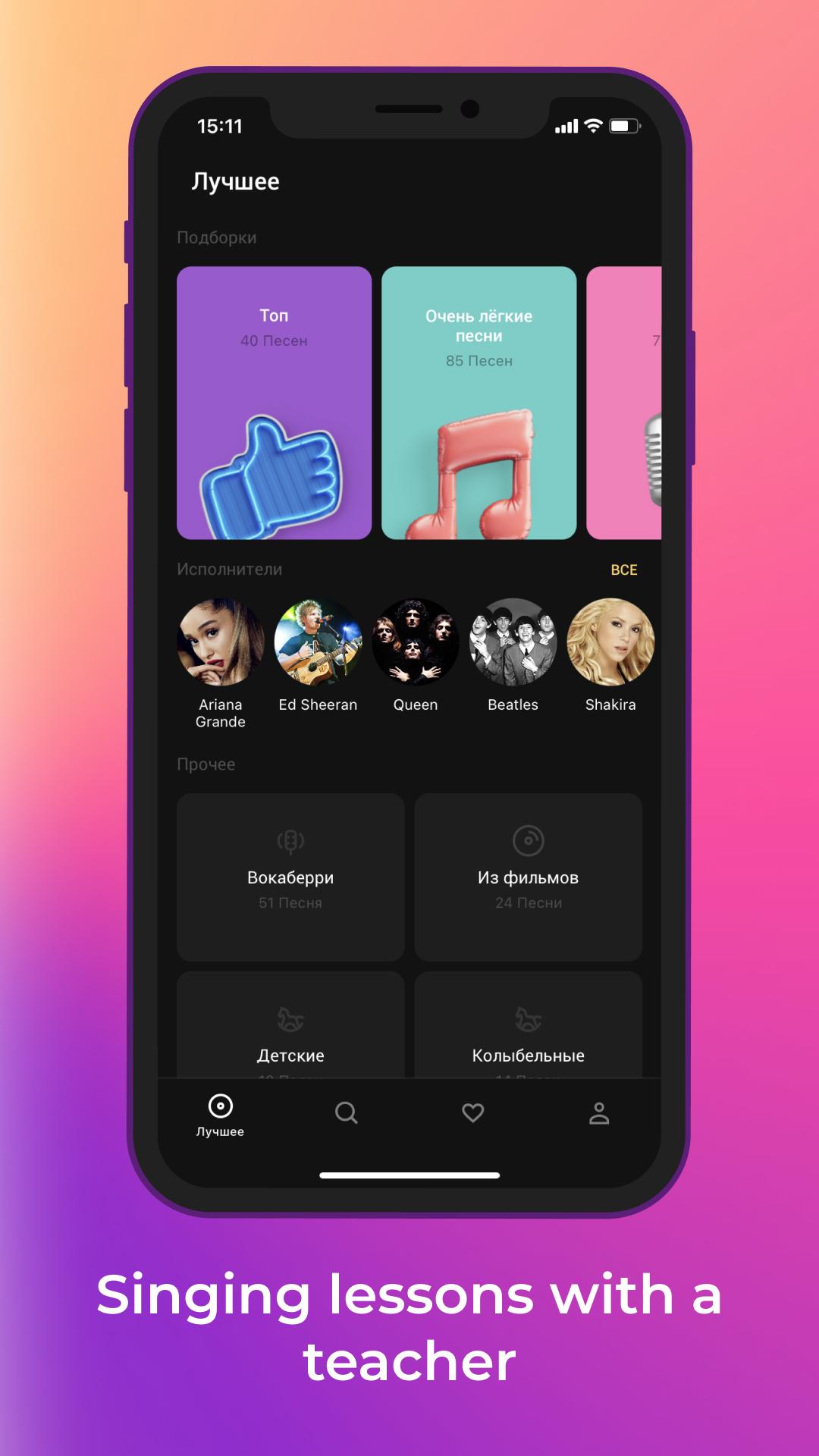
Singing is possible for everyone! Try now with Vocaberry.
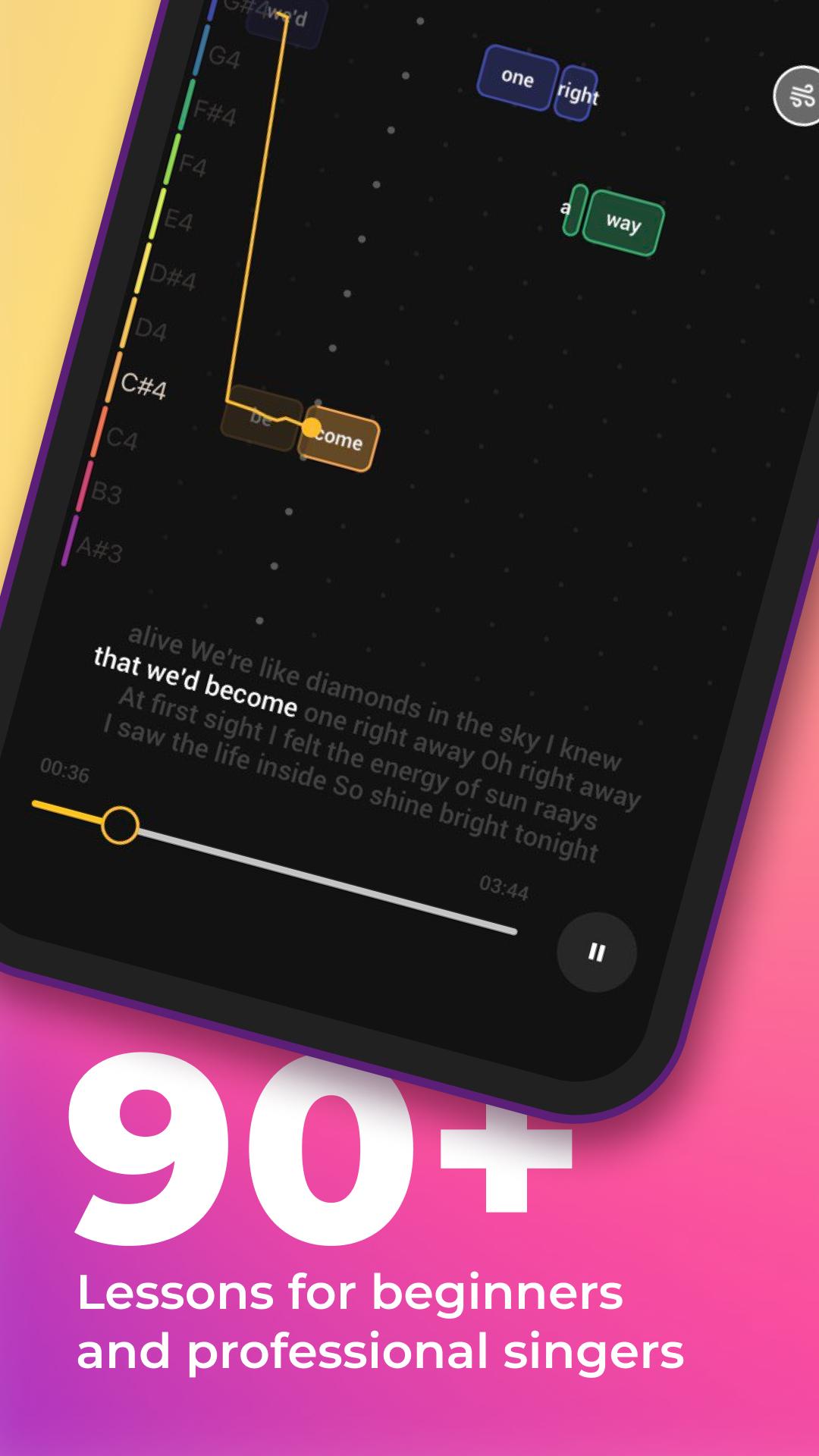
Vocaberry will automatically adjust all songs to suit your vocal range. For each lesson, personal warm ups and vocal exercises are offered. You can train your voice and take singing lessons in a playful way.
You can learn to sing better for FREE with the playful interface learning program.
Vocaberry technologies allow real-time accuracy of hitting notes and visualization on the screen for easy singing.
Sing and listen to yourself on the recording to improve your singing skills!
Learn to hit the notes without a teacher's training, develop your hearing and musical memory with Vocaberry!
The application develops with you: suggest new songs for lessons in the Vote and learn your favorite songs!
Functions:
- Find out your vocal range
- Change the tempo of the song
- Change the key of the song
- Fast forward and backward song
- Record yourself
- Vote for next lessons!
プレビュー
タグ
教育情報
デベロッパー
adhocapp
最新バージョン
1.5.0GMS
最終更新
2022-06-17
カテゴリー
教育
上で利用可能
Google Play
もっと見せる
PCでGameLoopを使用してVocaberry: Vocal Coach 0+をプレイする方法
1. 公式WebサイトからGameLoopをダウンロードし、exeファイルを実行してGameLoopをインストールします
2. GameLoopを開いて「Vocaberry: Vocal Coach 0+」を検索し、検索結果でVocaberry: Vocal Coach 0+を見つけて、「インストール」をクリックします。
3. GameLoopでVocaberry: Vocal Coach 0+を楽しんでください
Minimum requirements
OS
Windows 8.1 64-bit or Windows 10 64-bit
GPU
GTX 1050
CPU
i3-8300
Memory
8GB RAM
Storage
1GB available space
Recommended requirements
OS
Windows 8.1 64-bit or Windows 10 64-bit
GPU
GTX 1050
CPU
i3-9320
Memory
16GB RAM
Storage
1GB available space