
Virtual ClassEdge PC
Tata ClassEdge
GameLoopエミュレーターを使用してPCにVirtual ClassEdgeをダウンロードします
Virtual ClassEdge PC版
開発者Tata ClassEdgeからのVirtual ClassEdgeは、過去にAndroidsystermで実行されています。
これで、GameLoopを搭載したPCでVirtual ClassEdgeをスムーズにプレイできます。
GameLoopライブラリまたは検索結果にダウンロードしてください。 バッテリーに目を向けたり、間違った時間にイライラしたりすることはもうありません。
大画面でVirtual ClassEdgePCを無料でお楽しみください!
Virtual ClassEdge 序章
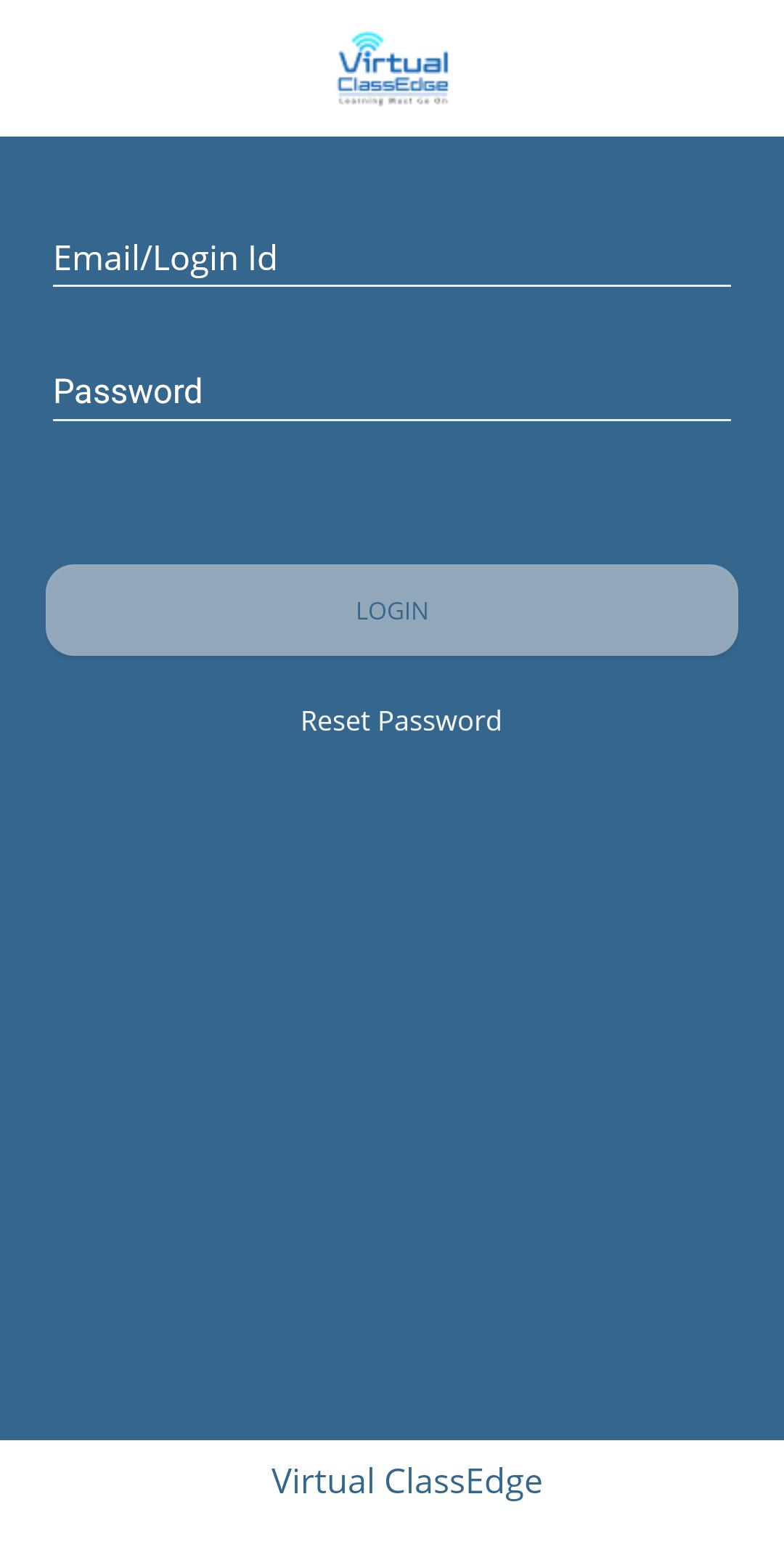
At Tata ClassEdge, we believe that learning must go on despite all challenges. And when regular schooling is disrupted, there is no better alternative than the virtual medium.
Therefore, we bring you Virtual ClassEdge – the best-in-class tool for virtual teaching and learning.
A comprehensive tool for virtual teaching-learning.
It includes:
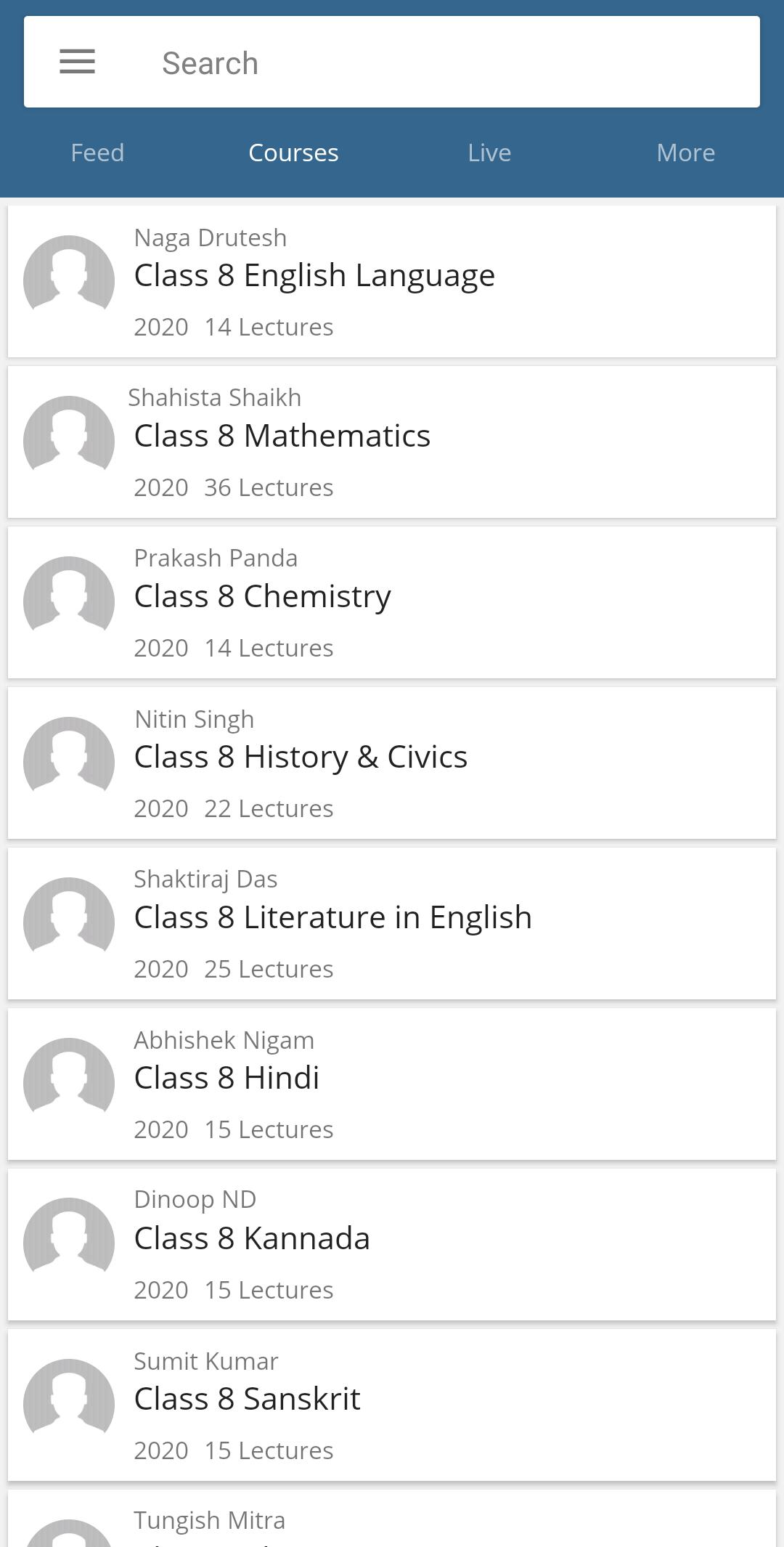
• A video conferencing platform that allows teachers to conduct interactive online classes using mapped ClassEdge digital content
• Student access to ClassEdge digital content for learning to continue even after classes
• Integrated Digital Pedagogy (IDP) training to make teachers ready for virtual teaching
KEY FEATURES
• Mapped ClassEdge content for teachers & students
• Secured and authorized access
• Remote access, anytime and anywhere
• Digital whiteboard with virtual connect
• Engagement indicator
• Attendance marking
• Session recording
• Online assessment
• Personalized experience
プレビュー
情報
デベロッパー
Tata ClassEdge
最新バージョン
2.2
最終更新
2021-08-30
カテゴリー
教育
上で利用可能
Google Play
もっと見せる
PCでGameLoopを使用してVirtual ClassEdgeをプレイする方法
1. 公式WebサイトからGameLoopをダウンロードし、exeファイルを実行してGameLoopをインストールします
2. GameLoopを開いて「Virtual ClassEdge」を検索し、検索結果でVirtual ClassEdgeを見つけて、「インストール」をクリックします。
3. GameLoopでVirtual ClassEdgeを楽しんでください
Minimum requirements
OS
Windows 8.1 64-bit or Windows 10 64-bit
GPU
GTX 1050
CPU
i3-8300
Memory
8GB RAM
Storage
1GB available space
Recommended requirements
OS
Windows 8.1 64-bit or Windows 10 64-bit
GPU
GTX 1050
CPU
i3-9320
Memory
16GB RAM
Storage
1GB available space