
Open the Bible PC
Subsplash Inc
GameLoopエミュレーターを使用してPCにOpen the Bibleをダウンロードします
Open the Bible PC版
開発者Subsplash IncからのOpen the Bibleは、過去にAndroidsystermで実行されています。
これで、GameLoopを搭載したPCでOpen the Bibleをスムーズにプレイできます。
GameLoopライブラリまたは検索結果にダウンロードしてください。 バッテリーに目を向けたり、間違った時間にイライラしたりすることはもうありません。
大画面でOpen the BiblePCを無料でお楽しみください!
Open the Bible 序章
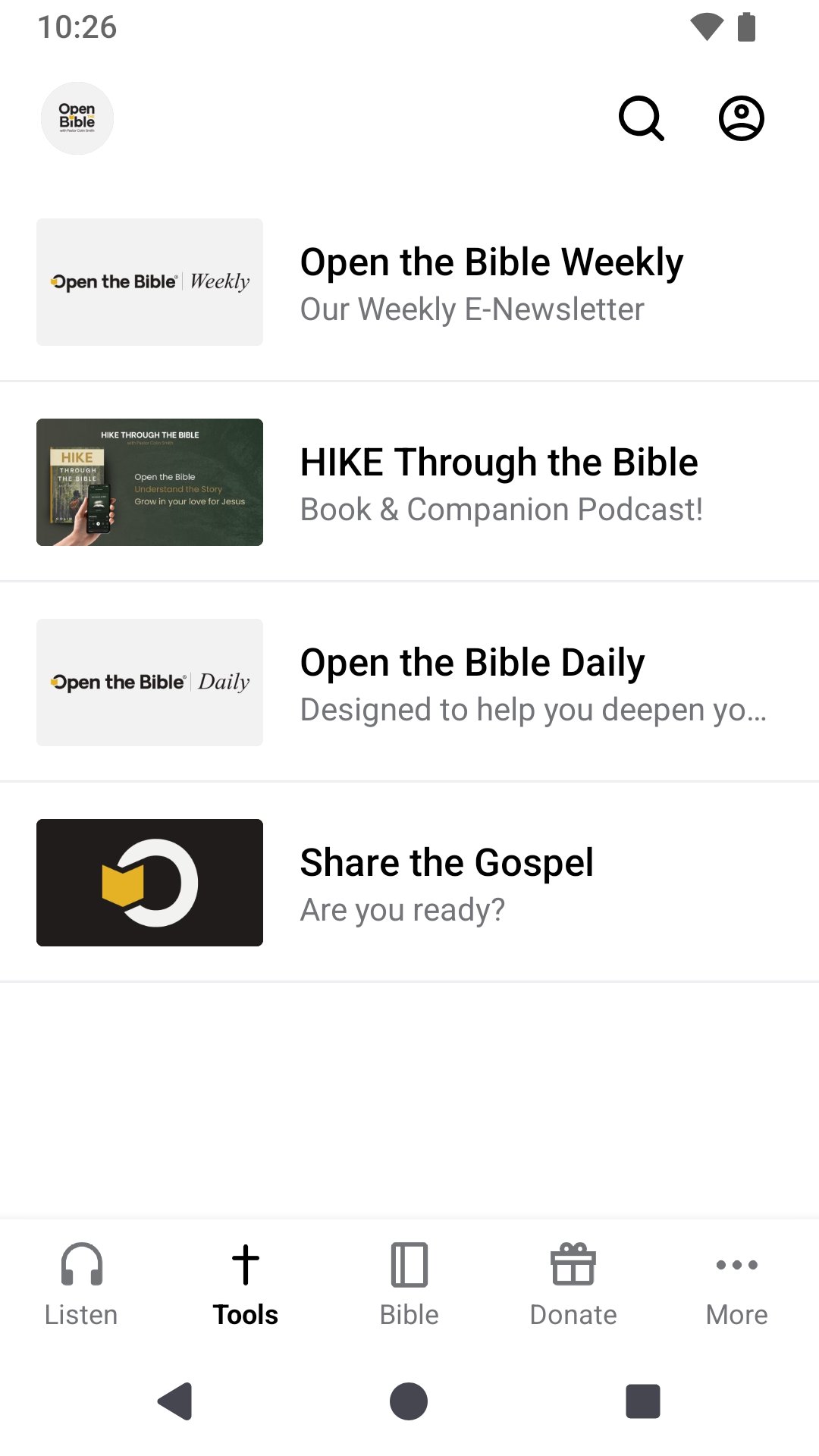
Open the Bibleの無料アプリで、神の言葉の変革的な力を体験してください。
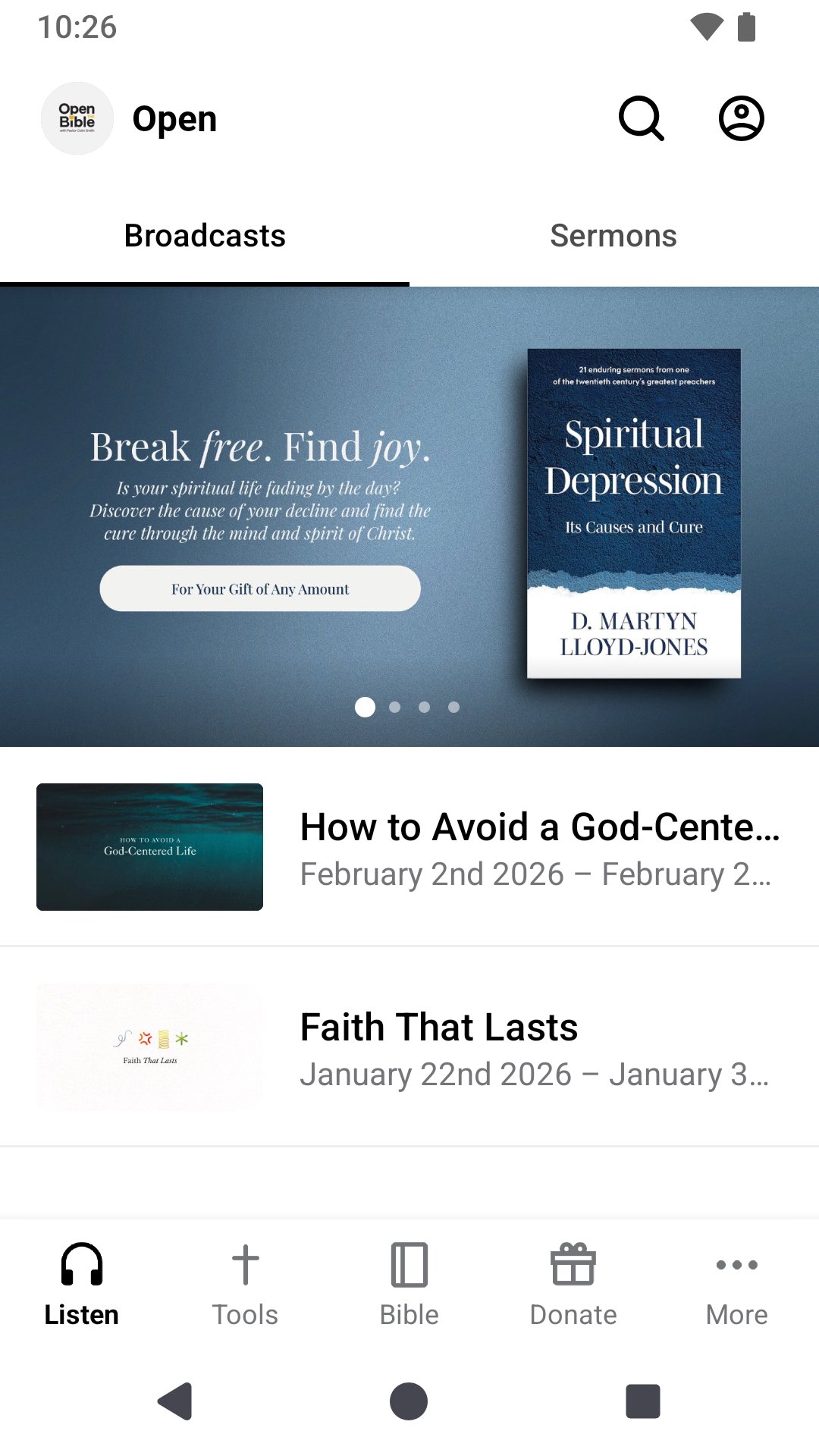
Open the Bibleの最新の放送や説教にアクセスし、おすすめの聖書朗読プランをご利用いただけます。
詳しくは、openthebible.orgをご覧ください。
Open the Bibleアプリは、SubsplashのThe Church Appを使用して作成されました。
モバイルアプリバージョン:6.21.3
プレビュー
タグ
教育情報
デベロッパー
Subsplash Inc
最新バージョン
6.21.3
最終更新
2026-05-16
カテゴリー
教育
上で利用可能
Google Play
もっと見せる
PCでGameLoopを使用してOpen the Bibleをプレイする方法
1. 公式WebサイトからGameLoopをダウンロードし、exeファイルを実行してGameLoopをインストールします
2. GameLoopを開いて「Open the Bible」を検索し、検索結果でOpen the Bibleを見つけて、「インストール」をクリックします。
3. GameLoopでOpen the Bibleを楽しんでください
Minimum requirements
OS
Windows 8.1 64-bit or Windows 10 64-bit
GPU
GTX 1050
CPU
i3-8300
Memory
8GB RAM
Storage
1GB available space
Recommended requirements
OS
Windows 8.1 64-bit or Windows 10 64-bit
GPU
GTX 1050
CPU
i3-9320
Memory
16GB RAM
Storage
1GB available space