
Sensory Room PC
Inclusive Technology HelpKidzLearn
GameLoopエミュレーターを使用してPCにSensory Roomをダウンロードします
Sensory Room PC版
開発者Inclusive Technology HelpKidzLearnからのSensory Roomは、過去にAndroidsystermで実行されています。
これで、GameLoopを搭載したPCでSensory Roomをスムーズにプレイできます。
GameLoopライブラリまたは検索結果にダウンロードしてください。 バッテリーに目を向けたり、間違った時間にイライラしたりすることはもうありません。
大画面でSensory RoomPCを無料でお楽しみください!
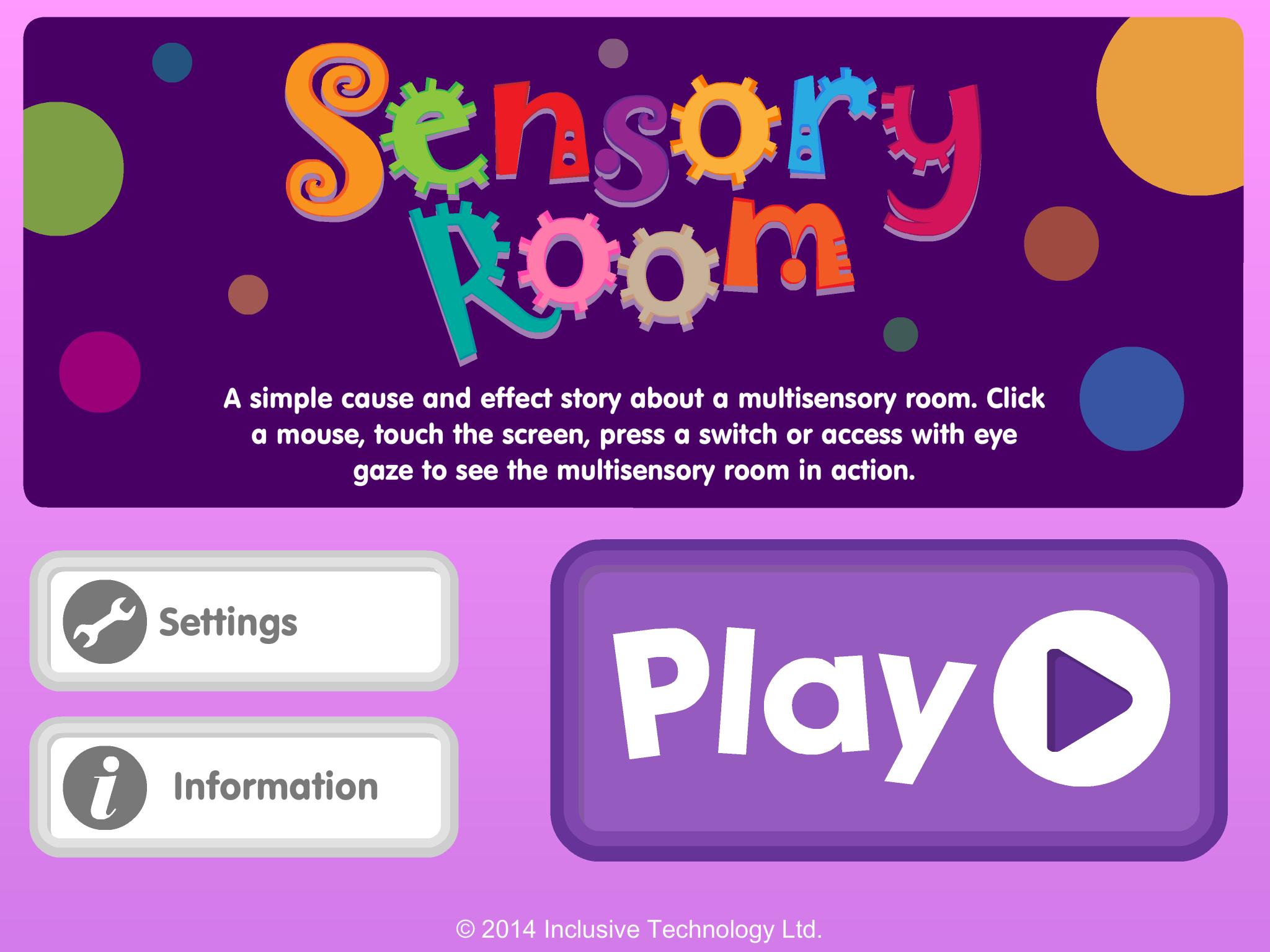
Sensory Room 序章
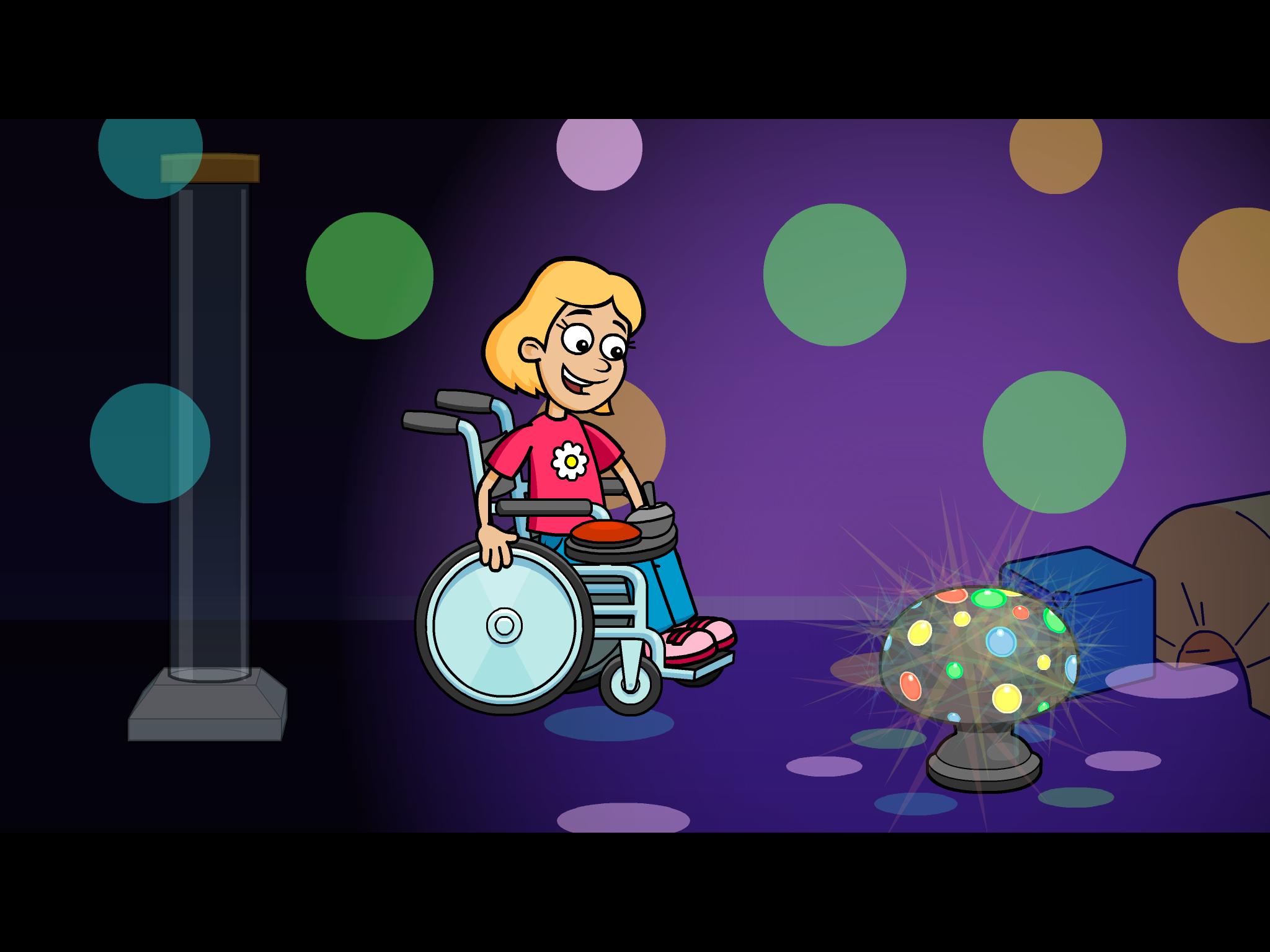
A fun cause and effect activity - look at the pictures and talk about the story in your own words: What can you see in the multi-sensory room? Do you like the bubble tube or disco lights best?
Touch the screen to see what happens next. Switch access for one or two switches is included for users with motor difficulties who need switch input (Switches can be connected via a Bluetooth switch interface). Clutter free, bright, clear graphics make it easier for students with visual impairment to see the screen.
Key features
• Bright clear graphics with bold outlines
• Lots of opportunity for discussion and language development
• Simple touch access
• Switch access options included (using available Bluetooth switch interfaces)
• Fun bright animated reward
プレビュー
情報
デベロッパー
Inclusive Technology HelpKidzLearn
最新バージョン
1.0.1
最終更新
2014-02-24
カテゴリー
教育
上で利用可能
Google Play
もっと見せる
PCでGameLoopを使用してSensory Roomをプレイする方法
1. 公式WebサイトからGameLoopをダウンロードし、exeファイルを実行してGameLoopをインストールします
2. GameLoopを開いて「Sensory Room」を検索し、検索結果でSensory Roomを見つけて、「インストール」をクリックします。
3. GameLoopでSensory Roomを楽しんでください
Minimum requirements
OS
Windows 8.1 64-bit or Windows 10 64-bit
GPU
GTX 1050
CPU
i3-8300
Memory
8GB RAM
Storage
1GB available space
Recommended requirements
OS
Windows 8.1 64-bit or Windows 10 64-bit
GPU
GTX 1050
CPU
i3-9320
Memory
16GB RAM
Storage
1GB available space