Perculus Virtual Classroom PC
Advancity
GameLoopエミュレーターを使用してPCにPerculus Virtual Classroomをダウンロードします
Perculus Virtual Classroom PC版
開発者AdvancityからのPerculus Virtual Classroomは、過去にAndroidsystermで実行されています。
これで、GameLoopを搭載したPCでPerculus Virtual Classroomをスムーズにプレイできます。
GameLoopライブラリまたは検索結果にダウンロードしてください。 バッテリーに目を向けたり、間違った時間にイライラしたりすることはもうありません。
大画面でPerculus Virtual ClassroomPCを無料でお楽しみください!
Perculus Virtual Classroom 序章
Developed by Advancity, Perculus Virtual Classroom is an application that enables users to join online training through mobile devices.
With Perculus you can make audio and visual calls & instant messaging as well as participating online courses. Along with the chat avaliability, Perculus is a platform where users can also join online surveys during the courses.
How to Install & Use?
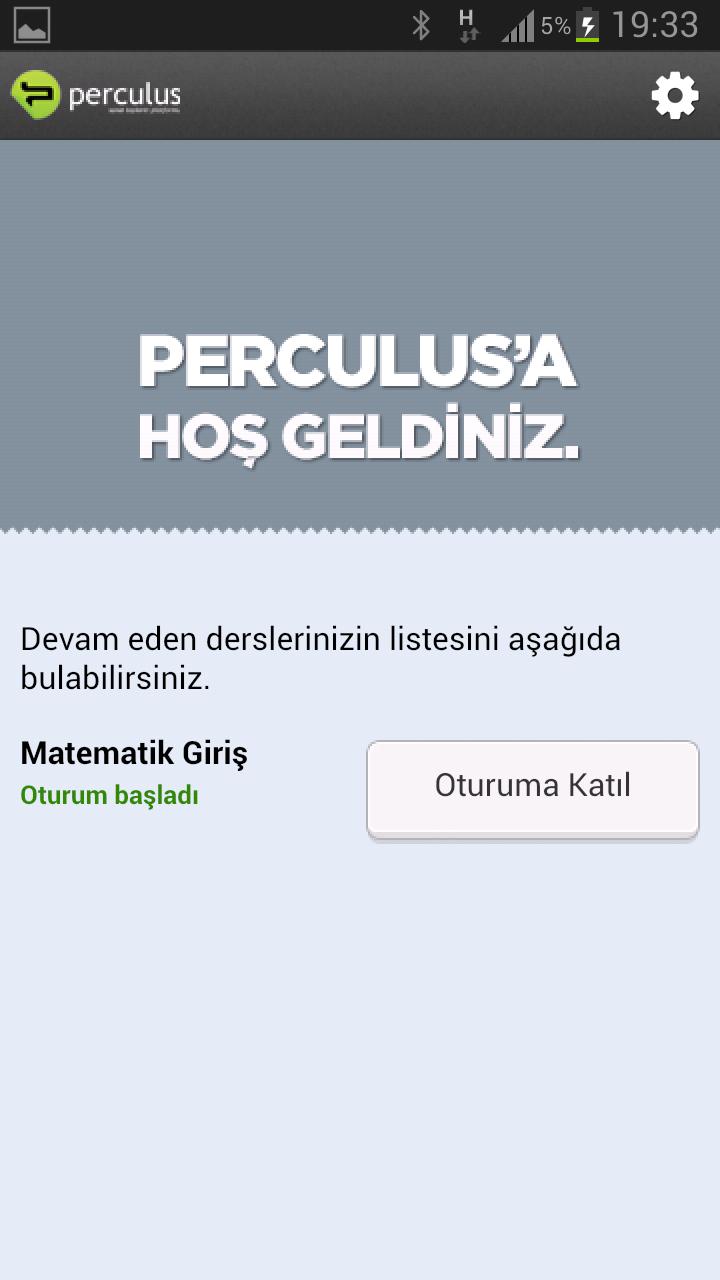
Perculus users can join online trainings and meetings by downloading & installing this application.
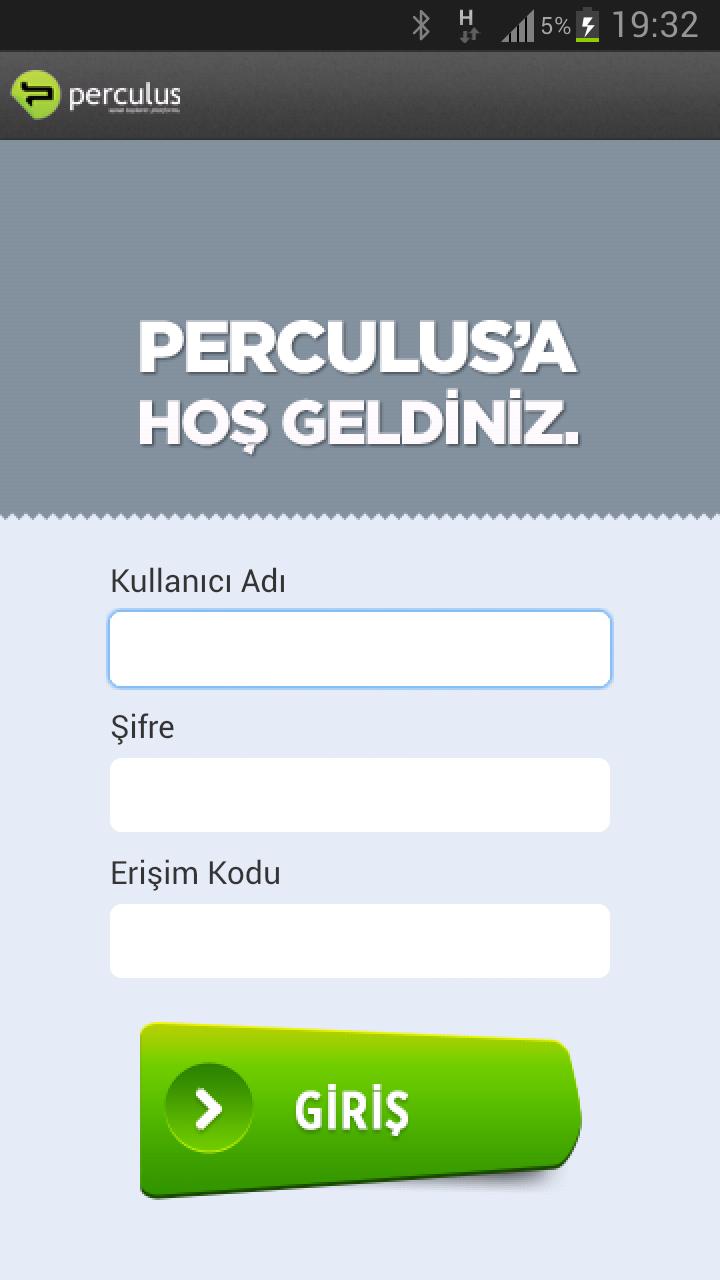
To enter the mobile application, you can use the same system entry username and password information that was sent to you in e-mail.
You should enter the access code that was provided to you by the course owner body.
プレビュー
情報
デベロッパー
Advancity
最新バージョン
1.0.4
最終更新
2014-04-30
カテゴリー
教育
上で利用可能
Google Play
もっと見せる
PCでGameLoopを使用してPerculus Virtual Classroomをプレイする方法
1. 公式WebサイトからGameLoopをダウンロードし、exeファイルを実行してGameLoopをインストールします
2. GameLoopを開いて「Perculus Virtual Classroom」を検索し、検索結果でPerculus Virtual Classroomを見つけて、「インストール」をクリックします。
3. GameLoopでPerculus Virtual Classroomを楽しんでください
Minimum requirements
OS
Windows 8.1 64-bit or Windows 10 64-bit
GPU
GTX 1050
CPU
i3-8300
Memory
8GB RAM
Storage
1GB available space
Recommended requirements
OS
Windows 8.1 64-bit or Windows 10 64-bit
GPU
GTX 1050
CPU
i3-9320
Memory
16GB RAM
Storage
1GB available space