Lotus Math - 1 to 100 PC
DIGITAL INDIA FLIP BOOK
GameLoopエミュレーターを使用してPCにLotus Math - 1 to 100をダウンロードします
Lotus Math - 1 to 100 PC版
開発者DIGITAL INDIA FLIP BOOKからのLotus Math - 1 to 100は、過去にAndroidsystermで実行されています。
これで、GameLoopを搭載したPCでLotus Math - 1 to 100をスムーズにプレイできます。
GameLoopライブラリまたは検索結果にダウンロードしてください。 バッテリーに目を向けたり、間違った時間にイライラしたりすることはもうありません。
大画面でLotus Math - 1 to 100PCを無料でお楽しみください!
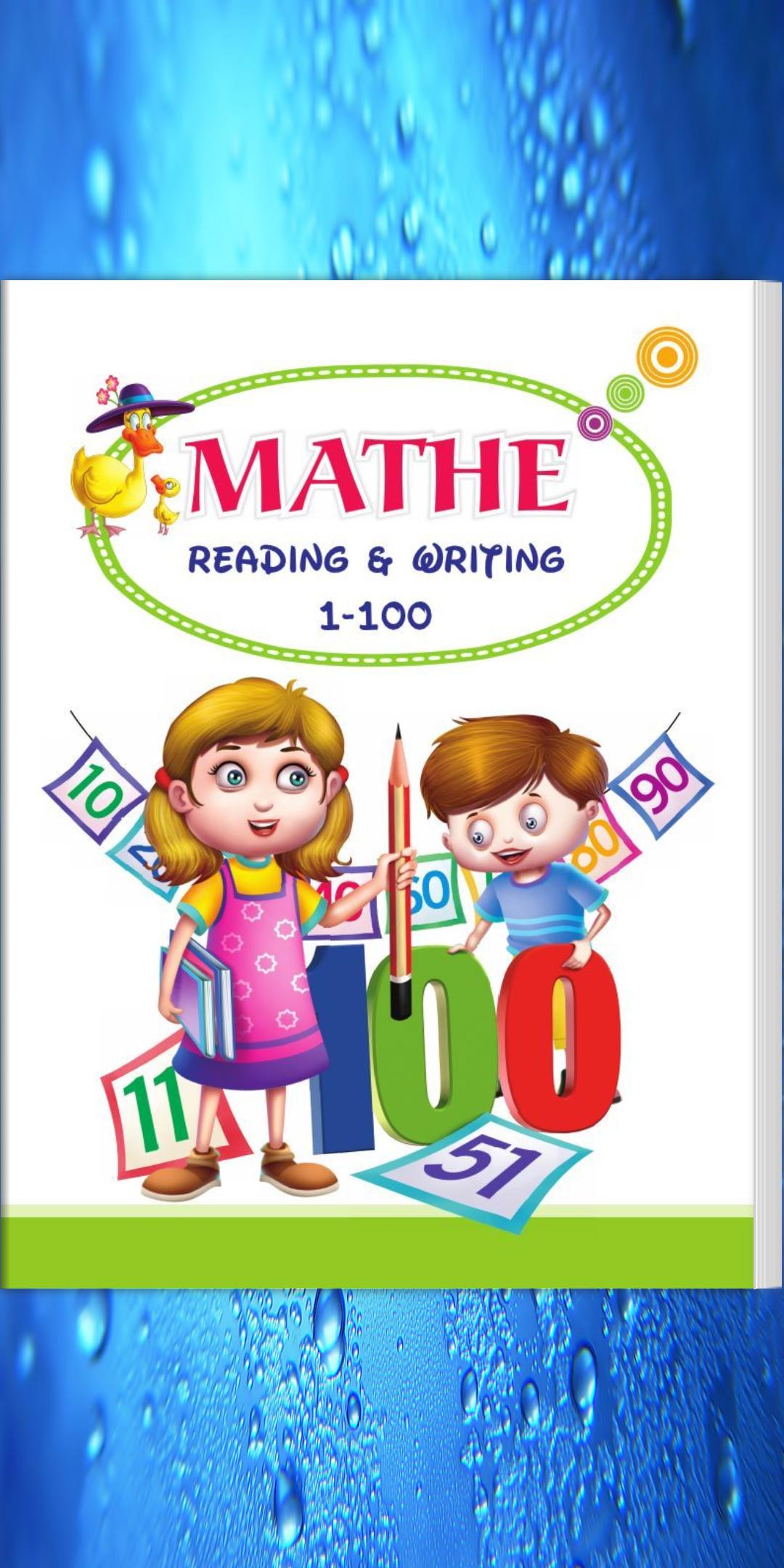
Lotus Math - 1 to 100 序章
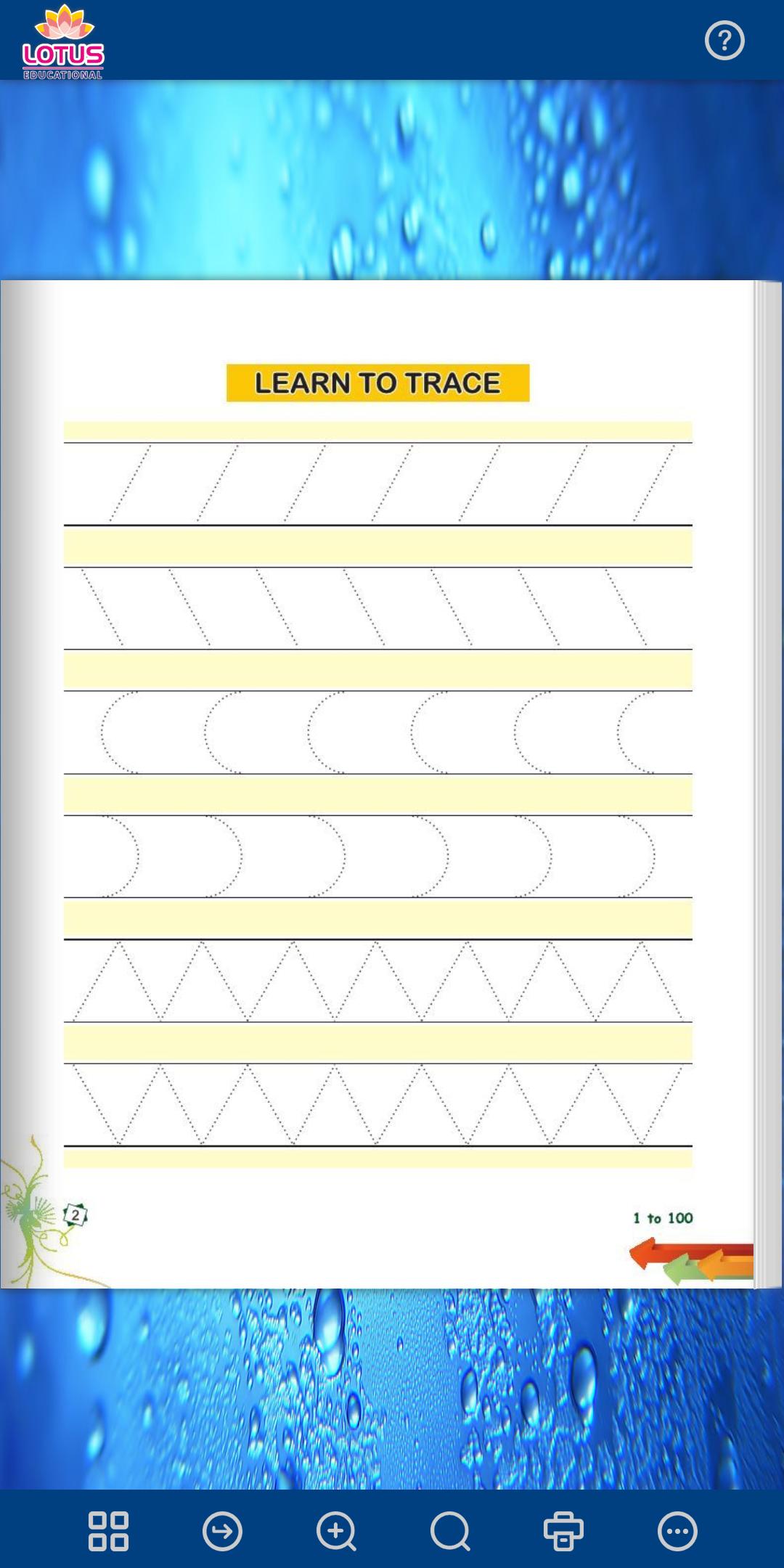
The e-reader app has important features for using e-textbooks in the classroom.
Some functionality of e-book are mentioned below:
1. Zoom in/Zoom out : When you want to get a closer look at a high-quality image that deserves a more detailed study.
2. Thumbnail : This feature is used basically for a small image representation of a larger image, usually intended to make it easer and faster to look at or manage a group of larger images.
3. Flipbook : This feature combine the ease of interaction with the efficiency and increased value offered by today’s e-reading technology.
4. Search and find: When you want to look at some important words inside the content, Search and find option helps you to steer straight to the desired words.
5. Bookmark: When you want to add some interesting part as a bookmark, Bookmark feature allows you to add a bookmark and also you can jump to specific bookmarks.
プレビュー
タグ
教育情報
デベロッパー
DIGITAL INDIA FLIP BOOK
最新バージョン
1.0
最終更新
2019-11-26
カテゴリー
教育
上で利用可能
Google Play
もっと見せる
PCでGameLoopを使用してLotus Math - 1 to 100をプレイする方法
1. 公式WebサイトからGameLoopをダウンロードし、exeファイルを実行してGameLoopをインストールします
2. GameLoopを開いて「Lotus Math - 1 to 100」を検索し、検索結果でLotus Math - 1 to 100を見つけて、「インストール」をクリックします。
3. GameLoopでLotus Math - 1 to 100を楽しんでください
Minimum requirements
OS
Windows 8.1 64-bit or Windows 10 64-bit
GPU
GTX 1050
CPU
i3-8300
Memory
8GB RAM
Storage
1GB available space
Recommended requirements
OS
Windows 8.1 64-bit or Windows 10 64-bit
GPU
GTX 1050
CPU
i3-9320
Memory
16GB RAM
Storage
1GB available space