
Lookup Dictionary - All-In-One Dictionary PC
Kuoy Huot
GameLoopエミュレーターを使用してPCにLookup Dictionary - All-In-One Dictionaryをダウンロードします
Lookup Dictionary - All-In-One Dictionary PC版
開発者Kuoy HuotからのLookup Dictionary - All-In-One Dictionaryは、過去にAndroidsystermで実行されています。
これで、GameLoopを搭載したPCでLookup Dictionary - All-In-One Dictionaryをスムーズにプレイできます。
GameLoopライブラリまたは検索結果にダウンロードしてください。 バッテリーに目を向けたり、間違った時間にイライラしたりすることはもうありません。
大画面でLookup Dictionary - All-In-One DictionaryPCを無料でお楽しみください!
Lookup Dictionary - All-In-One Dictionary 序章
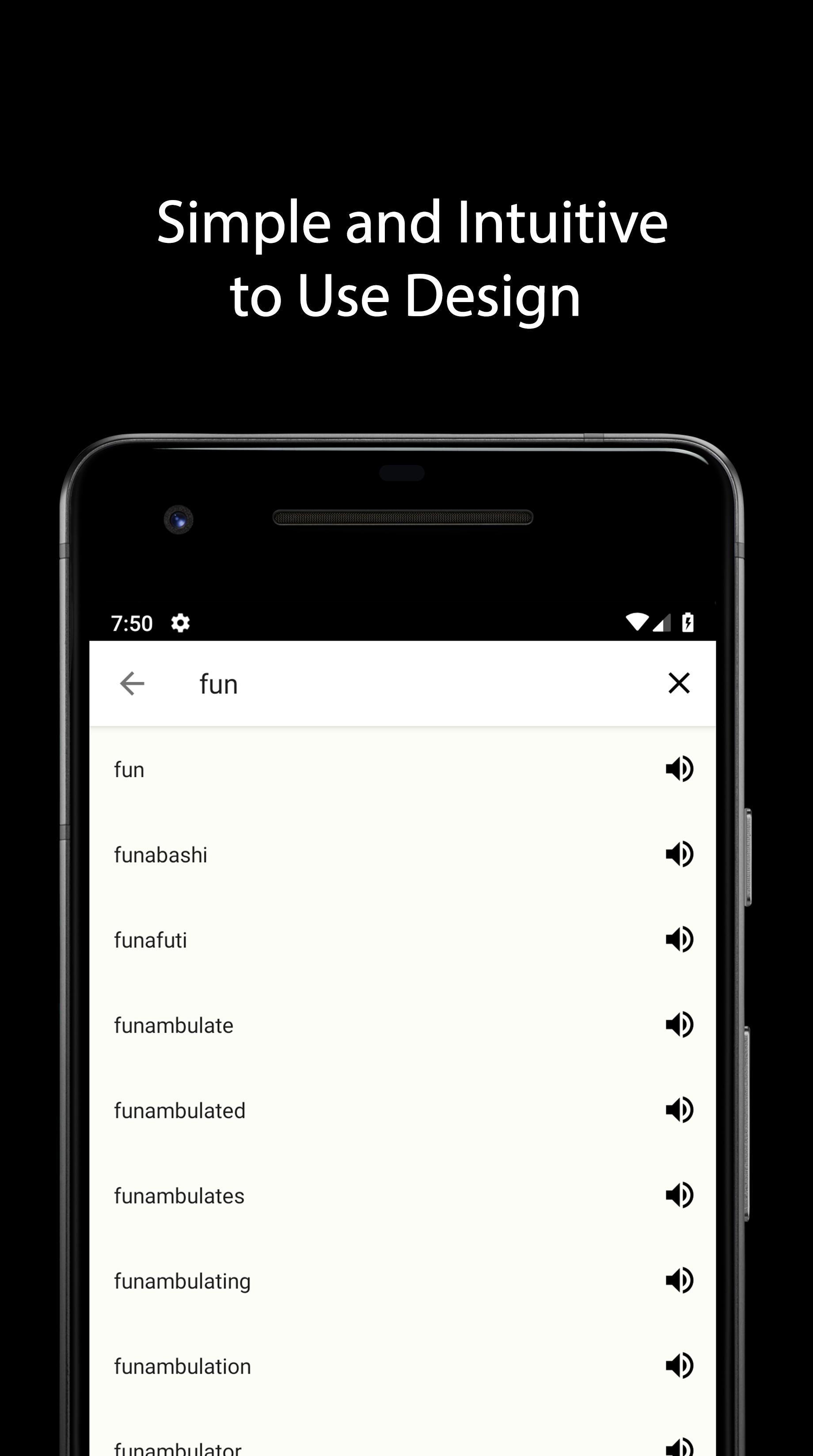
Finding the meaning of words, slangs, phrases made easy. Browse through popular dictionary websites to find the right meaning for the right context or just to get your meaning across.
Features:
✓ More than 10 dictionaries for you to use.
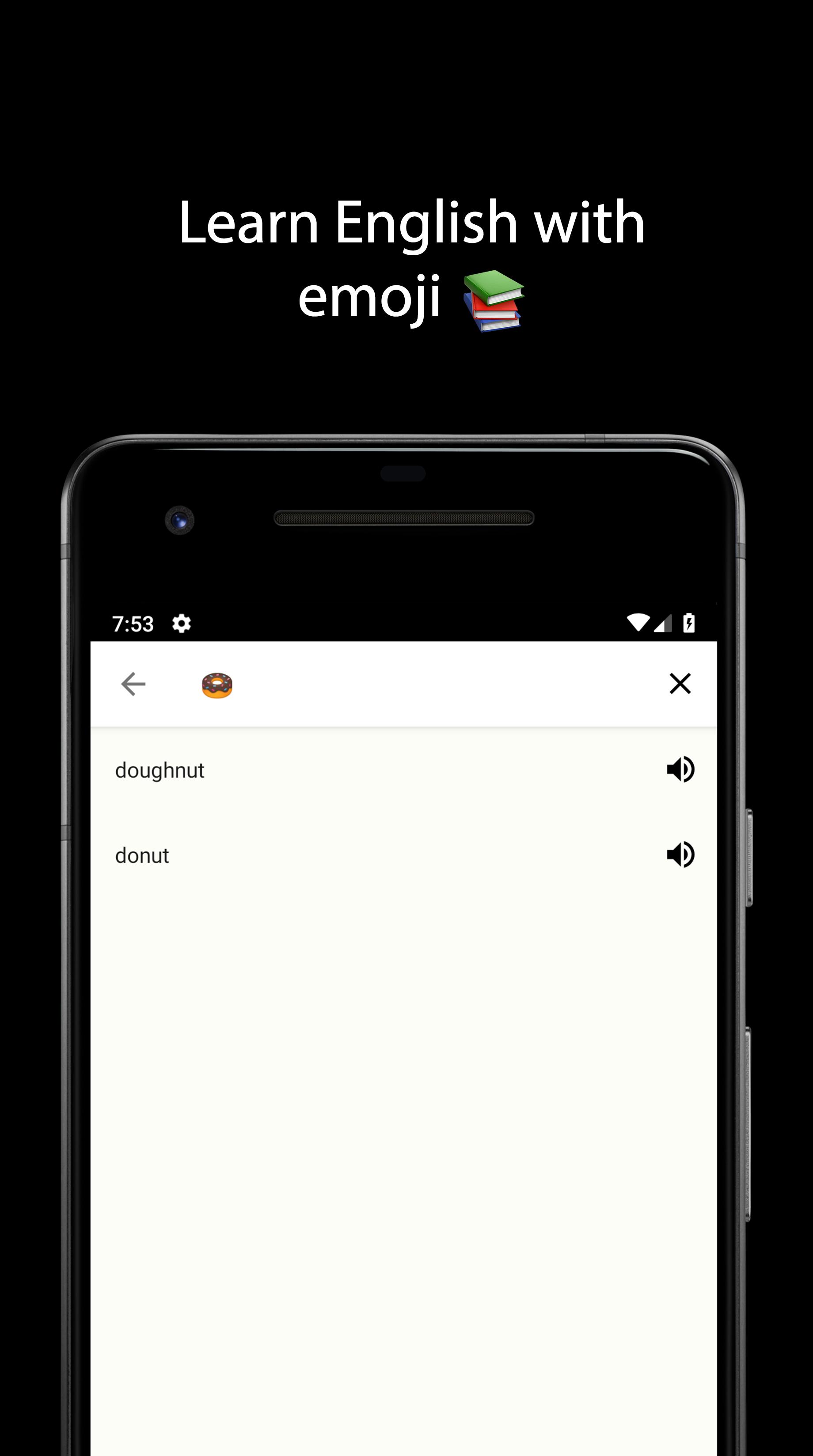
✓ Emoji dictionary: learn English with emoji as an image reference, or understand what teens are saying.
✓ Use your Voice to search when you don't know how to spell the word
✓ Quick & offline audio pronunciation.
✓ Copy, Paste & Share word definition.
Pro Features:
✓ Use more than 7 dictionaries at a time.
✓ Dark Theme
✓ Quick Lookup - Copy text in any app to look it up.
✓ Ad-Free
プレビュー
情報
デベロッパー
Kuoy Huot
最新バージョン
1.8
最終更新
2018-12-21
カテゴリー
教育
上で利用可能
Google Play
もっと見せる
PCでGameLoopを使用してLookup Dictionary - All-In-One Dictionaryをプレイする方法
1. 公式WebサイトからGameLoopをダウンロードし、exeファイルを実行してGameLoopをインストールします
2. GameLoopを開いて「Lookup Dictionary - All-In-One Dictionary」を検索し、検索結果でLookup Dictionary - All-In-One Dictionaryを見つけて、「インストール」をクリックします。
3. GameLoopでLookup Dictionary - All-In-One Dictionaryを楽しんでください
Minimum requirements
OS
Windows 8.1 64-bit or Windows 10 64-bit
GPU
GTX 1050
CPU
i3-8300
Memory
8GB RAM
Storage
1GB available space
Recommended requirements
OS
Windows 8.1 64-bit or Windows 10 64-bit
GPU
GTX 1050
CPU
i3-9320
Memory
16GB RAM
Storage
1GB available space