
SIPO PC
Sumita Arora Integrated Learning
GameLoopエミュレーターを使用してPCにSIPOをダウンロードします
SIPO PC版
開発者Sumita Arora Integrated LearningからのSIPOは、過去にAndroidsystermで実行されています。
これで、GameLoopを搭載したPCでSIPOをスムーズにプレイできます。
GameLoopライブラリまたは検索結果にダウンロードしてください。 バッテリーに目を向けたり、間違った時間にイライラしたりすることはもうありません。
大画面でSIPOPCを無料でお楽しみください!
SIPO 序章
While studying from technical books such as Computer Science text books, you often encounter situations where you want detailed illustrations, animations, videos, examples, and so forth, describing the concept.Printed books, especially the syllabus based books have some limits on the coverage and examples etc.
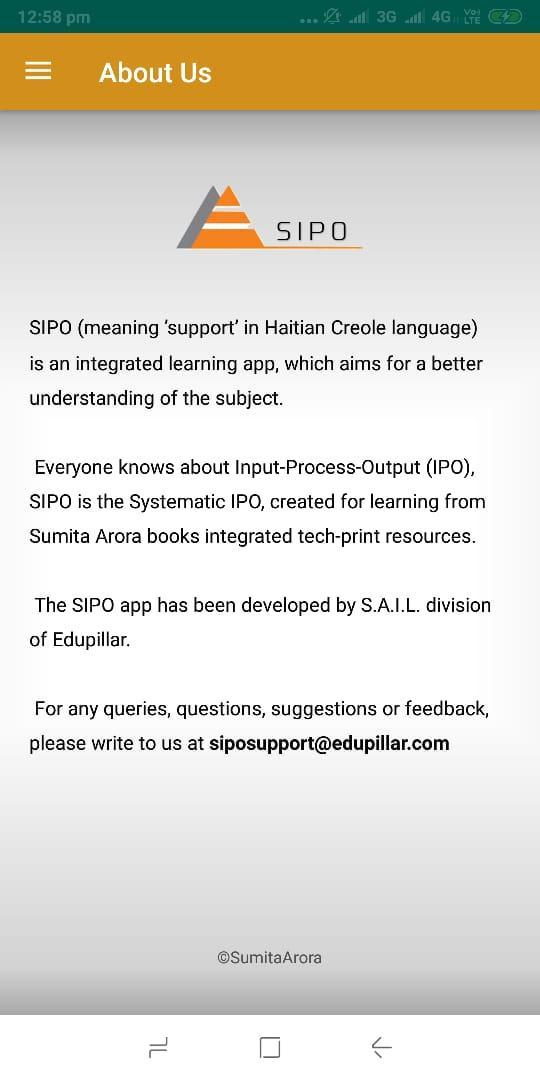
The SIPO app, by ‘Sumita Arora Integrated Learning’ division of Edupillar, comes here to fill the gap.With SIPO, you can get access to linked learning resources (animations/videos/images/illustrations) with the books written by Sumita Arora.
In a SIPO linked book, you will find a QR code next to a topic/concept or Assignment. All you need to do is to scan the QR code with the SIPO app and you will have instant access to the linked learning resource, which may be a video or animation or an illustration/image or simple text-based assignment solution.
The app SIPO intends to bridge the gaps in your learning. The SIPO app is currently linked to Computer Science books written by Sumita Arora.
New resources and new books will get added to SIPO from time to time.
App Developer: Amit Malhotra
fonappsolutions.business@gmail.com
プレビュー
情報
デベロッパー
Sumita Arora Integrated Learning
最新バージョン
15.2
最終更新
2019-08-17
カテゴリー
教育
上で利用可能
Google Play
もっと見せる
PCでGameLoopを使用してSIPOをプレイする方法
1. 公式WebサイトからGameLoopをダウンロードし、exeファイルを実行してGameLoopをインストールします
2. GameLoopを開いて「SIPO」を検索し、検索結果でSIPOを見つけて、「インストール」をクリックします。
3. GameLoopでSIPOを楽しんでください
Minimum requirements
OS
Windows 8.1 64-bit or Windows 10 64-bit
GPU
GTX 1050
CPU
i3-8300
Memory
8GB RAM
Storage
1GB available space
Recommended requirements
OS
Windows 8.1 64-bit or Windows 10 64-bit
GPU
GTX 1050
CPU
i3-9320
Memory
16GB RAM
Storage
1GB available space