
FUNTastic 2018 PC
Sasbadi Online Sdn Bhd
GameLoopエミュレーターを使用してPCにFUNTastic 2018をダウンロードします
FUNTastic 2018 PC版
開発者Sasbadi Online Sdn BhdからのFUNTastic 2018は、過去にAndroidsystermで実行されています。
これで、GameLoopを搭載したPCでFUNTastic 2018をスムーズにプレイできます。
GameLoopライブラリまたは検索結果にダウンロードしてください。 バッテリーに目を向けたり、間違った時間にイライラしたりすることはもうありません。
大画面でFUNTastic 2018PCを無料でお楽しみください!
FUNTastic 2018 序章
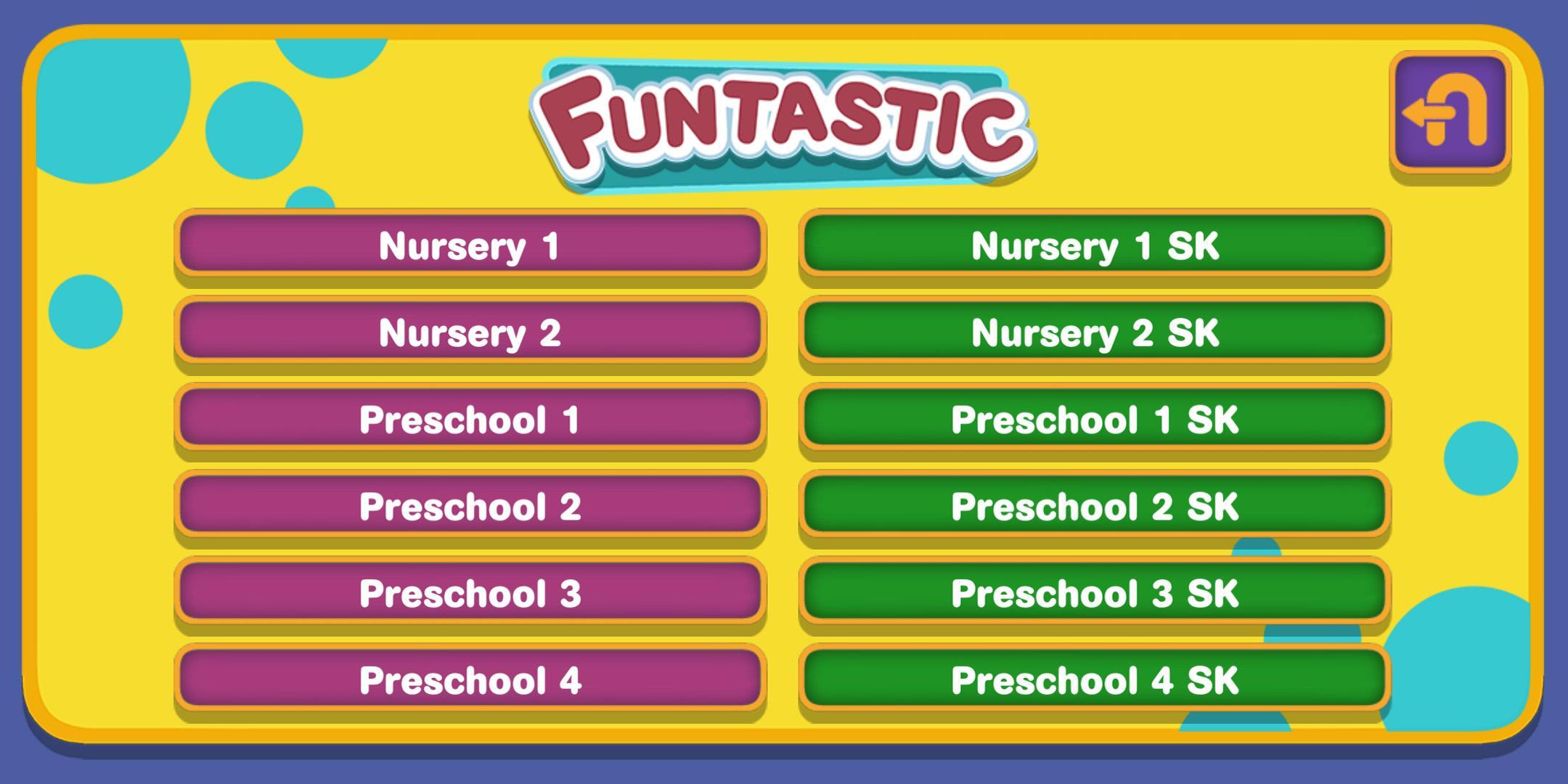
The Funtastic Series is specially designed to give preschoolers a solid start in learning. The series covers Bahasa Melayu, English, Chinese Language, Mathematics, Science and Moral Education.
In order to improve the quality of learning and make the learning experience more effective and enjoyable, we have included multimedia contents in this series.
There is a variety of animated chants, rhymes, songs and poems in this app. With the built-in karaoke feature, children can now sing and recite whenever they like.
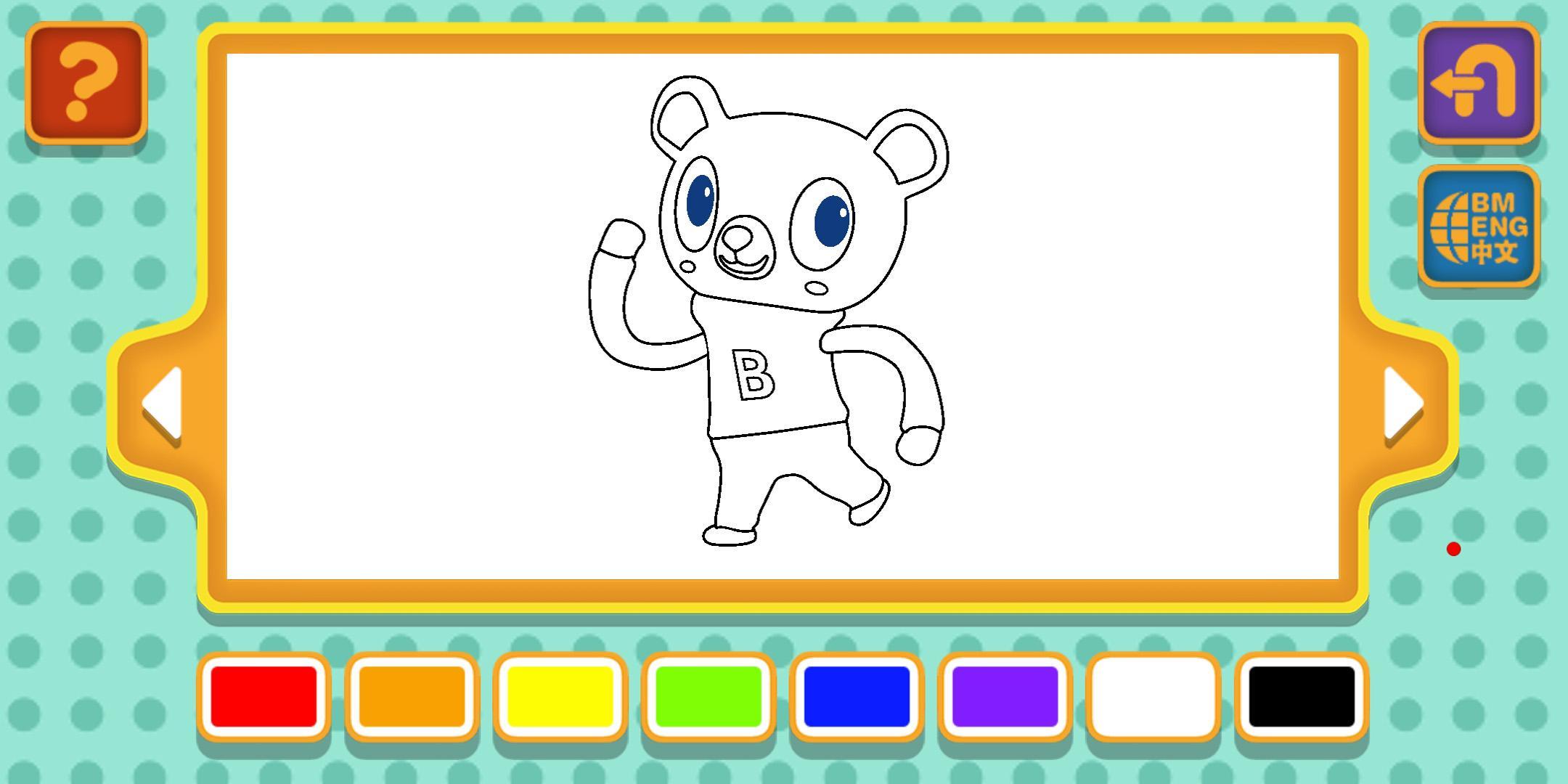
You can also find writing tutorials in this app. Children can learn how to write the letters of the alphabet, numbers and Chinese characters. What’s more, they also get to practise writing them on a digital device.
Apart from that, we also included 3D AR in this app. With this, the learning process in the classroom won’t be boring and dull anymore.
Besides, audio is given to help children improve their listening and speaking skills. They learn how to pronounce new words correctly.
A series of fun and engaging games and quizzes that serves as reinforcement is featured in this app. Now, practices and revisions can be fun and enjoyable.
プレビュー
情報
デベロッパー
Sasbadi Online Sdn Bhd
最新バージョン
1.2
最終更新
2019-12-04
カテゴリー
教育
上で利用可能
Google Play
もっと見せる
PCでGameLoopを使用してFUNTastic 2018をプレイする方法
1. 公式WebサイトからGameLoopをダウンロードし、exeファイルを実行してGameLoopをインストールします
2. GameLoopを開いて「FUNTastic 2018」を検索し、検索結果でFUNTastic 2018を見つけて、「インストール」をクリックします。
3. GameLoopでFUNTastic 2018を楽しんでください
Minimum requirements
OS
Windows 8.1 64-bit or Windows 10 64-bit
GPU
GTX 1050
CPU
i3-8300
Memory
8GB RAM
Storage
1GB available space
Recommended requirements
OS
Windows 8.1 64-bit or Windows 10 64-bit
GPU
GTX 1050
CPU
i3-9320
Memory
16GB RAM
Storage
1GB available space