Dictonary & All Language Translator PC
English learning
GameLoopエミュレーターを使用してPCにDictonary & All Language Translatorをダウンロードします
Dictonary & All Language Translator PC版
開発者English learningからのDictonary & All Language Translatorは、過去にAndroidsystermで実行されています。
これで、GameLoopを搭載したPCでDictonary & All Language Translatorをスムーズにプレイできます。
GameLoopライブラリまたは検索結果にダウンロードしてください。 バッテリーに目を向けたり、間違った時間にイライラしたりすることはもうありません。
大画面でDictonary & All Language TranslatorPCを無料でお楽しみください!
Dictonary & All Language Translator 序章
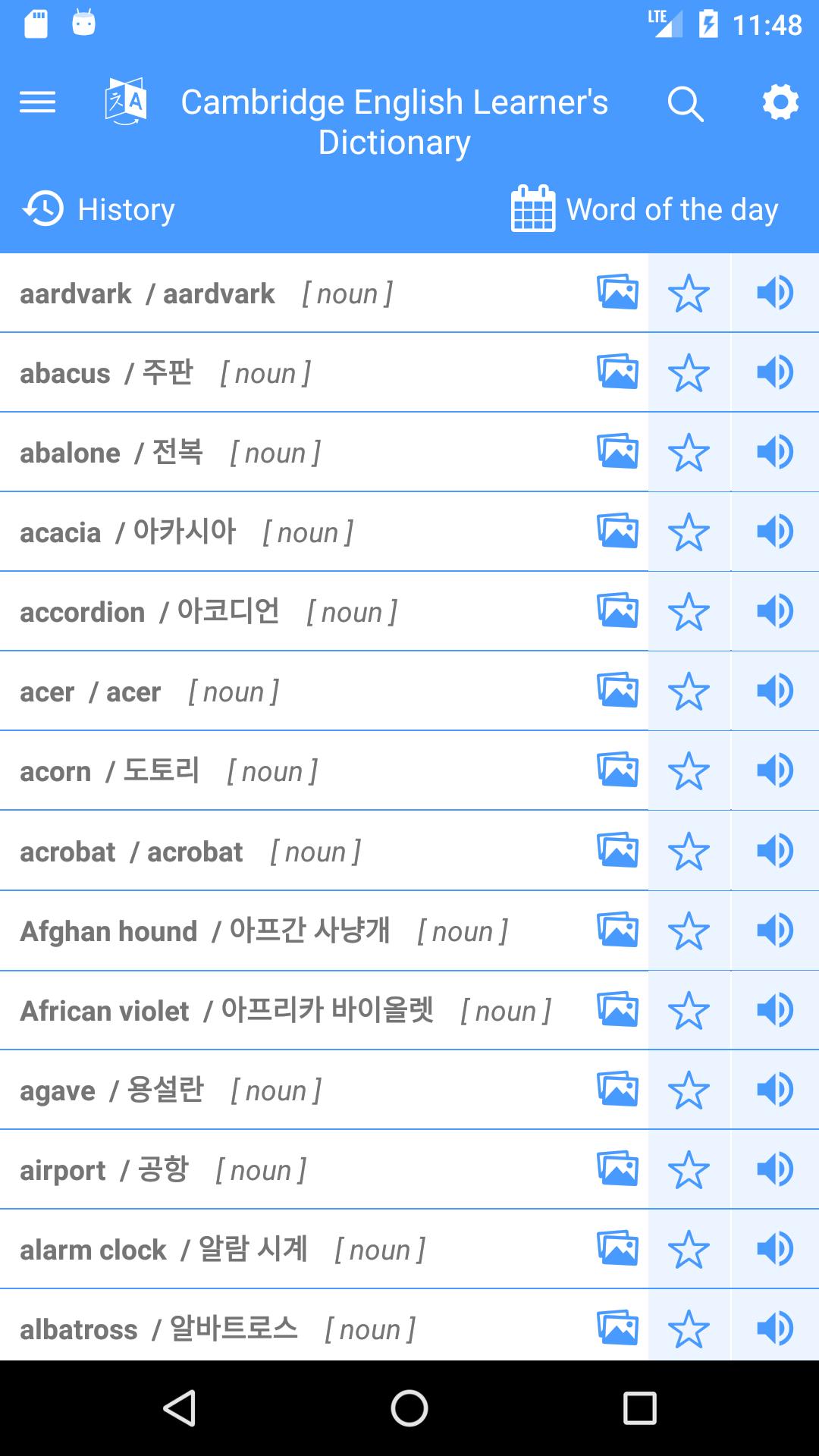
This application with more than 5,000 English words with 100 languages, makes it easy for people to find English words from basic to advanced in the process of learning, improving daily English capital of each person. Use English language to work and study. Images help learners have a more intuitive look. Through lessons to help keep longer.
* Features and characteristics:
- With more than 5,000 English words most commonly used today can meet your needs.
- Helping people learn from profession, listening to English pronunciation according to international standards.
- Store words to remember.
- Search by wildcard and suggested words
- Date of
- My vocabulary
- Favorite word
- The illustrations
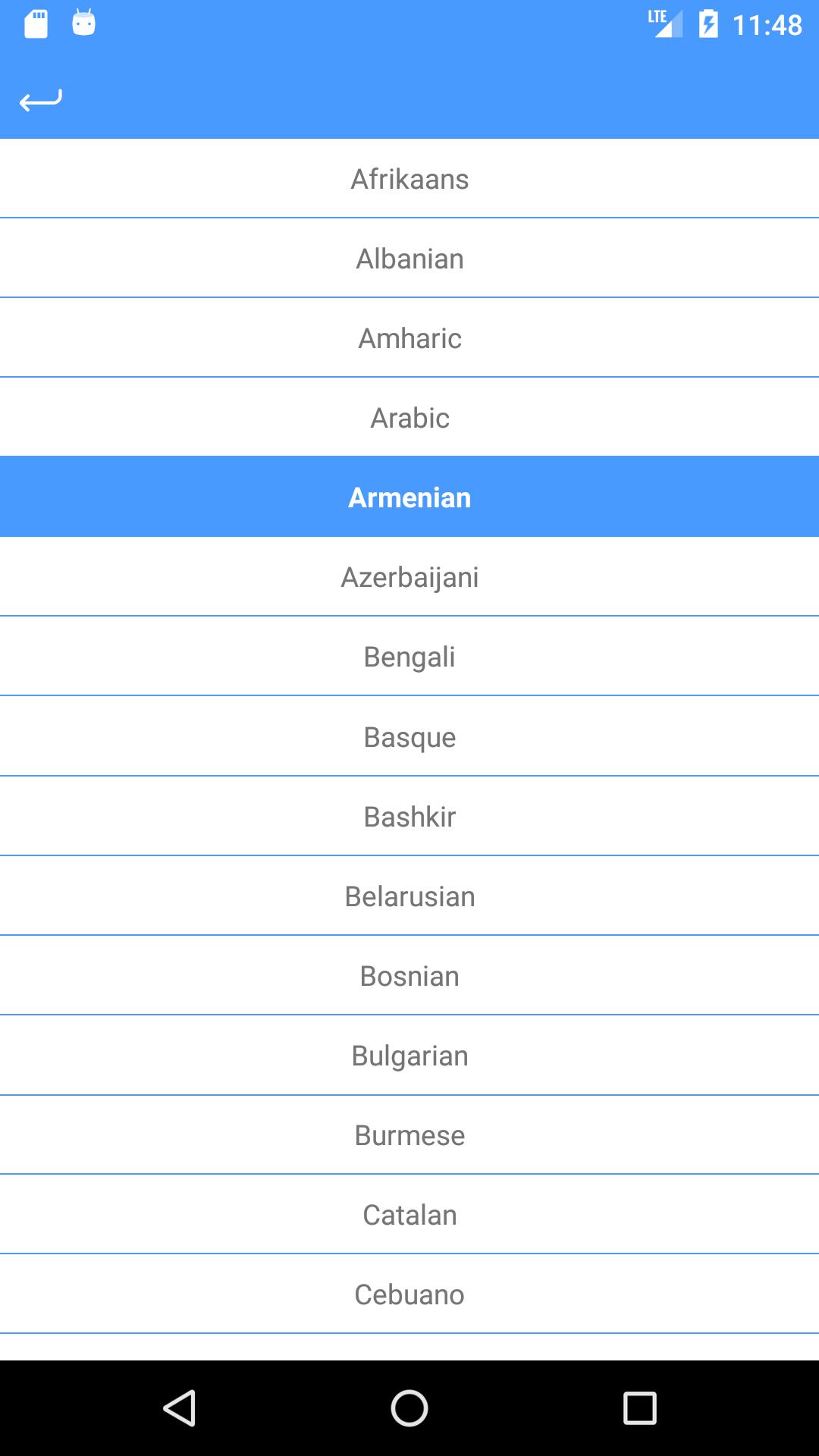
- 100 languages of countries
I wish you success in life. We sincerely thank you.
* One more time thank you very much *
プレビュー
情報
デベロッパー
English learning
最新バージョン
1.0.2
最終更新
2019-02-18
カテゴリー
教育
上で利用可能
Google Play
もっと見せる
PCでGameLoopを使用してDictonary & All Language Translatorをプレイする方法
1. 公式WebサイトからGameLoopをダウンロードし、exeファイルを実行してGameLoopをインストールします
2. GameLoopを開いて「Dictonary & All Language Translator」を検索し、検索結果でDictonary & All Language Translatorを見つけて、「インストール」をクリックします。
3. GameLoopでDictonary & All Language Translatorを楽しんでください
Minimum requirements
OS
Windows 8.1 64-bit or Windows 10 64-bit
GPU
GTX 1050
CPU
i3-8300
Memory
8GB RAM
Storage
1GB available space
Recommended requirements
OS
Windows 8.1 64-bit or Windows 10 64-bit
GPU
GTX 1050
CPU
i3-9320
Memory
16GB RAM
Storage
1GB available space