
GRE Math Practice by PrepScholar PC
PrepScholar
GameLoopエミュレーターを使用してPCにGRE Math Practice by PrepScholarをダウンロードします
GRE Math Practice by PrepScholar PC版
開発者PrepScholarからのGRE Math Practice by PrepScholarは、過去にAndroidsystermで実行されています。
これで、GameLoopを搭載したPCでGRE Math Practice by PrepScholarをスムーズにプレイできます。
GameLoopライブラリまたは検索結果にダウンロードしてください。 バッテリーに目を向けたり、間違った時間にイライラしたりすることはもうありません。
大画面でGRE Math Practice by PrepScholarPCを無料でお楽しみください!
GRE Math Practice by PrepScholar 序章
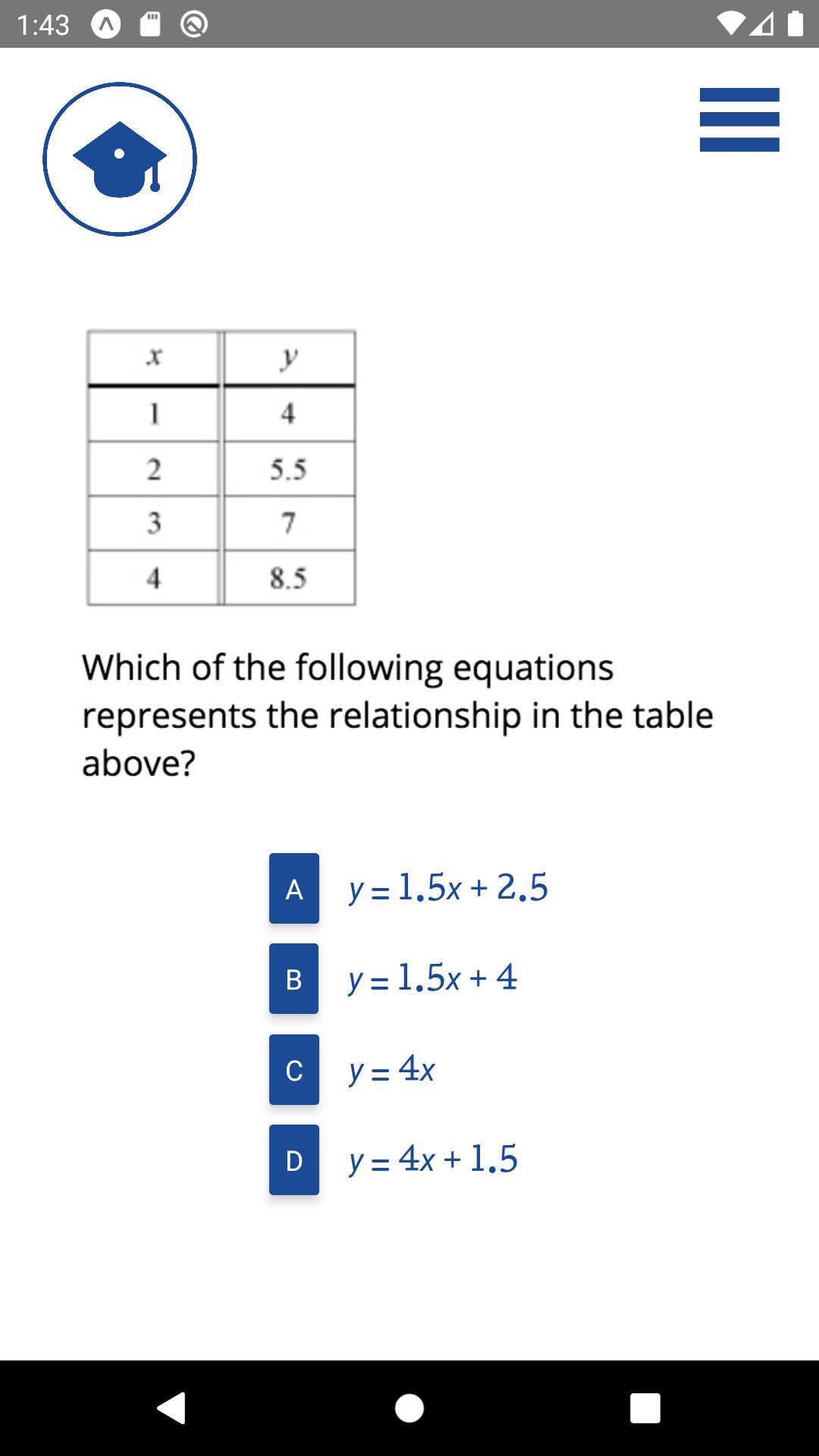
The PrepScholar GRE Math app contains 500 sample GRE math problems. You can attempt the questions in groups of 5. After each question, and each group, your responses will be graded. You will get immediate feedback as to which questions you have gotten right and which you have gotten wrong.
PrepScholar's GRE Math app does not require registration or an account on PrepScholar. For in-depth GRE lessons and practice quizzes, you can register for our full online GRE course at PrepScholar.com.
About PrepScholar.com
PrepScholar is committed to helping students reach their potential. In addition to offering free apps and free resources for students on our blog, PrepScholar offers comprehensive online on-demand test prep solutions for the SAT, ACT, PSAT, GRE, GMAT, and TOEFL exams. PrepScholar also offers 1:1 tutoring for the SAT and ACT, and full service college admissions counseling.
プレビュー

タグ
教育情報
デベロッパー
PrepScholar
最新バージョン
1.0.0
最終更新
2020-04-24
カテゴリー
教育
上で利用可能
Google Play
もっと見せる
PCでGameLoopを使用してGRE Math Practice by PrepScholarをプレイする方法
1. 公式WebサイトからGameLoopをダウンロードし、exeファイルを実行してGameLoopをインストールします
2. GameLoopを開いて「GRE Math Practice by PrepScholar」を検索し、検索結果でGRE Math Practice by PrepScholarを見つけて、「インストール」をクリックします。
3. GameLoopでGRE Math Practice by PrepScholarを楽しんでください
Minimum requirements
OS
Windows 8.1 64-bit or Windows 10 64-bit
GPU
GTX 1050
CPU
i3-8300
Memory
8GB RAM
Storage
1GB available space
Recommended requirements
OS
Windows 8.1 64-bit or Windows 10 64-bit
GPU
GTX 1050
CPU
i3-9320
Memory
16GB RAM
Storage
1GB available space