
Burton Adventist Academy PC
Burton Adventist Academy
GameLoopエミュレーターを使用してPCにBurton Adventist Academyをダウンロードします
Burton Adventist Academy PC版
開発者Burton Adventist AcademyからのBurton Adventist Academyは、過去にAndroidsystermで実行されています。
これで、GameLoopを搭載したPCでBurton Adventist Academyをスムーズにプレイできます。
GameLoopライブラリまたは検索結果にダウンロードしてください。 バッテリーに目を向けたり、間違った時間にイライラしたりすることはもうありません。
大画面でBurton Adventist AcademyPCを無料でお楽しみください!
Burton Adventist Academy 序章
Welcome to Burton Adventist Academy in Arlington, Texas!
Check out the key features of the BAA App below:
HOME:
Find out what's going on today with a custom marquee message, featured events, polls, and more!
CALENDARS:
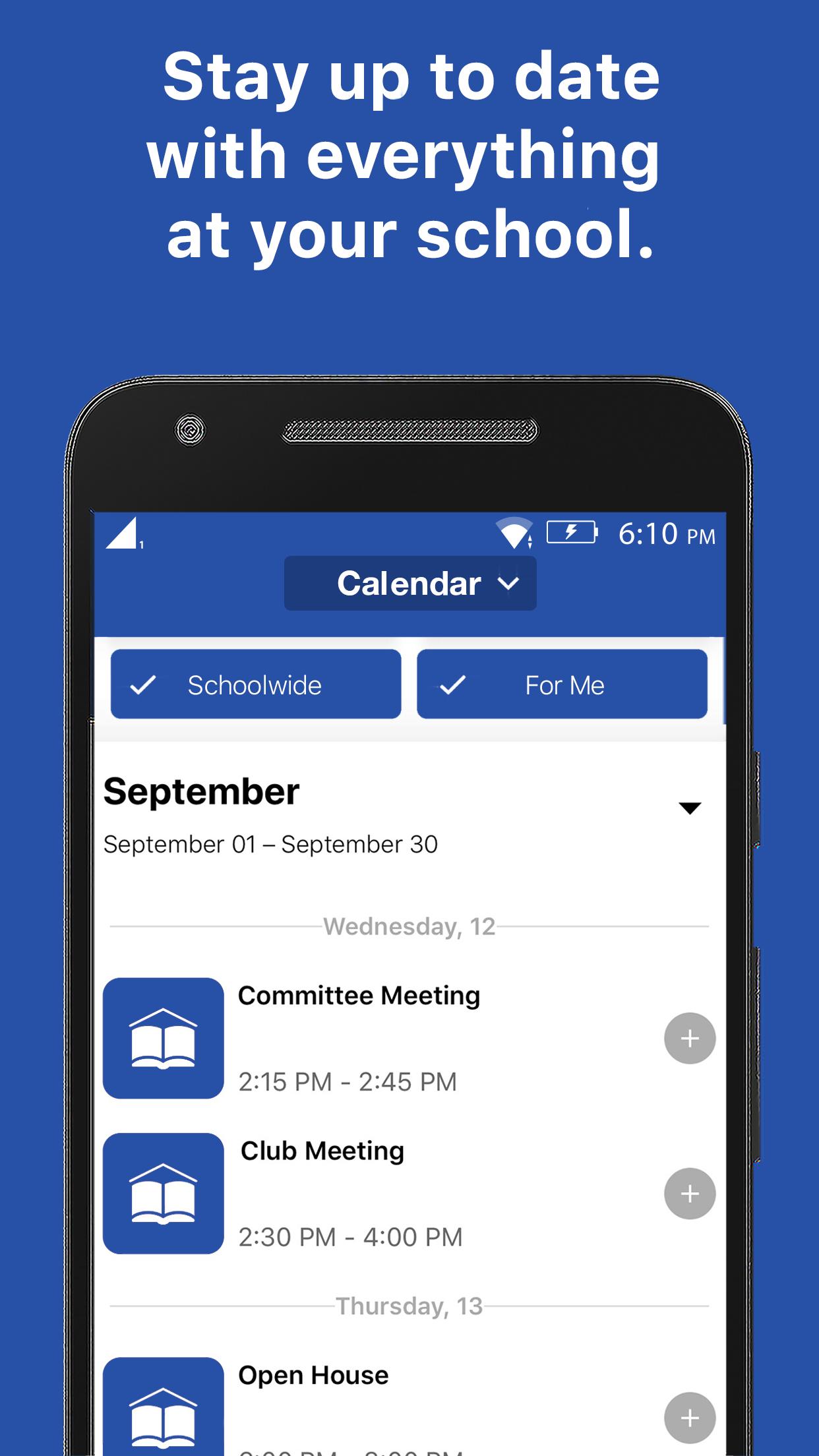
Get connected to the right calendars based on who you are. See your events, not someone else's. View event details, attachments, links, time & place. Easily find the event w/ interactive maps.
NOTIFICATIONS:
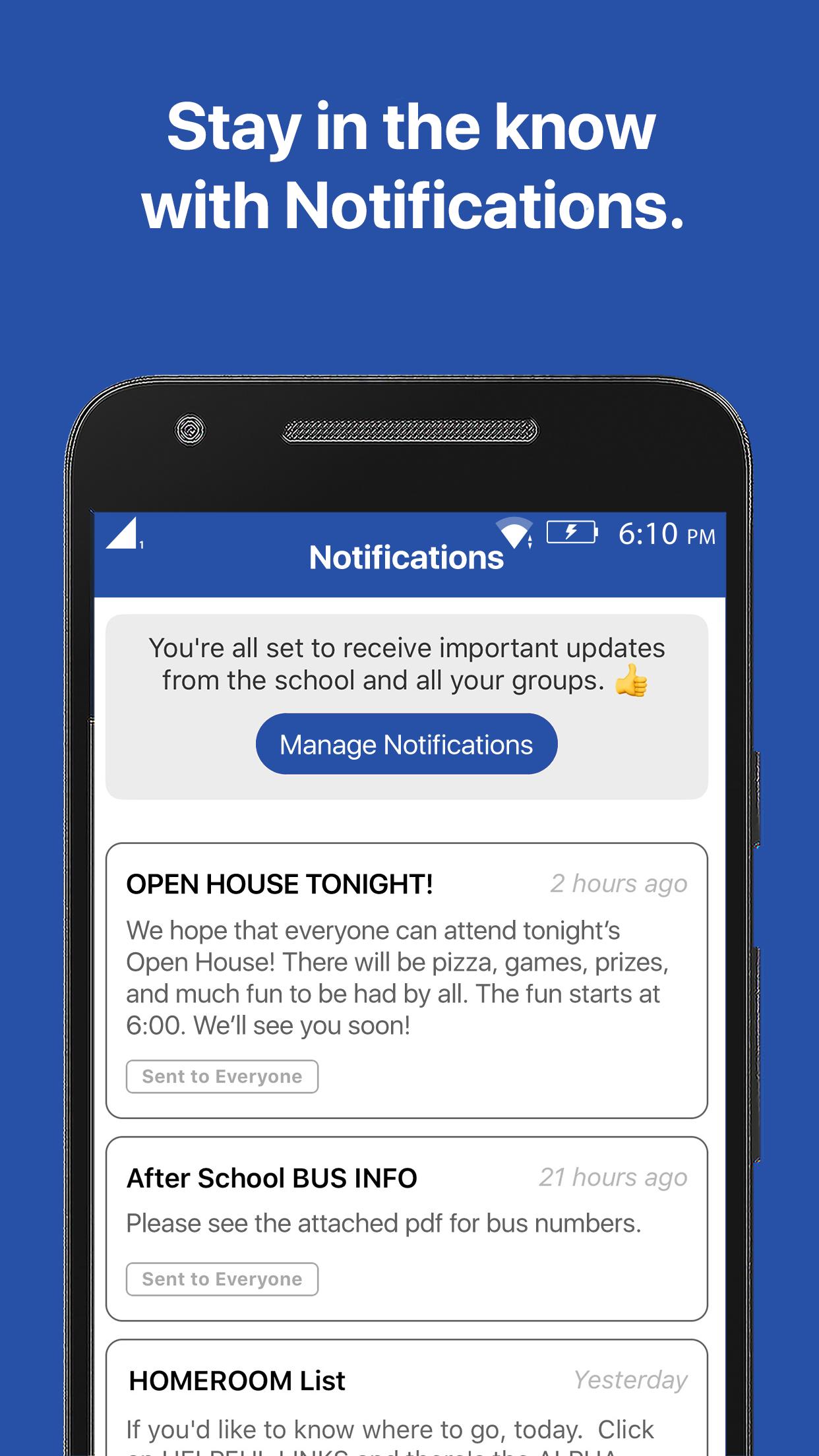
Subscribe to receive the messages that are most important to you and always stay up-to-date with the latest communication.
RESOURCES:
Have the knowledge you need. Forms, flyers, and facts all at your fingertips.
GROUPS:
Get connected with your clubs, teams, and groups, and discover new ways to get involved.
プレビュー
タグ
教育情報
デベロッパー
Burton Adventist Academy
最新バージョン
15999794
最終更新
2021-01-25
カテゴリー
教育
上で利用可能
Google Play
もっと見せる
PCでGameLoopを使用してBurton Adventist Academyをプレイする方法
1. 公式WebサイトからGameLoopをダウンロードし、exeファイルを実行してGameLoopをインストールします
2. GameLoopを開いて「Burton Adventist Academy」を検索し、検索結果でBurton Adventist Academyを見つけて、「インストール」をクリックします。
3. GameLoopでBurton Adventist Academyを楽しんでください
Minimum requirements
OS
Windows 8.1 64-bit or Windows 10 64-bit
GPU
GTX 1050
CPU
i3-8300
Memory
8GB RAM
Storage
1GB available space
Recommended requirements
OS
Windows 8.1 64-bit or Windows 10 64-bit
GPU
GTX 1050
CPU
i3-9320
Memory
16GB RAM
Storage
1GB available space