AVC Library PC
openserve
GameLoopエミュレーターを使用してPCにAVC Libraryをダウンロードします
AVC Library PC版
開発者openserveからのAVC Libraryは、過去にAndroidsystermで実行されています。
これで、GameLoopを搭載したPCでAVC Libraryをスムーズにプレイできます。
GameLoopライブラリまたは検索結果にダウンロードしてください。 バッテリーに目を向けたり、間違った時間にイライラしたりすることはもうありません。
大画面でAVC LibraryPCを無料でお楽しみください!
AVC Library 序章
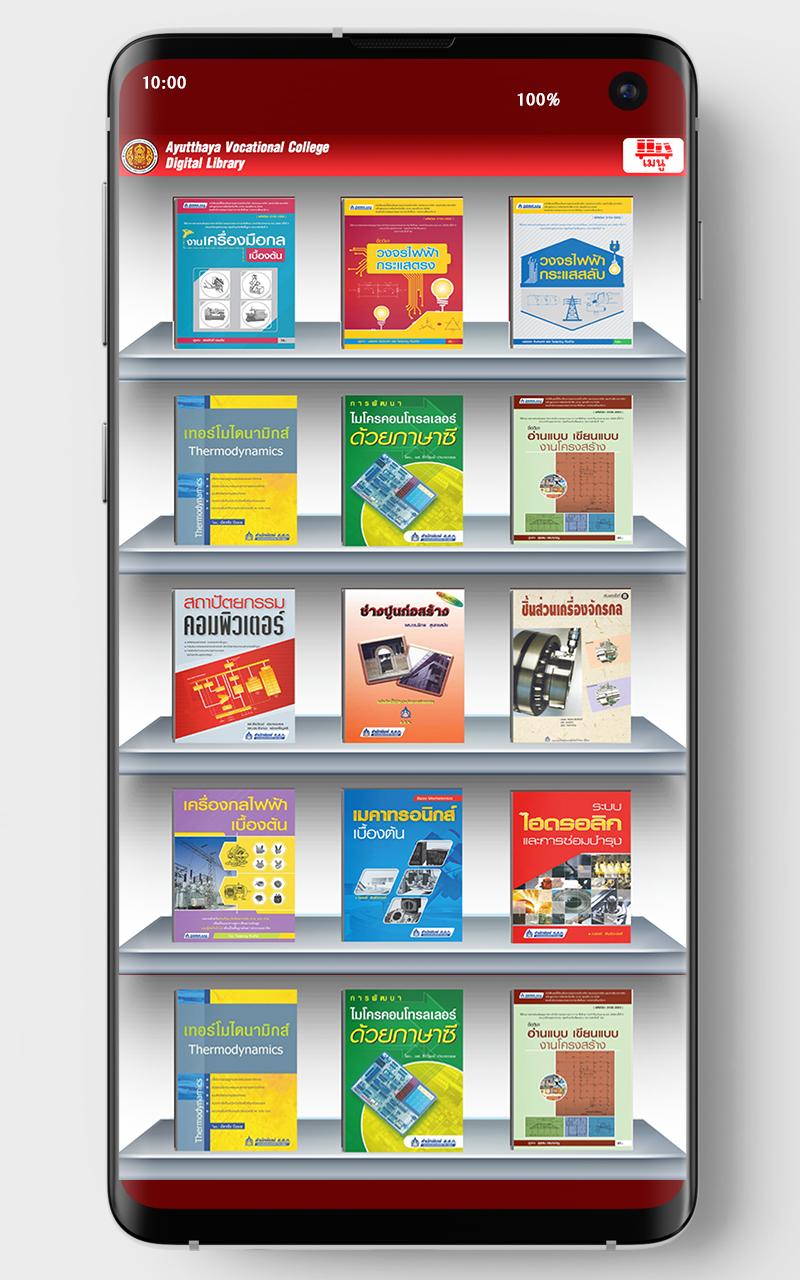
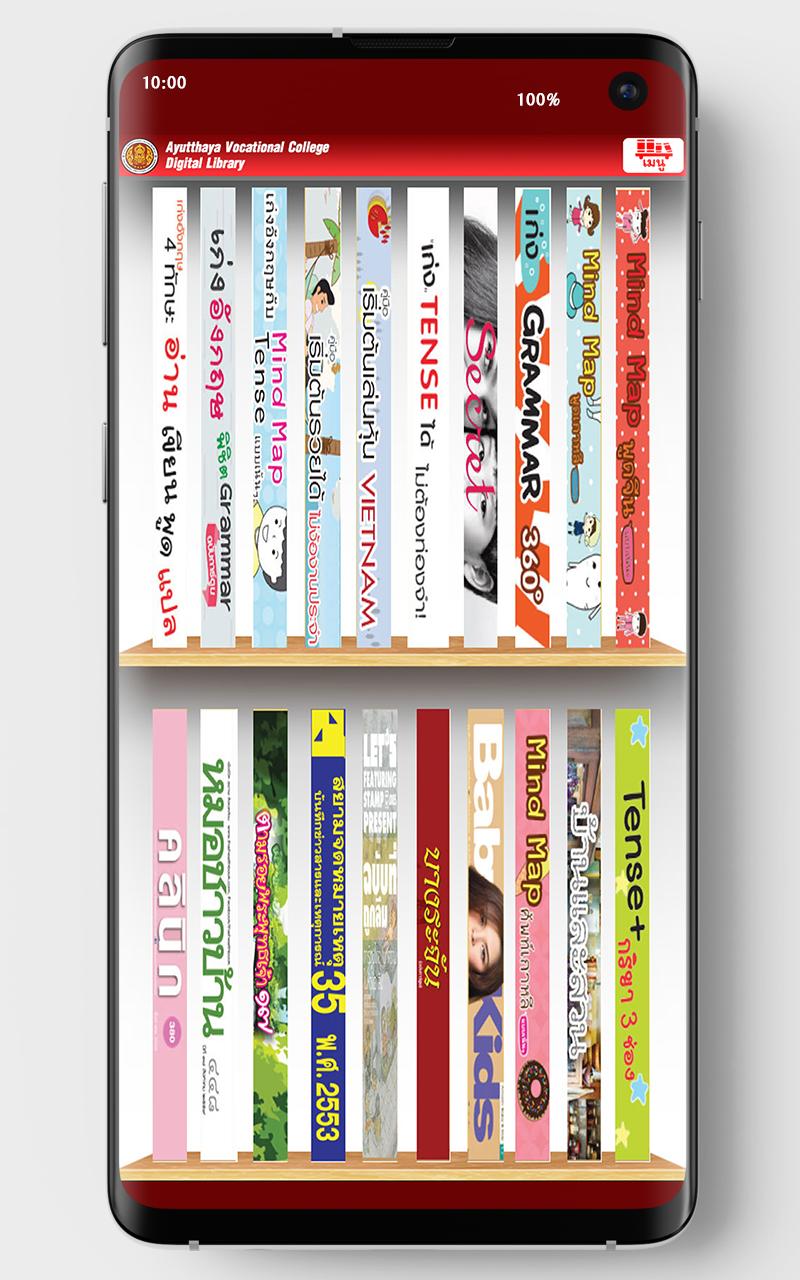
AVC Library. It also provides features that help users storing and selecting varieties of books. With its systematic categorization management, the items in the library will be categorized into types: newspapers; books; magazines; photo albums; and catalogs. They can be further searched with alphabetical keyword index. The contents of the library can be displayed by: titles display covers, spine or name list.
The actual viewing is like flipping the pages of a real book. And the user can customize the customize various page display scales : Thumbnail or perform zoom functions such as Magnifier View.
プレビュー
タグ
教育情報
デベロッパー
openserve
最新バージョン
1.0.40
最終更新
2023-06-06
カテゴリー
教育
上で利用可能
Google Play
もっと見せる
PCでGameLoopを使用してAVC Libraryをプレイする方法
1. 公式WebサイトからGameLoopをダウンロードし、exeファイルを実行してGameLoopをインストールします
2. GameLoopを開いて「AVC Library」を検索し、検索結果でAVC Libraryを見つけて、「インストール」をクリックします。
3. GameLoopでAVC Libraryを楽しんでください
Minimum requirements
OS
Windows 8.1 64-bit or Windows 10 64-bit
GPU
GTX 1050
CPU
i3-8300
Memory
8GB RAM
Storage
1GB available space
Recommended requirements
OS
Windows 8.1 64-bit or Windows 10 64-bit
GPU
GTX 1050
CPU
i3-9320
Memory
16GB RAM
Storage
1GB available space