
Arduin Remote Bluetooth-WiFi PC
BEAppsMobile
GameLoopエミュレーターを使用してPCにArduin Remote Bluetooth-WiFiをダウンロードします
Arduin Remote Bluetooth-WiFi PC版
開発者BEAppsMobileからのArduin Remote Bluetooth-WiFiは、過去にAndroidsystermで実行されています。
これで、GameLoopを搭載したPCでArduin Remote Bluetooth-WiFiをスムーズにプレイできます。
GameLoopライブラリまたは検索結果にダウンロードしてください。 バッテリーに目を向けたり、間違った時間にイライラしたりすることはもうありません。
大画面でArduin Remote Bluetooth-WiFiPCを無料でお楽しみください!
Arduin Remote Bluetooth-WiFi 序章
アプリケーションは、次のような特徴があります。
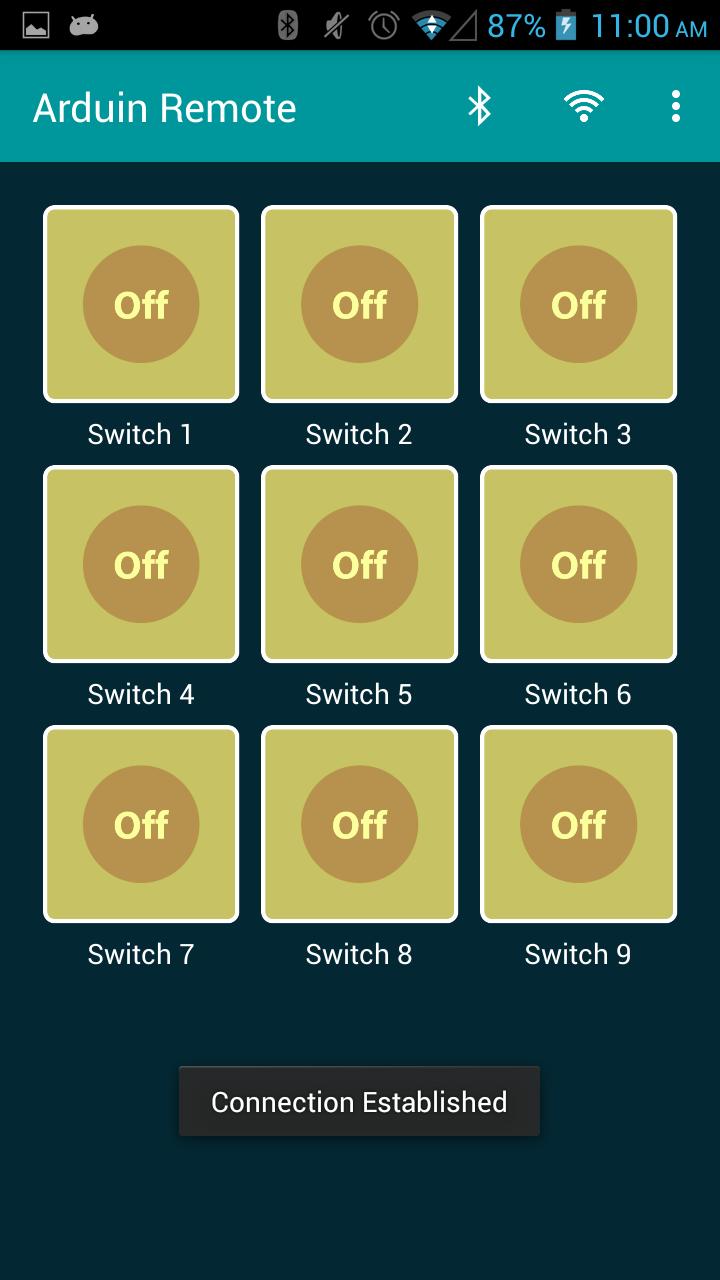
- スイッチ名を変更する機能。
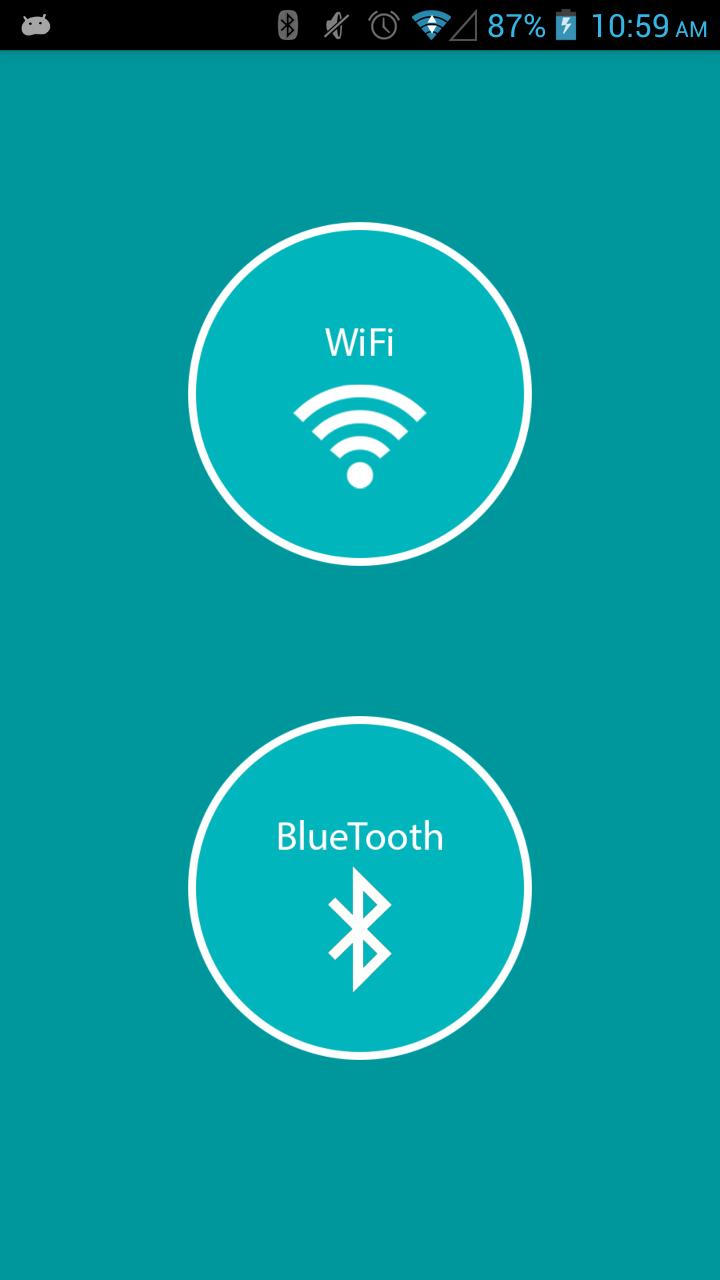
- Bluetoothや無線LANを使って接続します。
- 9無線LANおよびBluetoothのスイッチまで制御する能力。
コードを切り替えます。
"A"オフ "A"上のスイッチ1>
"B"オフ "B"上のスイッチ2>
"C"オフ "C"上のスイッチ3>
"D"オフ "D"のスイッチを入れる4>
"E"オフ "E"上のスイッチ5>
"F"オフ "F"上のスイッチ6>
"グラム"オフ "G"上のスイッチ7>
"H"オフ "H"上のスイッチ8>
"I"オフ "i"の上のスイッチ9>
あなたはどんな提案を持っている場合は、それを送信し、我々はそれを可能にしようとします。
ありがとうございます。
プレビュー
タグ
教育情報
デベロッパー
BEAppsMobile
最新バージョン
10
最終更新
2025-07-16
カテゴリー
教育
上で利用可能
Google Play
もっと見せる
PCでGameLoopを使用してArduin Remote Bluetooth-WiFiをプレイする方法
1. 公式WebサイトからGameLoopをダウンロードし、exeファイルを実行してGameLoopをインストールします
2. GameLoopを開いて「Arduin Remote Bluetooth-WiFi」を検索し、検索結果でArduin Remote Bluetooth-WiFiを見つけて、「インストール」をクリックします。
3. GameLoopでArduin Remote Bluetooth-WiFiを楽しんでください
Minimum requirements
OS
Windows 8.1 64-bit or Windows 10 64-bit
GPU
GTX 1050
CPU
i3-8300
Memory
8GB RAM
Storage
1GB available space
Recommended requirements
OS
Windows 8.1 64-bit or Windows 10 64-bit
GPU
GTX 1050
CPU
i3-9320
Memory
16GB RAM
Storage
1GB available space