
Adventures in Space: Black Holes and Beyond PC
VictoryVR
GameLoopエミュレーターを使用してPCにAdventures in Space: Black Holes and Beyondをダウンロードします
Adventures in Space: Black Holes and Beyond PC版
開発者VictoryVRからのAdventures in Space: Black Holes and Beyondは、過去にAndroidsystermで実行されています。
これで、GameLoopを搭載したPCでAdventures in Space: Black Holes and Beyondをスムーズにプレイできます。
GameLoopライブラリまたは検索結果にダウンロードしてください。 バッテリーに目を向けたり、間違った時間にイライラしたりすることはもうありません。
大画面でAdventures in Space: Black Holes and BeyondPCを無料でお楽しみください!
Adventures in Space: Black Holes and Beyond 序章
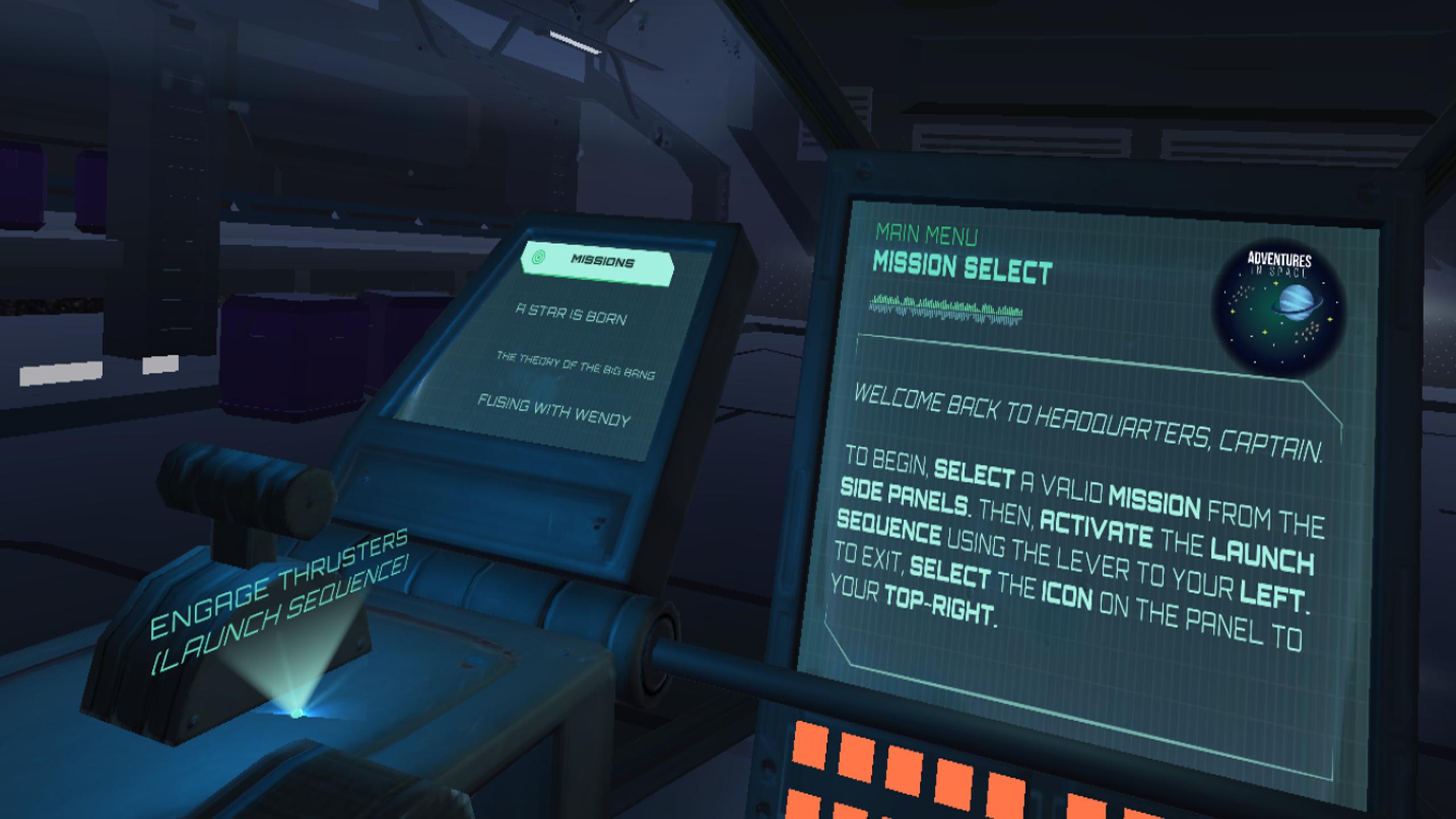
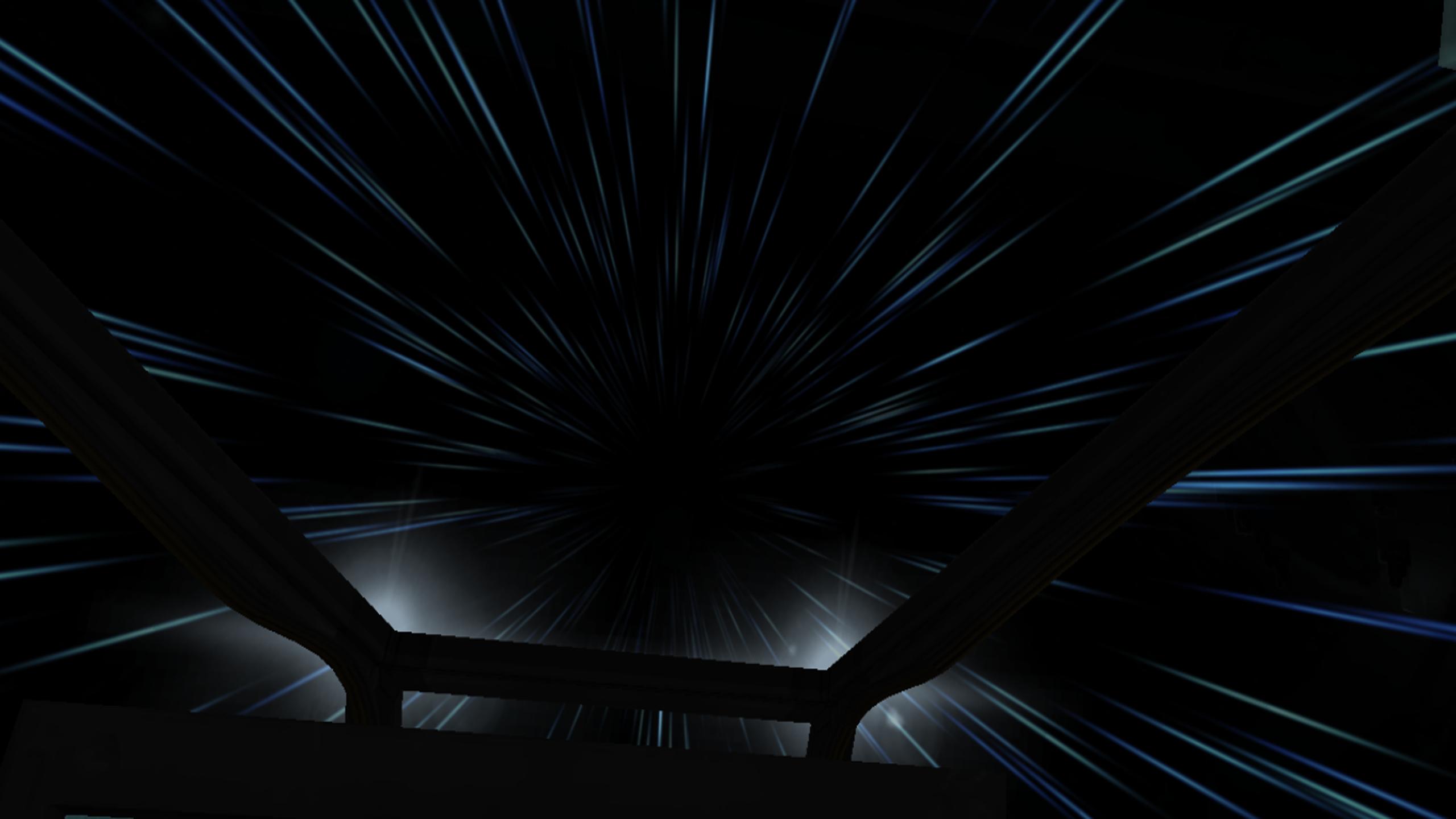
The learning adventures in this science curriculum unit include the opportunity to pilot a spaceship, as well as a Mars Rover while learning some of the most important lessons about the Universe. Along the way, you will meet Wendy, the Science Teacher, who presents lessons at a high school level in a fun and impactful way. You will also meet Steve, the virtual field trip host, who teaches about the solar eclipse in real time as it occurs above you. Even more, you will drive a Rover over the surface of Mars and visit replicas of the actual U.S. Rovers intentionally left there. While traveling to distant galaxies, enjoy watching an animated short about the birth of a star. Following these VR experiences are three optional assessments for students (or parents) to measure mastery of the content. This supplement to school curriculum is based on Next Gen Science Standards so it mirrors what classrooms around the world are teaching.
プレビュー
タグ
教育情報
デベロッパー
VictoryVR
最新バージョン
1.1
最終更新
2019-03-01
カテゴリー
教育
上で利用可能
Google Play
もっと見せる
PCでGameLoopを使用してAdventures in Space: Black Holes and Beyondをプレイする方法
1. 公式WebサイトからGameLoopをダウンロードし、exeファイルを実行してGameLoopをインストールします
2. GameLoopを開いて「Adventures in Space: Black Holes and Beyond」を検索し、検索結果でAdventures in Space: Black Holes and Beyondを見つけて、「インストール」をクリックします。
3. GameLoopでAdventures in Space: Black Holes and Beyondを楽しんでください
Minimum requirements
OS
Windows 8.1 64-bit or Windows 10 64-bit
GPU
GTX 1050
CPU
i3-8300
Memory
8GB RAM
Storage
1GB available space
Recommended requirements
OS
Windows 8.1 64-bit or Windows 10 64-bit
GPU
GTX 1050
CPU
i3-9320
Memory
16GB RAM
Storage
1GB available space