
Web Cloner- Dual App Scanner PC
Riki Apps Developer
GameLoopエミュレーターを使用してPCにWeb Cloner- Dual App Scannerをダウンロードします
Web Cloner- Dual App Scanner PC版
開発者Riki Apps DeveloperからのWeb Cloner- Dual App Scannerは、過去にAndroidsystermで実行されています。
これで、GameLoopを搭載したPCでWeb Cloner- Dual App Scannerをスムーズにプレイできます。
GameLoopライブラリまたは検索結果にダウンロードしてください。 バッテリーに目を向けたり、間違った時間にイライラしたりすることはもうありません。
大画面でWeb Cloner- Dual App ScannerPCを無料でお楽しみください!
Web Cloner- Dual App Scanner 序章
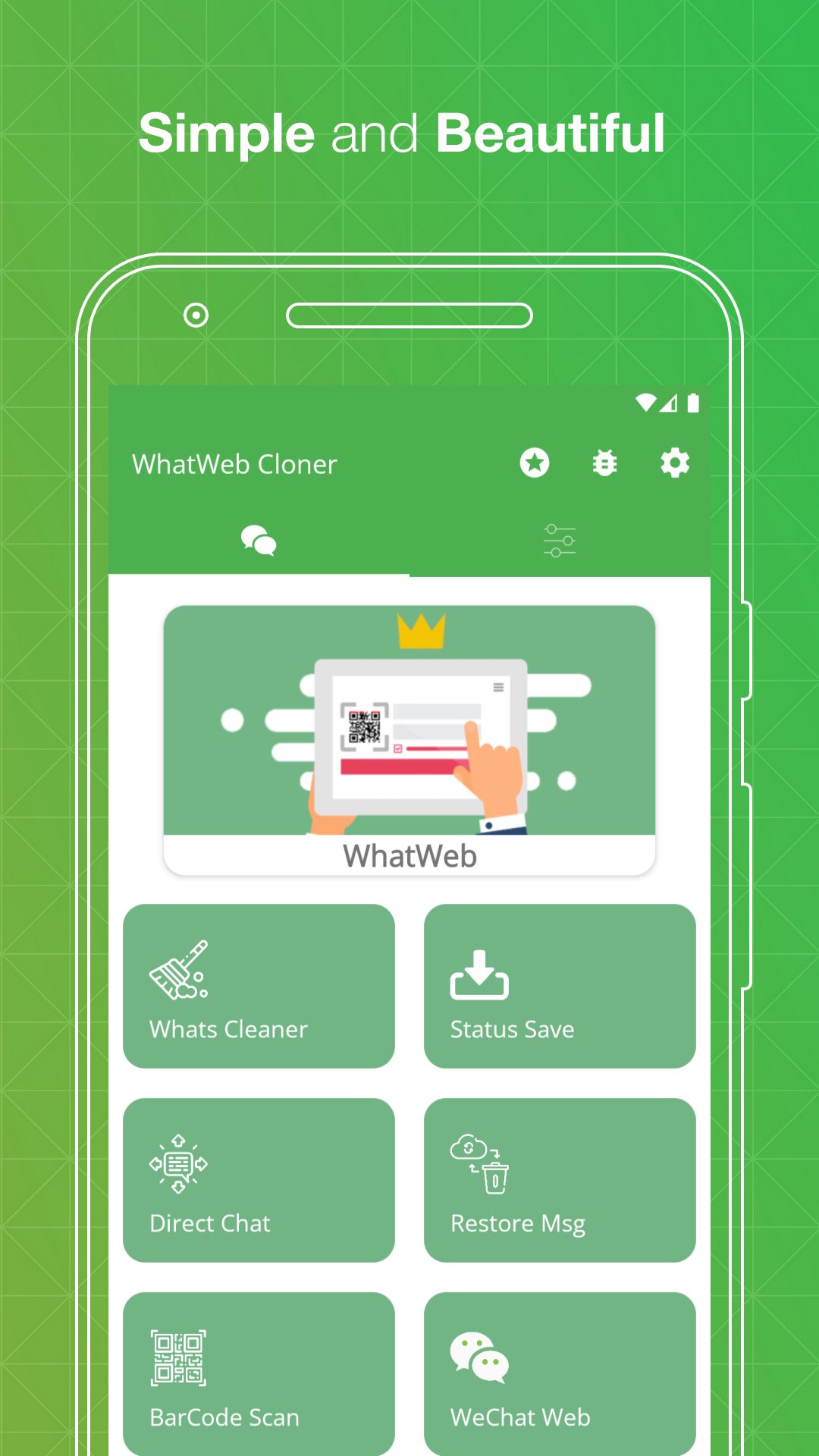
Web Cloner & Clonapp Messenger – the all-in-one dual app and web scanner for managing multiple accounts on one device.
Scan the QR code, sync your chats instantly, and stay connected from any phone or tablet. Fast, stable, and secure — Web Cloner avoids unexpected logouts and keeps your messages synced in real time.
Whether you need dual accounts on a single phone or the same account on multiple devices, Web Cloner makes it effortless with just one click.
🔗 Web Scanner & Clone Messenger
Open and manage multiple accounts using our powerful web scanner. Scan the QR code from linked devices and instantly mirror all your conversations. Web Cloner delivers a fast, stable connection so you never miss a message.
👥 Dual Accounts & Multiple Devices
Use two numbers on the same phone or access one account across multiple devices. Perfect for separating work and personal chats without switching phones. Web Cloner is your ultimate dual app solution.
💬 Recover Deleted Messages
Never lose important conversations again. Web Cloner restores deleted text messages, photos, videos, voice notes, and documents — works like WAMR and Auto RDM.
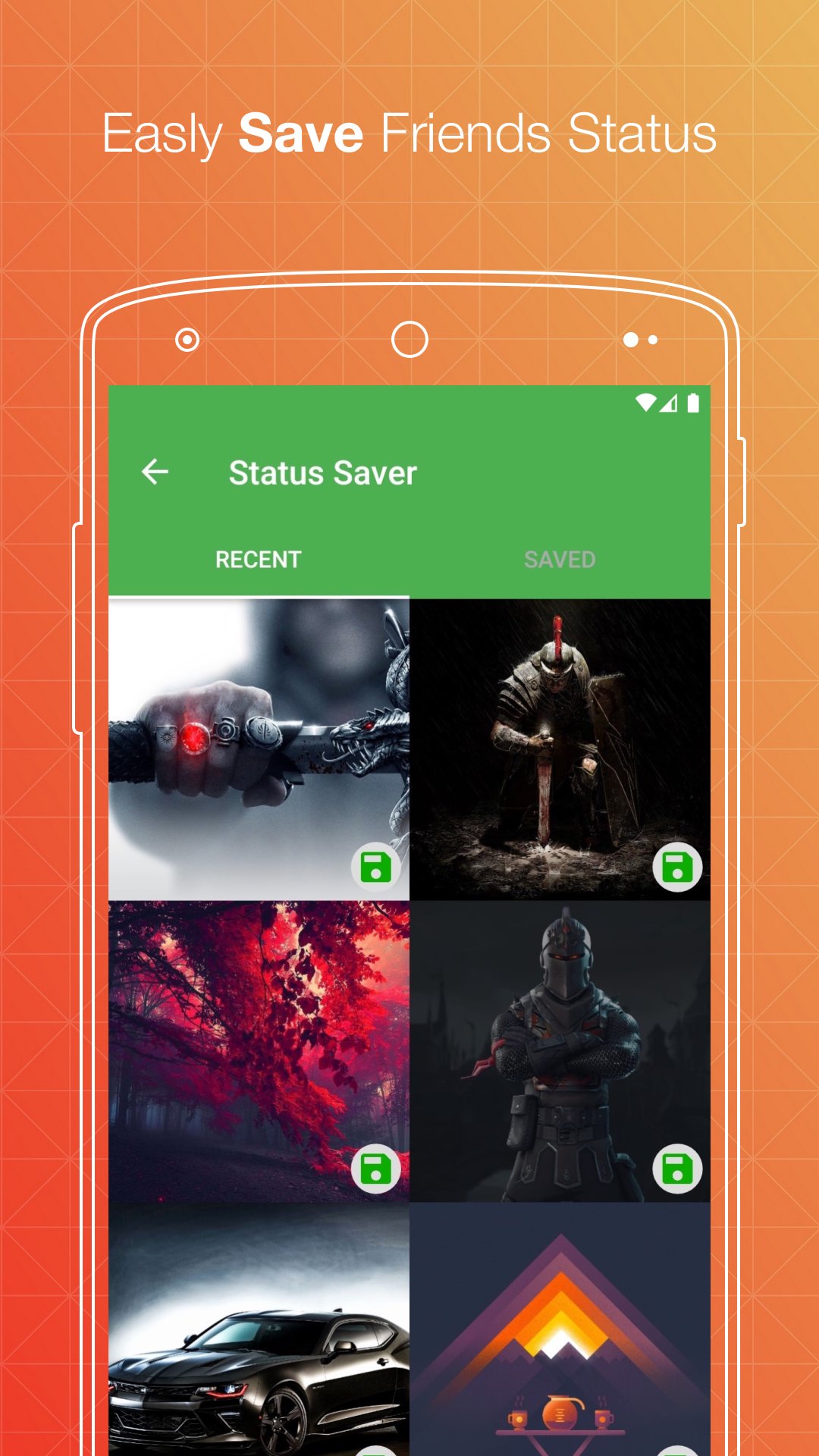
⏬ Status Saver & Downloader
Save and download any image, GIF, or video status directly to your device. Repost or share saved statuses with friends on any platform.
📱 Direct Chat
Send messages to any number without saving it to your contacts. Start conversations instantly on your favorite chat apps or business accounts.
🧹 Cleaner – Free Up Space
Remove old media, junk files, and unnecessary downloads to free up storage. Keep your device running fast and clean.
🔒 Secret Text Tool
Hide one message inside another for private sharing. Send confidential messages that only the intended recipient can read.
🔁 Text Repeater
Generate and send repeated text with one tap. Great for fun messages, announcements, or creative texts.
📷 QR & Barcode Scanner
Scan, save, and manage any QR code or barcode. Works instantly with your camera — no extra app needed.
📁 Manage Saved Files
All downloaded files from cloned accounts are organized in one place. View, share, or delete images, videos, and documents easily.
📝 How to Use Web Cloner
Step 1: Open Web Cloner on your device
Step 2: Go to your chat app → Tap Settings → Linked Devices
Step 3: Tap "Link a Device" and scan the QR code shown in Web Cloner
Step 4: Done! All messages sync instantly. Read, reply, and download anytime.
✨ Why Choose Web Cloner?
✔ Fast, simple, and easy-to-use web scanner
✔ Clone and dual accounts with one click
✔ Automatically sync all messages in real time
✔ Recover deleted messages and media
✔ Free status saver and downloader
✔ Lightweight, secure, and battery-friendly
✔ Works perfectly on smartphones and tablets
✔ Dark mode supported
⚖️ Legal Notice:
Web Cloner is an independent application developed by Riki Apps Developer Inc. It is not affiliated with, endorsed by, or connected to WhatsApp Inc., Meta Platforms, or any third-party messaging service. All trademarks belong to their respective owners.
プレビュー
タグ
通信情報
デベロッパー
Riki Apps Developer
最新バージョン
4.5
最終更新
2026-03-25
カテゴリー
通信
上で利用可能
Google Play
もっと見せる
PCでGameLoopを使用してWeb Cloner- Dual App Scannerをプレイする方法
1. 公式WebサイトからGameLoopをダウンロードし、exeファイルを実行してGameLoopをインストールします
2. GameLoopを開いて「Web Cloner- Dual App Scanner」を検索し、検索結果でWeb Cloner- Dual App Scannerを見つけて、「インストール」をクリックします。
3. GameLoopでWeb Cloner- Dual App Scannerを楽しんでください
Minimum requirements
OS
Windows 8.1 64-bit or Windows 10 64-bit
GPU
GTX 1050
CPU
i3-8300
Memory
8GB RAM
Storage
1GB available space
Recommended requirements
OS
Windows 8.1 64-bit or Windows 10 64-bit
GPU
GTX 1050
CPU
i3-9320
Memory
16GB RAM
Storage
1GB available space