
LiveMe - Video Call Stream! PC
Steps VeD
GameLoopエミュレーターを使用してPCにLiveMe - Video Call Stream!をダウンロードします
LiveMe - Video Call Stream! PC版
開発者Steps VeDからのLiveMe - Video Call Stream!は、過去にAndroidsystermで実行されています。
これで、GameLoopを搭載したPCでLiveMe - Video Call Stream!をスムーズにプレイできます。
GameLoopライブラリまたは検索結果にダウンロードしてください。 バッテリーに目を向けたり、間違った時間にイライラしたりすることはもうありません。
大画面でLiveMe - Video Call Stream!PCを無料でお楽しみください!
LiveMe - Video Call Stream! 序章
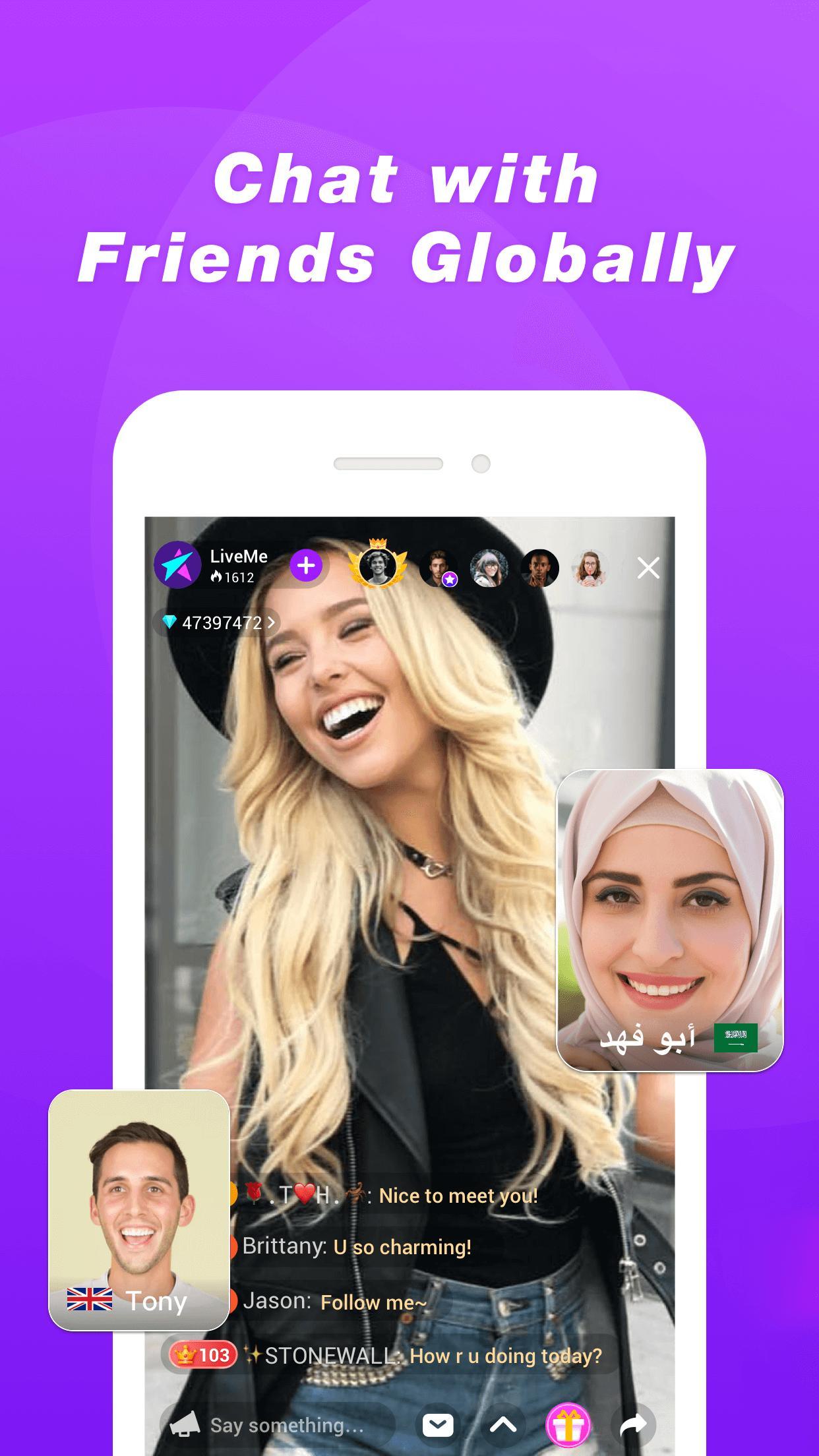
HEY YOU! It’s time to join the largest broadcasting community in the world — LiveMe🏆! In more than 85 countries, you can chat with people nearby and far, watch exciting new shows, and make money showing off your talent.
Finding people who love the same stuff you do is super easy and fast with millions of people to discover.
- Broadcast whenever you want, be an influencer, and make up to $20K-30K in a week!
- Use Instagram to promote your live broadcasts!
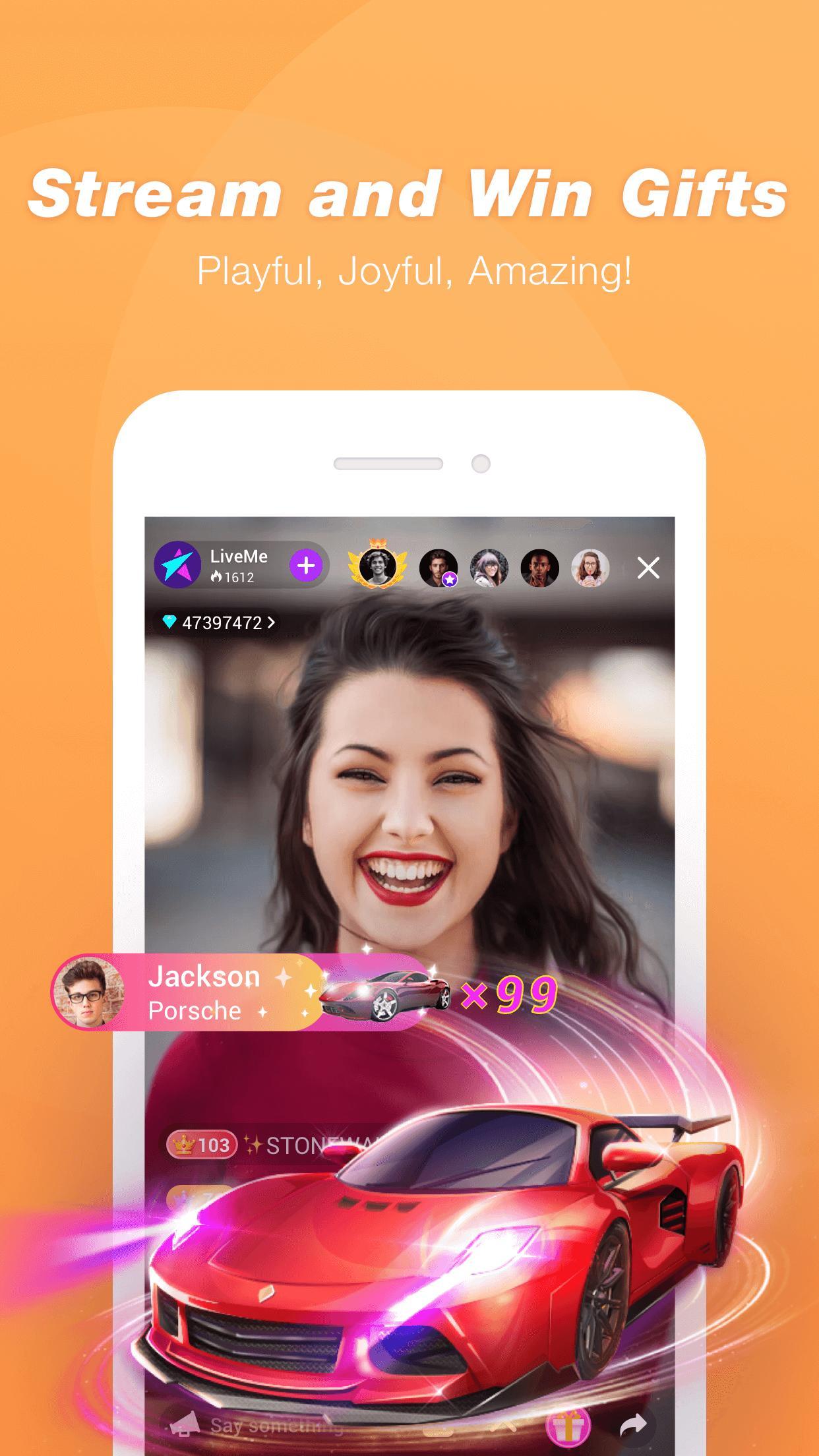
- Receive virtual gifts and convert them into real money rewards!
- Discover, meet, and connect with new people near you or around the world!
- Find and chat with people who have same interests as you!
- Meet real friends, influencers, stars, and big name celebrities!
Q: What can I do on LiveMe?
A: Live broadcasting is the new way stars are connecting with their fans. You can chat, game, do tutorials like make-up, sing, do giveaways, and more!
Q: Who’s on LiveMe?
A: Everyone! LiveMe is for new stars and famous celebrities. People broadcast about all types of things, from fashion, music, gaming, to art and beauty. If you are looking for an app to broadcast, LiveMe is it!
Q: How do I make new friends on LiveMe?
A: Go into a live broadcast, comment, or use flying comment to talk to the broadcaster. You can also send gifts to get the broadcaster’s attention. If you connect with someone, there’s also direct messaging.
Q: How do I find people to follow?
A: We have a recommendation list for new users. We’ll show you awesome people. From the discovery page, you can also find different categories of broadcasts.
Q: What kind of stuff are people talking about on LiveMe right now?
A: People are talking about what’s happening now. Where you live, you’ll find it among all the feature list.
Q: How will people find my broadcast?
A: First set a cover photo which can show people your content and why they should join your broadcast. Make sure you give it an appropriate category to help. LiveMe is full of passionate people who are constantly checking the discovery section with categories, featured lists, and the nearby page.
Q: Am I ready to download LiveMe, video chat with new friends around the world, become next generation of influencers who can influence others?
A: Yes.
プレビュー
タグ
通信情報
デベロッパー
Steps VeD
最新バージョン
1.0
最終更新
2022-09-01
カテゴリー
通信
上で利用可能
Google Play
もっと見せる
PCでGameLoopを使用してLiveMe - Video Call Stream!をプレイする方法
1. 公式WebサイトからGameLoopをダウンロードし、exeファイルを実行してGameLoopをインストールします
2. GameLoopを開いて「LiveMe - Video Call Stream!」を検索し、検索結果でLiveMe - Video Call Stream!を見つけて、「インストール」をクリックします。
3. GameLoopでLiveMe - Video Call Stream!を楽しんでください
Minimum requirements
OS
Windows 8.1 64-bit or Windows 10 64-bit
GPU
GTX 1050
CPU
i3-8300
Memory
8GB RAM
Storage
1GB available space
Recommended requirements
OS
Windows 8.1 64-bit or Windows 10 64-bit
GPU
GTX 1050
CPU
i3-9320
Memory
16GB RAM
Storage
1GB available space