
Freedom Browser with Adblock PC
Mobile Gaming Guru
GameLoopエミュレーターを使用してPCにFreedom Browser with Adblockをダウンロードします
Freedom Browser with Adblock PC版
開発者Mobile Gaming GuruからのFreedom Browser with Adblockは、過去にAndroidsystermで実行されています。
これで、GameLoopを搭載したPCでFreedom Browser with Adblockをスムーズにプレイできます。
GameLoopライブラリまたは検索結果にダウンロードしてください。 バッテリーに目を向けたり、間違った時間にイライラしたりすることはもうありません。
大画面でFreedom Browser with AdblockPCを無料でお楽しみください!
Freedom Browser with Adblock 序章
Best features:
- Keep screen on.
- Open links in background.
- Restore tabs on restart.
- Mature content (18+, gambling, fakenews) and malware blocking.
More features:
- Built-in AdBlock, which updates automatically.
- Third-party cookies can not be enabled.
- Enable or disable Android-autofill.
- Delete browser data (on app exit).
- Choose between different search engines (or set a custom one).
- Freedom Browser doesn't collect any data.
プレビュー
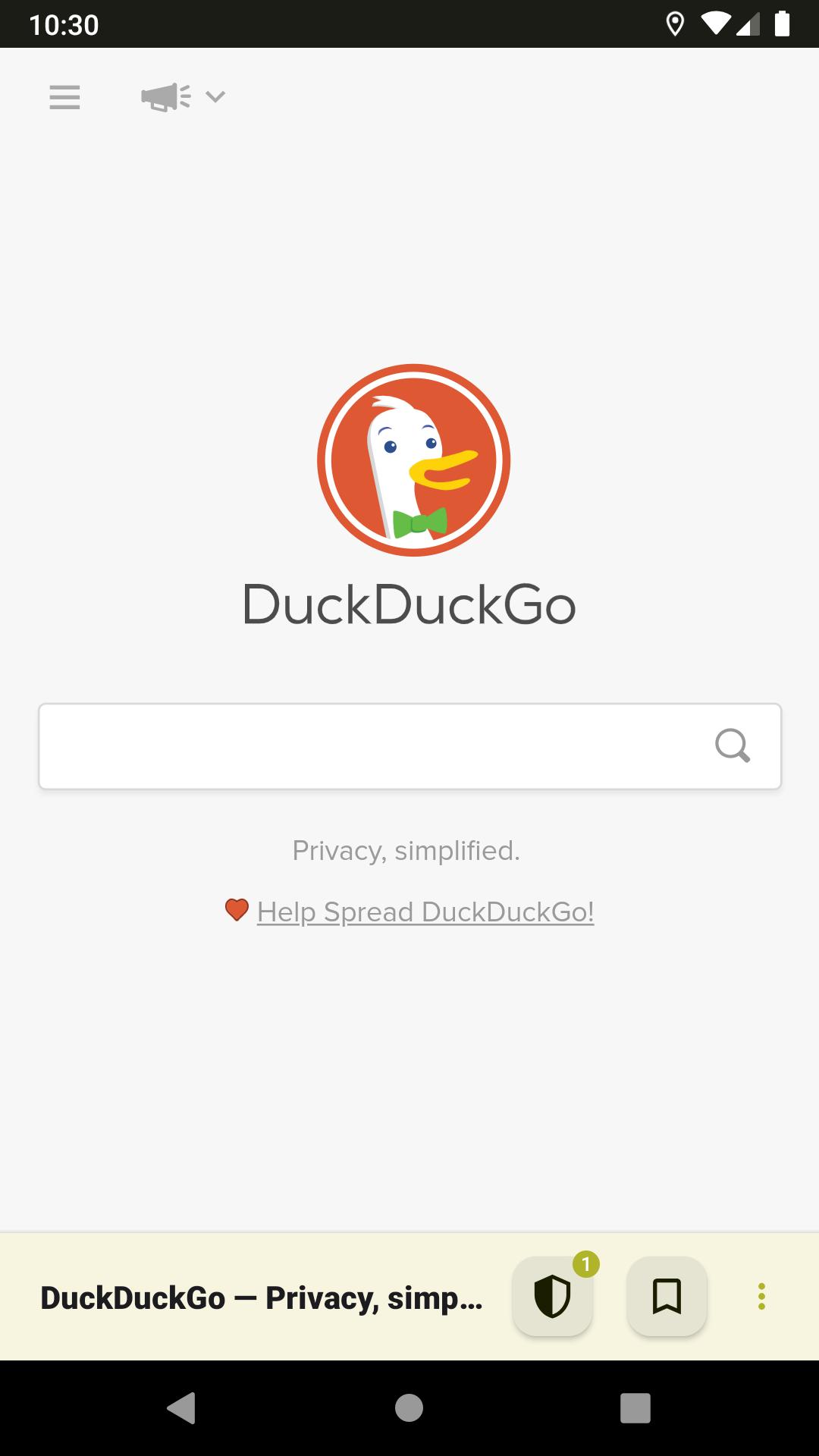
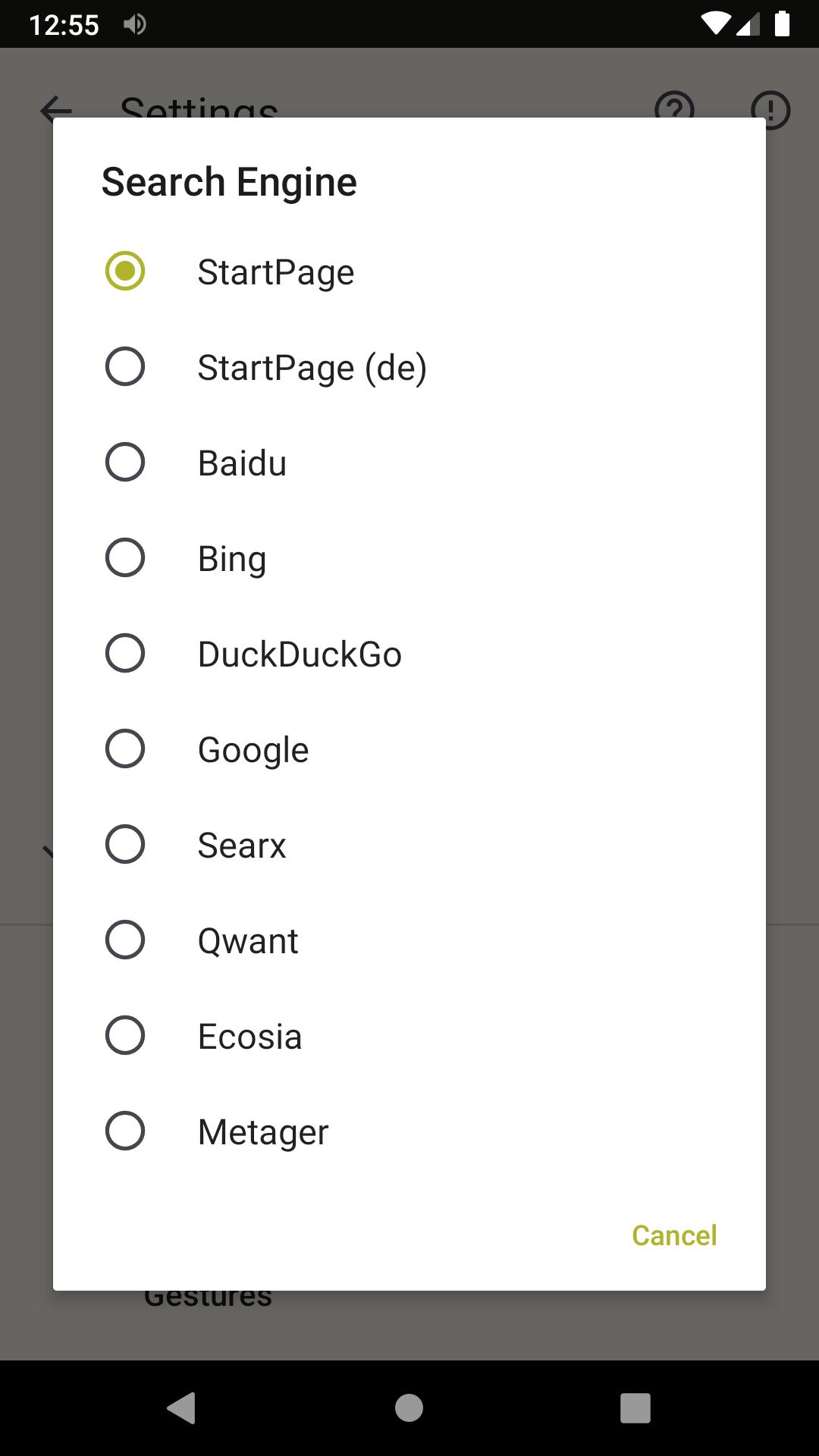
タグ
通信情報
デベロッパー
Mobile Gaming Guru
最新バージョン
9.7
最終更新
2022-08-03
カテゴリー
通信
上で利用可能
Google Play
もっと見せる
PCでGameLoopを使用してFreedom Browser with Adblockをプレイする方法
1. 公式WebサイトからGameLoopをダウンロードし、exeファイルを実行してGameLoopをインストールします
2. GameLoopを開いて「Freedom Browser with Adblock」を検索し、検索結果でFreedom Browser with Adblockを見つけて、「インストール」をクリックします。
3. GameLoopでFreedom Browser with Adblockを楽しんでください
Minimum requirements
OS
Windows 8.1 64-bit or Windows 10 64-bit
GPU
GTX 1050
CPU
i3-8300
Memory
8GB RAM
Storage
1GB available space
Recommended requirements
OS
Windows 8.1 64-bit or Windows 10 64-bit
GPU
GTX 1050
CPU
i3-9320
Memory
16GB RAM
Storage
1GB available space