Locket Widget - LivePic PC
LiveWidget
GameLoopエミュレーターを使用してPCにLocket Widget - LivePicをダウンロードします
Locket Widget - LivePic PC版
開発者LiveWidgetからのLocket Widget - LivePicは、過去にAndroidsystermで実行されています。
これで、GameLoopを搭載したPCでLocket Widget - LivePicをスムーズにプレイできます。
GameLoopライブラリまたは検索結果にダウンロードしてください。 バッテリーに目を向けたり、間違った時間にイライラしたりすることはもうありません。
大画面でLocket Widget - LivePicPCを無料でお楽しみください!
Locket Widget - LivePic 序章
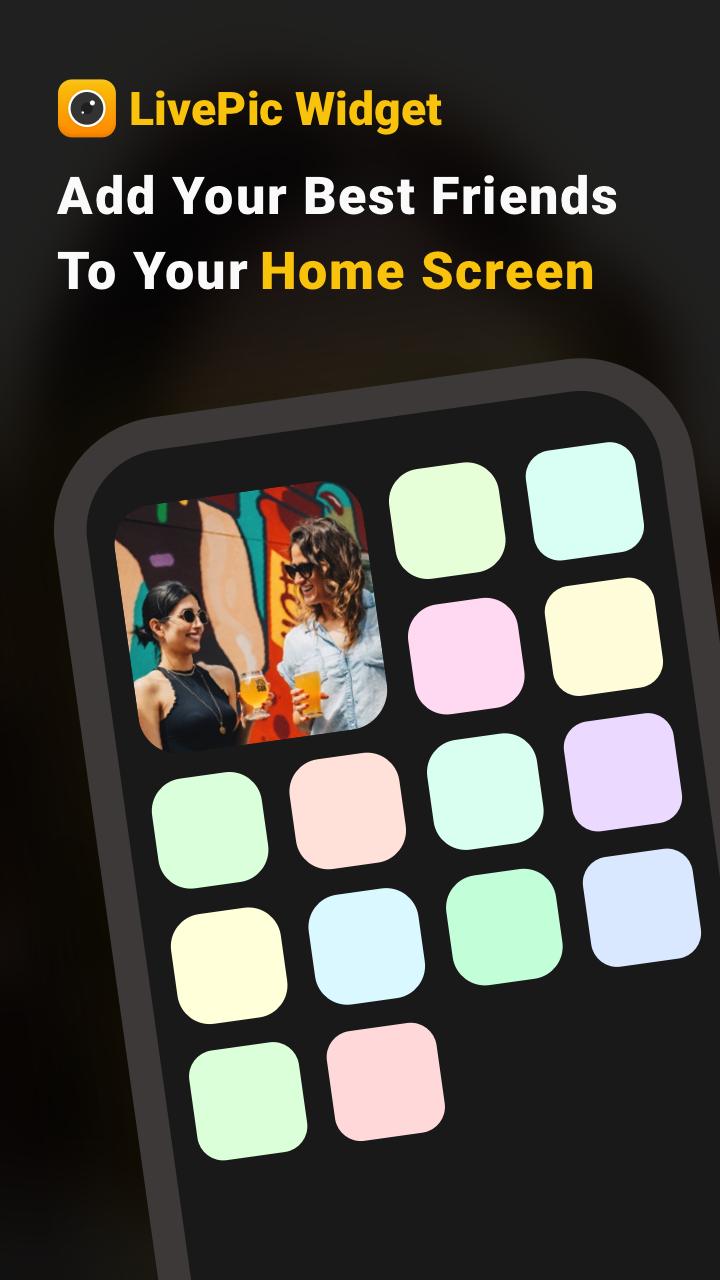
Livepic is a widget that allows you to send photos straightly to recipient’s Home Screen.
Here is how LivePic works: you send a picture to a specific person or a group of people, and the picture automatically show up on their home screens! People can also respond you with another picture to your Home Screen!
What’s new on Livepic is that you can search & follow strangers on the app, and send photos in selected groups! For example, you can share your daily moments with your BFFs, getting romantic with your significant other, and go creative with strangers!
LivePic is also a great platform for influencer to connect with their followers in an intimate way. Fans who follow a influencer on LivePic will get a photo update on the Home Screen with a more private & personal touch.
There is so much more to LivePic! Thanks for having our app on your phone. If you have any questions, please write to livepicwidget@gmail.com.
プレビュー
情報
デベロッパー
LiveWidget
最新バージョン
1.12
最終更新
2022-03-20
カテゴリー
通信
上で利用可能
Google Play
もっと見せる
PCでGameLoopを使用してLocket Widget - LivePicをプレイする方法
1. 公式WebサイトからGameLoopをダウンロードし、exeファイルを実行してGameLoopをインストールします
2. GameLoopを開いて「Locket Widget - LivePic」を検索し、検索結果でLocket Widget - LivePicを見つけて、「インストール」をクリックします。
3. GameLoopでLocket Widget - LivePicを楽しんでください
Minimum requirements
OS
Windows 8.1 64-bit or Windows 10 64-bit
GPU
GTX 1050
CPU
i3-8300
Memory
8GB RAM
Storage
1GB available space
Recommended requirements
OS
Windows 8.1 64-bit or Windows 10 64-bit
GPU
GTX 1050
CPU
i3-9320
Memory
16GB RAM
Storage
1GB available space