Avatar Keyboard PC
Garg Oluchukwu
GameLoopエミュレーターを使用してPCにAvatar Keyboardをダウンロードします
Avatar Keyboard PC版
開発者Garg OluchukwuからのAvatar Keyboardは、過去にAndroidsystermで実行されています。
これで、GameLoopを搭載したPCでAvatar Keyboardをスムーズにプレイできます。
GameLoopライブラリまたは検索結果にダウンロードしてください。 バッテリーに目を向けたり、間違った時間にイライラしたりすることはもうありません。
大画面でAvatar KeyboardPCを無料でお楽しみください!
Avatar Keyboard 序章
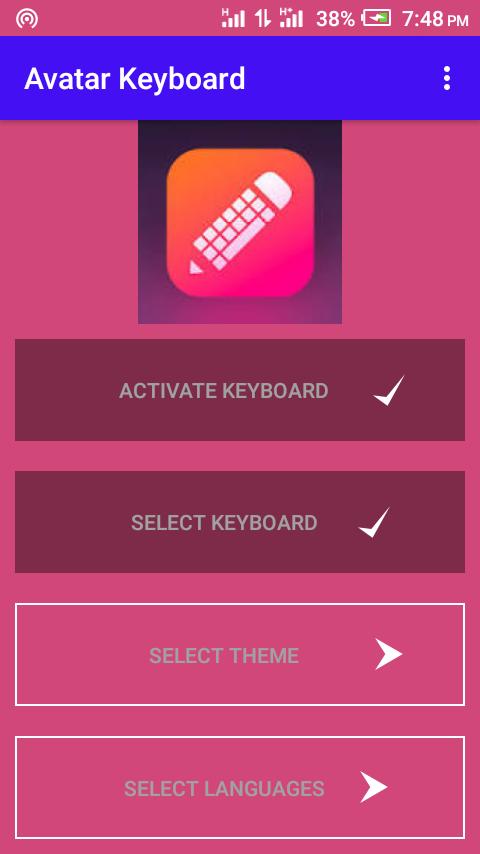
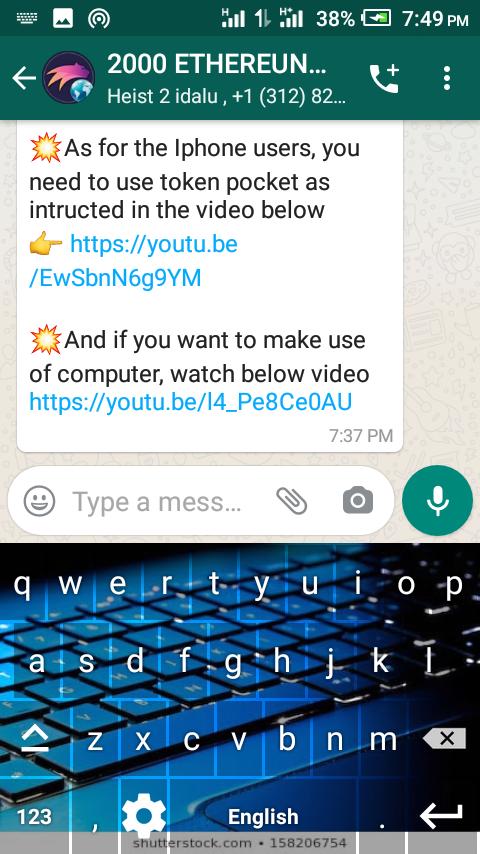
Avatar Keyboard uses gesture typing for easier and faster input. It also has an aggressive and artificially intelligent autocorrect engine that learns the way you type and gets better at correcting your typos over time.
Something that sets Avatar keyboard apart is its floating keyboard. You can undock the keyboard, resize it and drag it anywhere on the screen to type, as well as enable a one-handed mode or turn it into a split thumb keyboard. These features are particularly useful on a larger device, such as a tablet.
Avatar keyboard is available at no cost, with free themes...
プレビュー
情報
デベロッパー
Garg Oluchukwu
最新バージョン
1.0
最終更新
2020-08-19
カテゴリー
通信
上で利用可能
Google Play
もっと見せる
PCでGameLoopを使用してAvatar Keyboardをプレイする方法
1. 公式WebサイトからGameLoopをダウンロードし、exeファイルを実行してGameLoopをインストールします
2. GameLoopを開いて「Avatar Keyboard」を検索し、検索結果でAvatar Keyboardを見つけて、「インストール」をクリックします。
3. GameLoopでAvatar Keyboardを楽しんでください
Minimum requirements
OS
Windows 8.1 64-bit or Windows 10 64-bit
GPU
GTX 1050
CPU
i3-8300
Memory
8GB RAM
Storage
1GB available space
Recommended requirements
OS
Windows 8.1 64-bit or Windows 10 64-bit
GPU
GTX 1050
CPU
i3-9320
Memory
16GB RAM
Storage
1GB available space