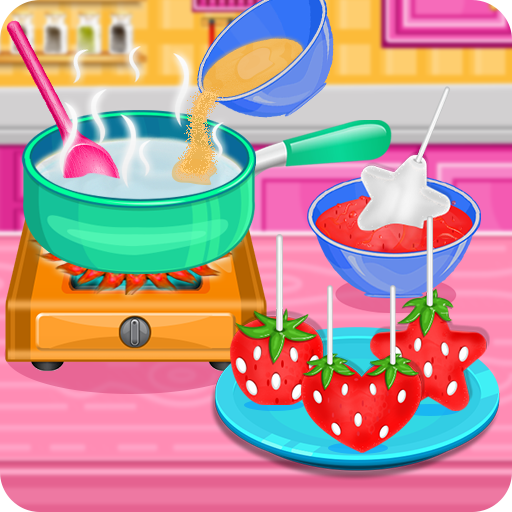
Strawberry Pops- Cooking Games PC
GameiFun - Educational games
GameLoopエミュレーターを使用してPCにStrawberry Pops- Cooking Gamesをダウンロードします
Strawberry Pops- Cooking Games PC版
開発者GameiFun - Educational gamesからのStrawberry Pops- Cooking Gamesは、過去にAndroidsystermで実行されています。
これで、GameLoopを搭載したPCでStrawberry Pops- Cooking Gamesをスムーズにプレイできます。
GameLoopライブラリまたは検索結果にダウンロードしてください。 バッテリーに目を向けたり、間違った時間にイライラしたりすることはもうありません。
大画面でStrawberry Pops- Cooking GamesPCを無料でお楽しみください!
Strawberry Pops- Cooking Games 序章
Make them even tastier as candy pops in this fun cooking game
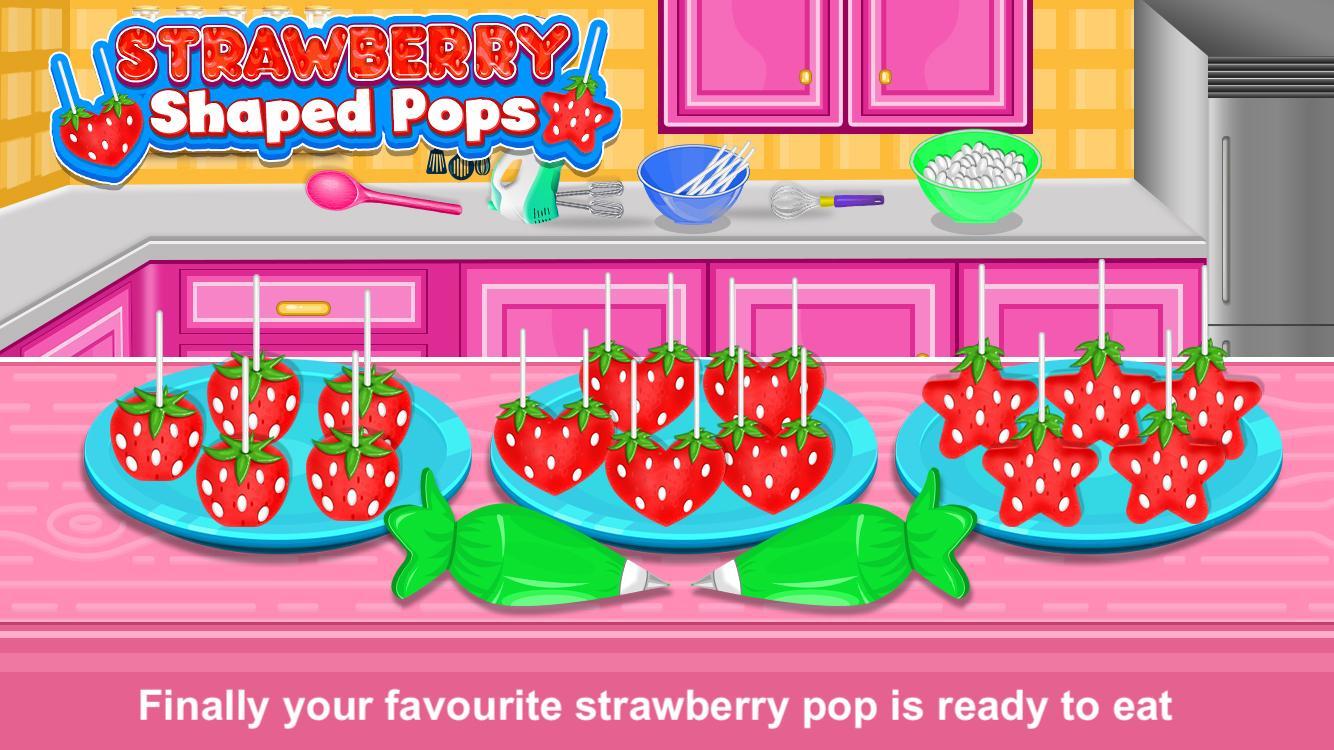
Different types of shaped pop like heart, start and square
How to make strawberry shaped pops:
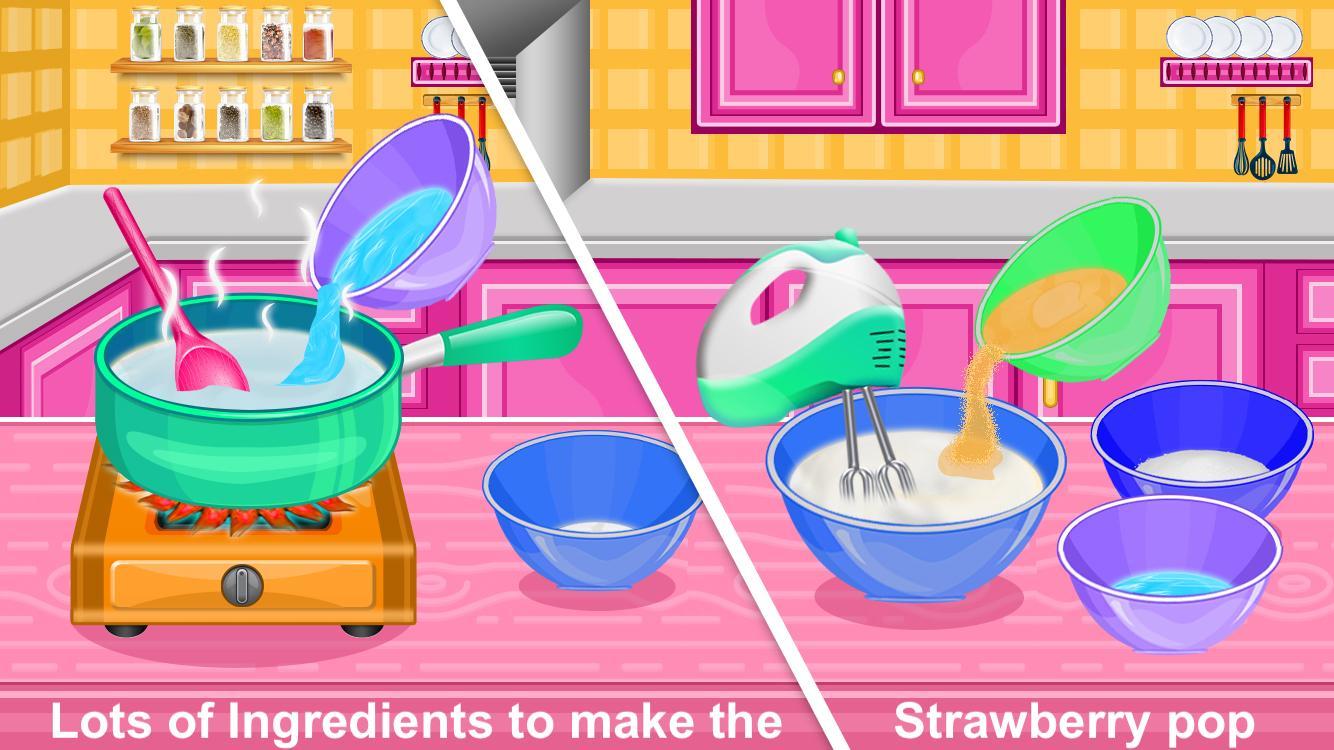
Add water to the pan
Add gelatine to the pan
Use spoon to mix the contents
Pur the mixture to the bowl
Add granulated sugar, corn syrup and water to the bowl and mix it
Add egg to the bowl
Add vanilla to the bowl
Use knife to cut the marshmallows in small pieces
Insert pop sticks into the marshmallows
Dip the pops into the melted red bowl
Decorate the pop and eat it
Do you love cooking? Download Now and Have a lot of fun!
プレビュー
タグ
カジュアル情報
デベロッパー
GameiFun - Educational games
最新バージョン
2.0.2
最終更新
2025-08-18
カテゴリー
カジュアル
上で利用可能
Google Play
もっと見せる
PCでGameLoopを使用してStrawberry Pops- Cooking Gamesをプレイする方法
1. 公式WebサイトからGameLoopをダウンロードし、exeファイルを実行してGameLoopをインストールします
2. GameLoopを開いて「Strawberry Pops- Cooking Games」を検索し、検索結果でStrawberry Pops- Cooking Gamesを見つけて、「インストール」をクリックします。
3. GameLoopでStrawberry Pops- Cooking Gamesを楽しんでください
Minimum requirements
OS
Windows 8.1 64-bit or Windows 10 64-bit
GPU
GTX 1050
CPU
i3-8300
Memory
8GB RAM
Storage
1GB available space
Recommended requirements
OS
Windows 8.1 64-bit or Windows 10 64-bit
GPU
GTX 1050
CPU
i3-9320
Memory
16GB RAM
Storage
1GB available space