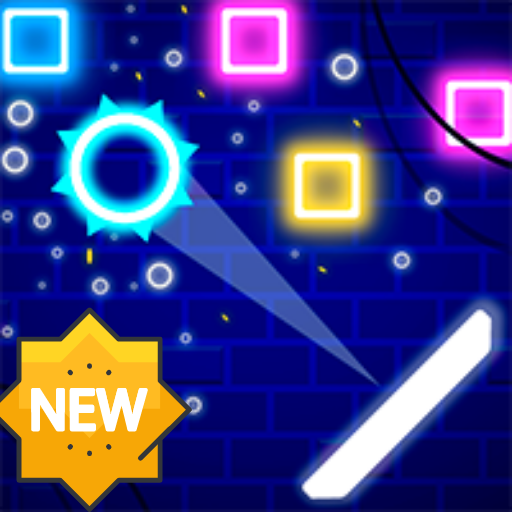
Bricks Breaker Neon Quest PC
Naol Apps
GameLoopエミュレーターを使用してPCにBricks Breaker Neon Questをダウンロードします
Bricks Breaker Neon Quest PC版
開発者Naol AppsからのBricks Breaker Neon Questは、過去にAndroidsystermで実行されています。
これで、GameLoopを搭載したPCでBricks Breaker Neon Questをスムーズにプレイできます。
GameLoopライブラリまたは検索結果にダウンロードしてください。 バッテリーに目を向けたり、間違った時間にイライラしたりすることはもうありません。
大画面でBricks Breaker Neon QuestPCを無料でお楽しみください!
Bricks Breaker Neon Quest 序章
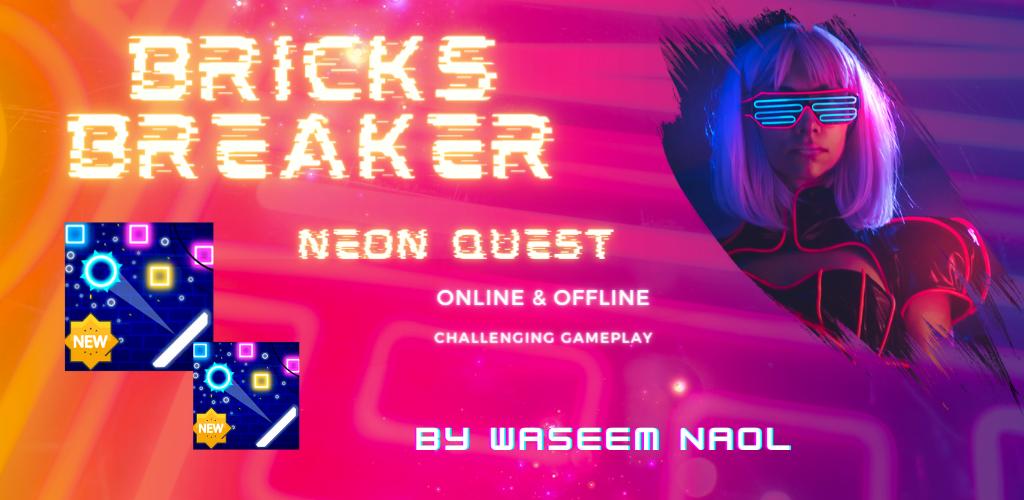
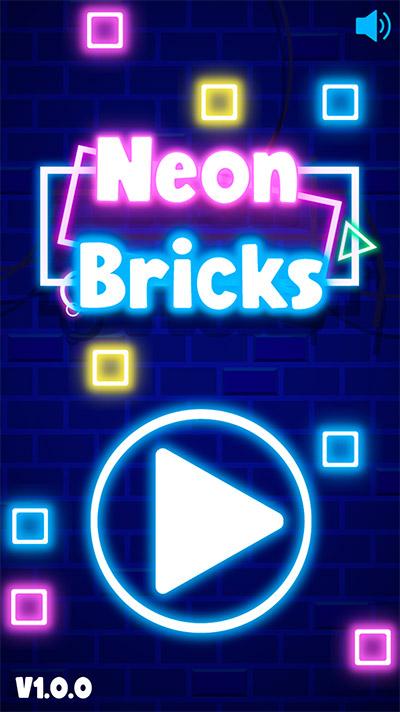
Bricks Breaker Neon Quest is an Endless brick & balls game. Brick Breaker is a simple and challenging puzzle game where you have to create High-score while enjoying the fun of breaking and crushing the endless bricks.
Bricks Breaker Neon Quest is a modren brick breaker game with modern graphics. Brick Breaker Classic is high-performance and optimized for a low-end device. It is compatible with major mobile devices, and play it for Free and Offline on the go, where ever you go, continue the fun of brick breaking endless bricks with you.
How to play
- The ball flies to wherever you touched.
- Clear the stages by removing bricks on the board.
- Break the bricks and never let them hit the bottom.
- Find best positions and angles to hit every brick.
Feature
- Free to play
- tons of stages
- Various types of balls
- Easy to play, Simplest game system, Designed for one handheld gameplay.
- Offline Bricks (without internet connection) gameplay supported
- Multi-play supported
- Tablet device supported
Features
- Arcade game mode with 50 levels (Adding more levels soon)
- Endless survival game mode to achieve Highscore and create a mark in leaderboards forever.
- Works completely Offline and free to complete the entire game.
- No limitations. No life, no energy, and in-app purchases to unlock levels.
- No internet and no wifi required.
- The game is very lightweight and targets low-end, low ram devices.
Support And Feedback
For any support and feedback, you can email us at wasemnaol@gmail.com.
Privacy Policy
https://naolapps.blogspot.com/p/privacy-policy.html
プレビュー
タグ
カジュアル情報
デベロッパー
Naol Apps
最新バージョン
1.1
最終更新
2021-09-15
カテゴリー
カジュアル
上で利用可能
Google Play
もっと見せる
PCでGameLoopを使用してBricks Breaker Neon Questをプレイする方法
1. 公式WebサイトからGameLoopをダウンロードし、exeファイルを実行してGameLoopをインストールします
2. GameLoopを開いて「Bricks Breaker Neon Quest」を検索し、検索結果でBricks Breaker Neon Questを見つけて、「インストール」をクリックします。
3. GameLoopでBricks Breaker Neon Questを楽しんでください
Minimum requirements
OS
Windows 8.1 64-bit or Windows 10 64-bit
GPU
GTX 1050
CPU
i3-8300
Memory
8GB RAM
Storage
1GB available space
Recommended requirements
OS
Windows 8.1 64-bit or Windows 10 64-bit
GPU
GTX 1050
CPU
i3-9320
Memory
16GB RAM
Storage
1GB available space