
Streamon PC
Streamon Technologies
GameLoopエミュレーターを使用してPCにStreamonをダウンロードします
Streamon PC版
開発者Streamon TechnologiesからのStreamonは、過去にAndroidsystermで実行されています。
これで、GameLoopを搭載したPCでStreamonをスムーズにプレイできます。
GameLoopライブラリまたは検索結果にダウンロードしてください。 バッテリーに目を向けたり、間違った時間にイライラしたりすることはもうありません。
大画面でStreamonPCを無料でお楽しみください!
Streamon 序章
FEATURES:
• Advance slides and animations (capability available to both Presenters and Hosts) (B)
• Start and end meetings (B)
• Converse via telephone conference (if available) or VoIP (B)
• Invite others to the meeting
• Start, stop and manage meeting audio (B)
• Start and stop recordings
• Accept or deny guests from entering meetings (B)
• Enable or disable participant’s ability to broadcast their cameras and audio (VoIP) (B)
• Multi-point video conferencing; 2 live cameras, and unlimited cameras cycled through live / paused feeds (B)
• Promote or demote user roles to and from Host, Presenter, and Participant (B)
• Remove users from meetings (B)
• Control all active pods (B)
• Switch between layouts in the meeting room
• Share content from share history (B)
• Share content from Adobe Connect content library
• Share content from local device photo library
• Start and stop content and screen sharing (B)
• Use drawing tools (pencil, highlighter, shapes) on whiteboard and on top of shared files
• Create and edit content in the Notes pod (B)
• View all activity happening in the meeting at once (B)
• View meeting background imagery, enabling personalization and branding (B)
• Focus on an activity to enter input in Public Chat, Private Chat, and Polls (B)
• Use emoticons: Raise Hand, Agree / Disagree (B)
• Use additional emoticons: Speak Louder / Speak Softer, Speed Up / Slow Down, Laughter, Applause
• Stepped away indication appears when multi-tasking away from app
• Device phone number detected and populated when joining audio (N America phone prefixes only)
• Participate in breakout rooms
• Share, control, and interact with Adobe Presenter presentations ('Content') and quizzes within Meetings, Virtual Classrooms, and Seminars (B)
• Control and interact with Adobe Presenter Courses ('Courses') and quizzes, including interaction tracking and quiz scoring to the Training system, from Virtual Classrooms (B)
• Connect via WiFi, 3G or 4G connection (B)
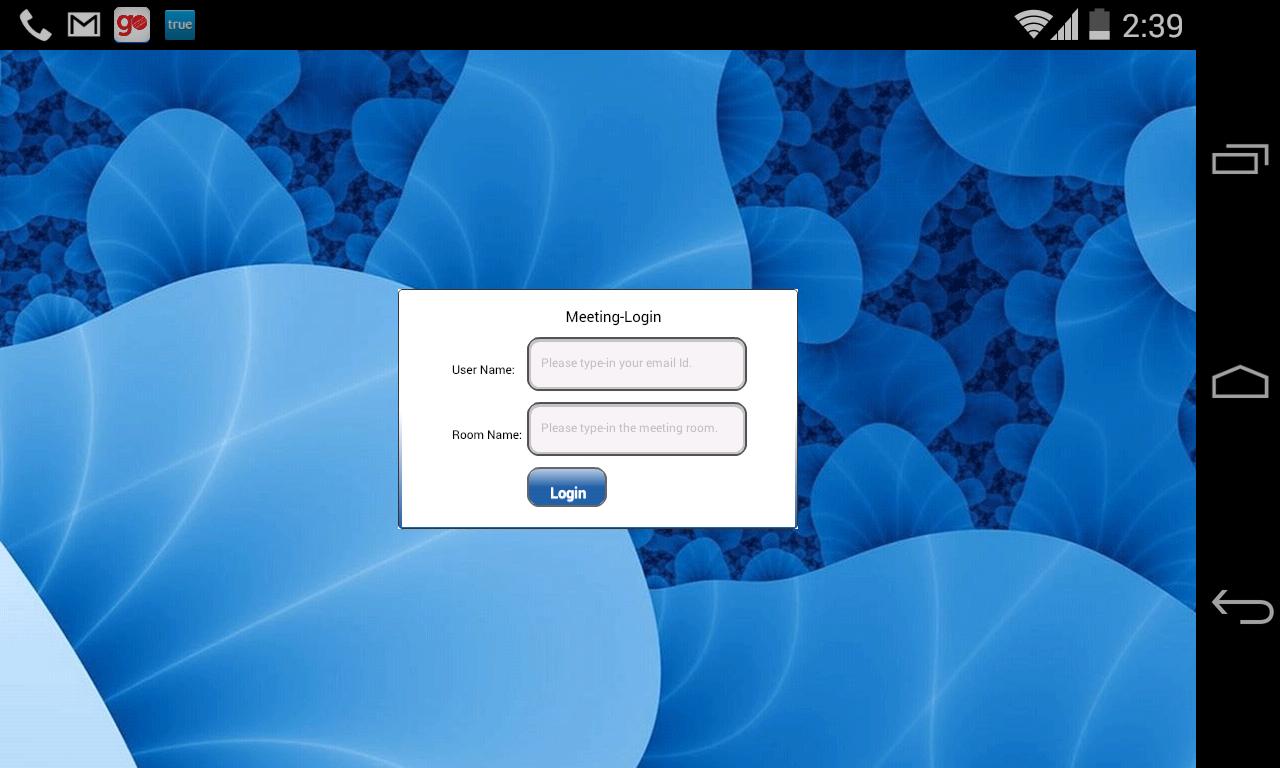
プレビュー
情報
デベロッパー
Streamon Technologies
最新バージョン
1.0.0
最終更新
2014-08-09
カテゴリー
ビジネス
上で利用可能
Google Play
もっと見せる
PCでGameLoopを使用してStreamonをプレイする方法
1. 公式WebサイトからGameLoopをダウンロードし、exeファイルを実行してGameLoopをインストールします
2. GameLoopを開いて「Streamon」を検索し、検索結果でStreamonを見つけて、「インストール」をクリックします。
3. GameLoopでStreamonを楽しんでください
Minimum requirements
OS
Windows 8.1 64-bit or Windows 10 64-bit
GPU
GTX 1050
CPU
i3-8300
Memory
8GB RAM
Storage
1GB available space
Recommended requirements
OS
Windows 8.1 64-bit or Windows 10 64-bit
GPU
GTX 1050
CPU
i3-9320
Memory
16GB RAM
Storage
1GB available space