
Scanner App for PDF Document - bScanner PC
Fengge Apps
GameLoopエミュレーターを使用してPCにScanner App for PDF Document - bScannerをダウンロードします
Scanner App for PDF Document - bScanner PC版
開発者Fengge AppsからのScanner App for PDF Document - bScannerは、過去にAndroidsystermで実行されています。
これで、GameLoopを搭載したPCでScanner App for PDF Document - bScannerをスムーズにプレイできます。
GameLoopライブラリまたは検索結果にダウンロードしてください。 バッテリーに目を向けたり、間違った時間にイライラしたりすることはもうありません。
大画面でScanner App for PDF Document - bScannerPCを無料でお楽しみください!
Scanner App for PDF Document - bScanner 序章
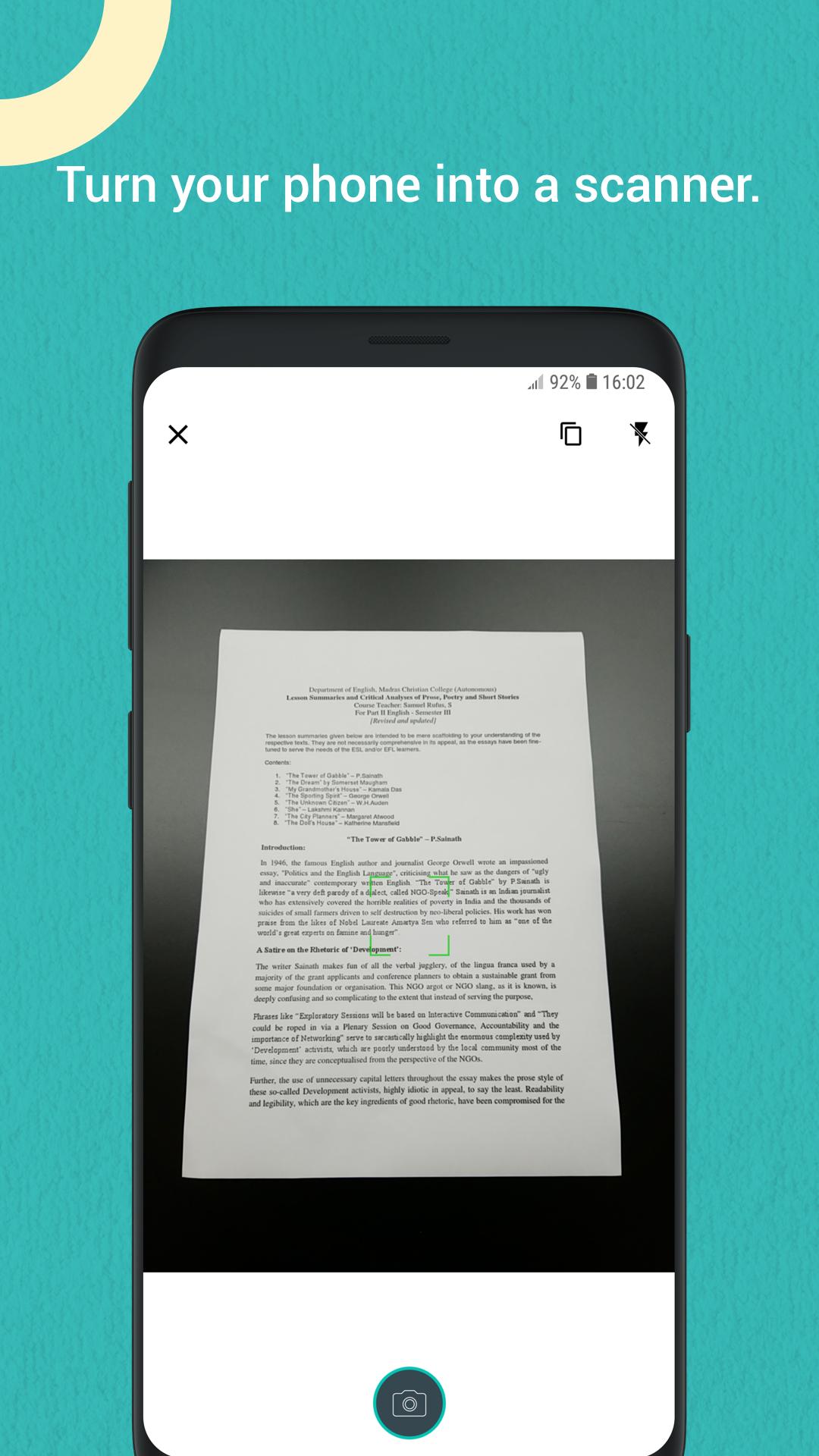
bScanner is a little, flexible and easy-to-use app with kinds of features satisfying different situations in your android phone. It allows you to scan documents, certificates, credit cards, invoices, tickets etc with high quality image & PDF output.
It is also a camera scanner with simple and efficient user interface whose main tone is black & white with teal embellished throughout the app.
How to scan docs?
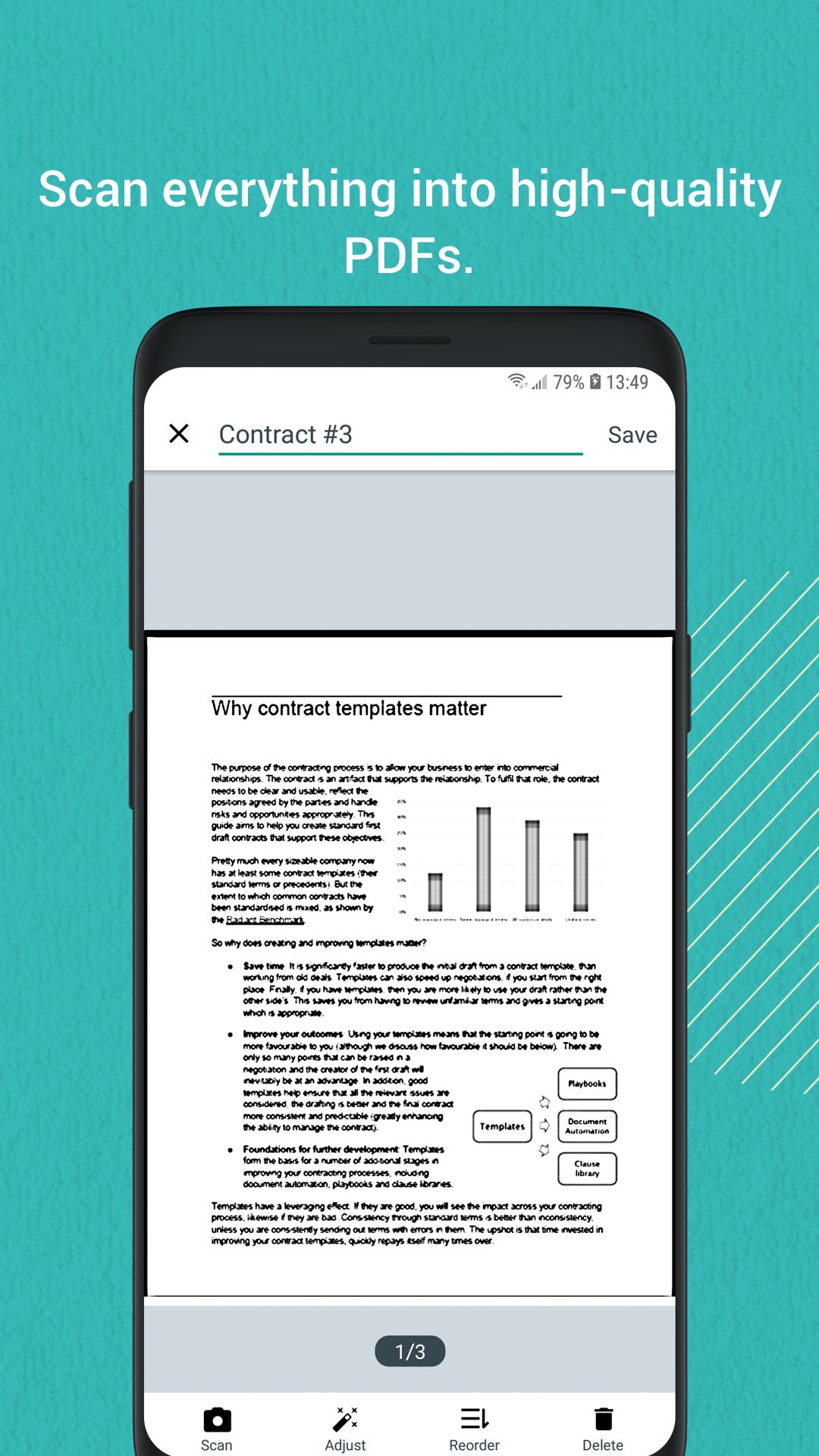
- Two kinds of way to scan docs: Scan from Photos or Scan from Camera. After scanning your docs, you can check the scans or edit them immediately without any delay. The things you can do include ADD MORE SCANS, ADJUST, REORDER, and DELETE.
- When you ADJUST the scans, it means you can rotate, capture, enhance your scans. That is how the app works, the key feature to turn a photo to a PDF file or an image.
- Rotate to find the right direction to display your scan.
- Capture helps you locate the precise point on your scans, then crop the right area to show the scanned content more accurate.
- Four modes you can choose to enhance the scans—Original, Black&White, Color, Grayscale. Meanwhile you can adjust the brightness.
How to mange your docs?
- In the main page, Recent view shows the files you latest added which helps you find docs more conveniently.
- Folders can be added to deposit docs. One doc contains a series of pages. You can rename them to make them more distinguishable.
- Searching docs is available on the All Scans module and Folders module. You can find any doc with typing in whatever included in the docs’ name.
- Every folder, doc and page can be shared with email, Dropbox, Google Drive, OneDrive, Box, Evernote or Wifi directly to your computer.
- Save all the scans to your phone gallery.
- Move/Copy/Delete docs and pages.
- Print directly in the app if your connect a Printer.
Make the app more efficient.
- Turn on the Camera Scanner immediately whenever open the app.
- Auto save the scans to gallery.
- Default enhancement after scanning.
- Default PDF size to email the docs.
- Protect your documents with a passcode.
Permissions used in app
- Camera: bScanner needs this permission to use camera to scan docs.
- Storage: bScanner needs this permission to read photos from device and save images to your local Gallery.
Have any Questions?
- If you have any problem about bScanner app, please email us at bscanner.a@beesoft.io, and we’ll help you to figure it out asap.
プレビュー
情報
デベロッパー
Fengge Apps
最新バージョン
1.4.5
最終更新
2021-04-30
カテゴリー
ビジネス
上で利用可能
Google Play
もっと見せる
PCでGameLoopを使用してScanner App for PDF Document - bScannerをプレイする方法
1. 公式WebサイトからGameLoopをダウンロードし、exeファイルを実行してGameLoopをインストールします
2. GameLoopを開いて「Scanner App for PDF Document - bScanner」を検索し、検索結果でScanner App for PDF Document - bScannerを見つけて、「インストール」をクリックします。
3. GameLoopでScanner App for PDF Document - bScannerを楽しんでください
Minimum requirements
OS
Windows 8.1 64-bit or Windows 10 64-bit
GPU
GTX 1050
CPU
i3-8300
Memory
8GB RAM
Storage
1GB available space
Recommended requirements
OS
Windows 8.1 64-bit or Windows 10 64-bit
GPU
GTX 1050
CPU
i3-9320
Memory
16GB RAM
Storage
1GB available space