
Lynk Pro PC
Lynk Kenya
GameLoopエミュレーターを使用してPCにLynk Proをダウンロードします
Lynk Pro PC版
開発者Lynk KenyaからのLynk Proは、過去にAndroidsystermで実行されています。
これで、GameLoopを搭載したPCでLynk Proをスムーズにプレイできます。
GameLoopライブラリまたは検索結果にダウンロードしてください。 バッテリーに目を向けたり、間違った時間にイライラしたりすることはもうありません。
大画面でLynk ProPCを無料でお楽しみください!
Lynk Pro 序章
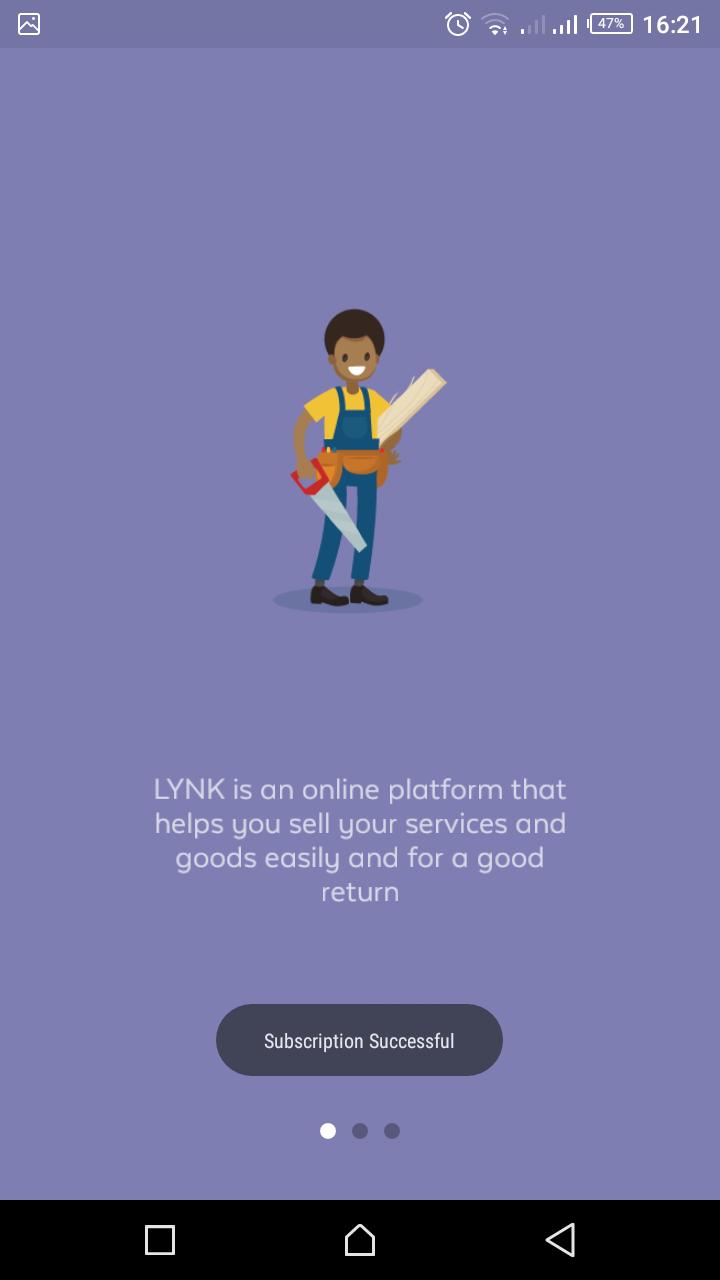
Lynk Pro App - Build a digital profile for your business
Local artisans can create a digital profile to showcase their products and services, find new customers and grow their business. Use the Lynk Pro App to browse job opportunities, chat with customers, and improve your skills anytime, anywhere.
How Lynk Pro App works:
- Create a professional profile for your work: add your areas of expertise and provide info to get invited to a Lynk vetting.
- Receive job alerts: once you’ve passed vetting, make sure you never miss a client's request.
- Manage jobs: monitor the status of your jobs, submit quotes, and scheduling timings with Lynk and the client.
- Payments: keep track of payments earned and received through the platform.
- Learn: keep up-to-date with news, tips, quizzes, videos, and tutorials.
- Baraza: share your Pro skills with colleagues from the platform
Learn more at lynk.co.ke
Follow Lynk:
twitter.com/Lynk_Kenya
facebook.com/Lynk.Kenya/
instagram.com/lynk.kenya/
We are continuously working to make the user experience better, consider leaving a review or rating.
プレビュー
情報
デベロッパー
Lynk Kenya
最新バージョン
1.7.6
最終更新
2020-01-20
カテゴリー
ビジネス
上で利用可能
Google Play
もっと見せる
PCでGameLoopを使用してLynk Proをプレイする方法
1. 公式WebサイトからGameLoopをダウンロードし、exeファイルを実行してGameLoopをインストールします
2. GameLoopを開いて「Lynk Pro」を検索し、検索結果でLynk Proを見つけて、「インストール」をクリックします。
3. GameLoopでLynk Proを楽しんでください
Minimum requirements
OS
Windows 8.1 64-bit or Windows 10 64-bit
GPU
GTX 1050
CPU
i3-8300
Memory
8GB RAM
Storage
1GB available space
Recommended requirements
OS
Windows 8.1 64-bit or Windows 10 64-bit
GPU
GTX 1050
CPU
i3-9320
Memory
16GB RAM
Storage
1GB available space