
BenQ EZ Qpresenter 2.0 PC
BenQ Corp.
GameLoopエミュレーターを使用してPCにBenQ EZ Qpresenter 2.0をダウンロードします
BenQ EZ Qpresenter 2.0 PC版
開発者BenQ Corp.からのBenQ EZ Qpresenter 2.0は、過去にAndroidsystermで実行されています。
これで、GameLoopを搭載したPCでBenQ EZ Qpresenter 2.0をスムーズにプレイできます。
GameLoopライブラリまたは検索結果にダウンロードしてください。 バッテリーに目を向けたり、間違った時間にイライラしたりすることはもうありません。
大画面でBenQ EZ Qpresenter 2.0PCを無料でお楽しみください!
BenQ EZ Qpresenter 2.0 序章
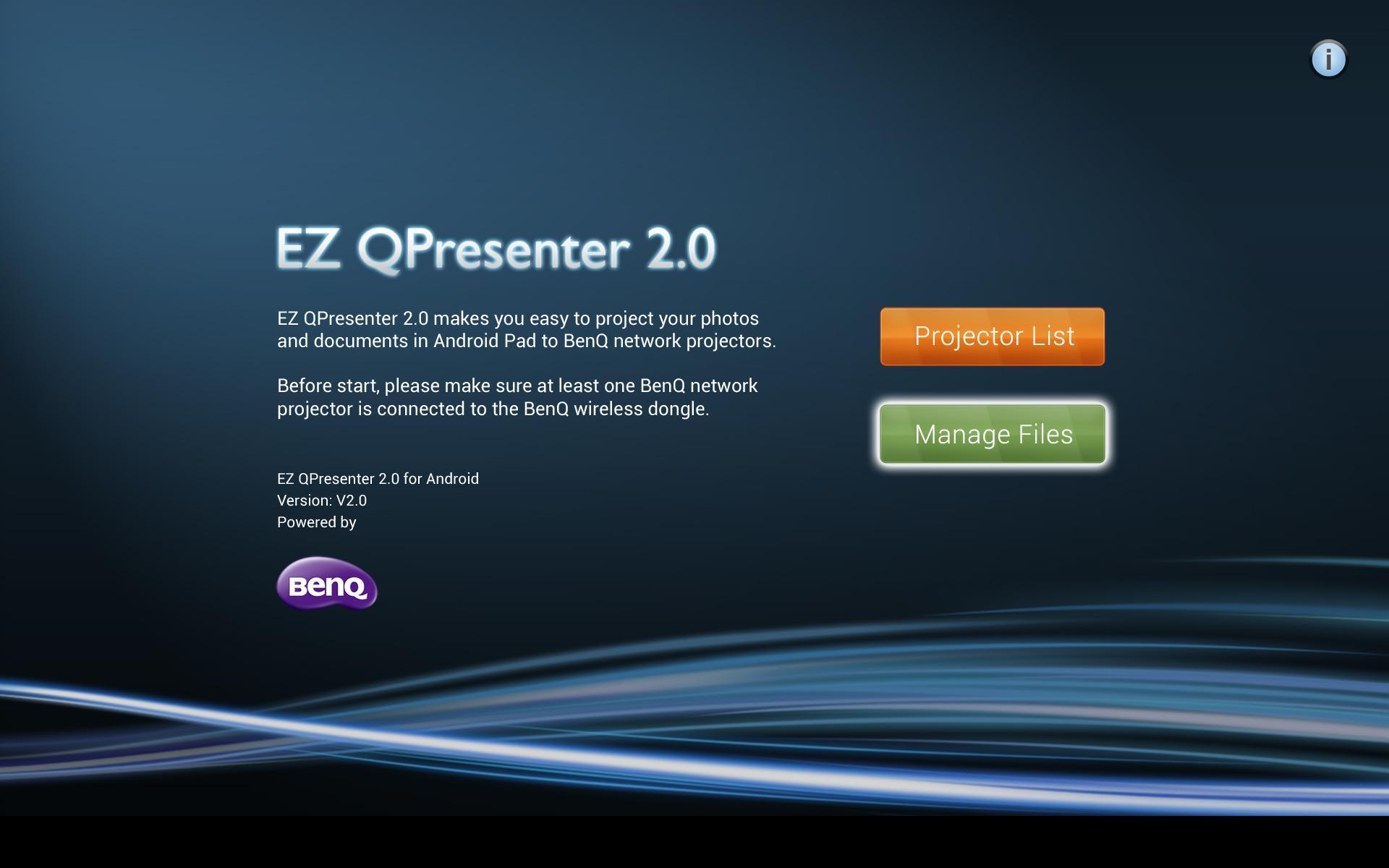
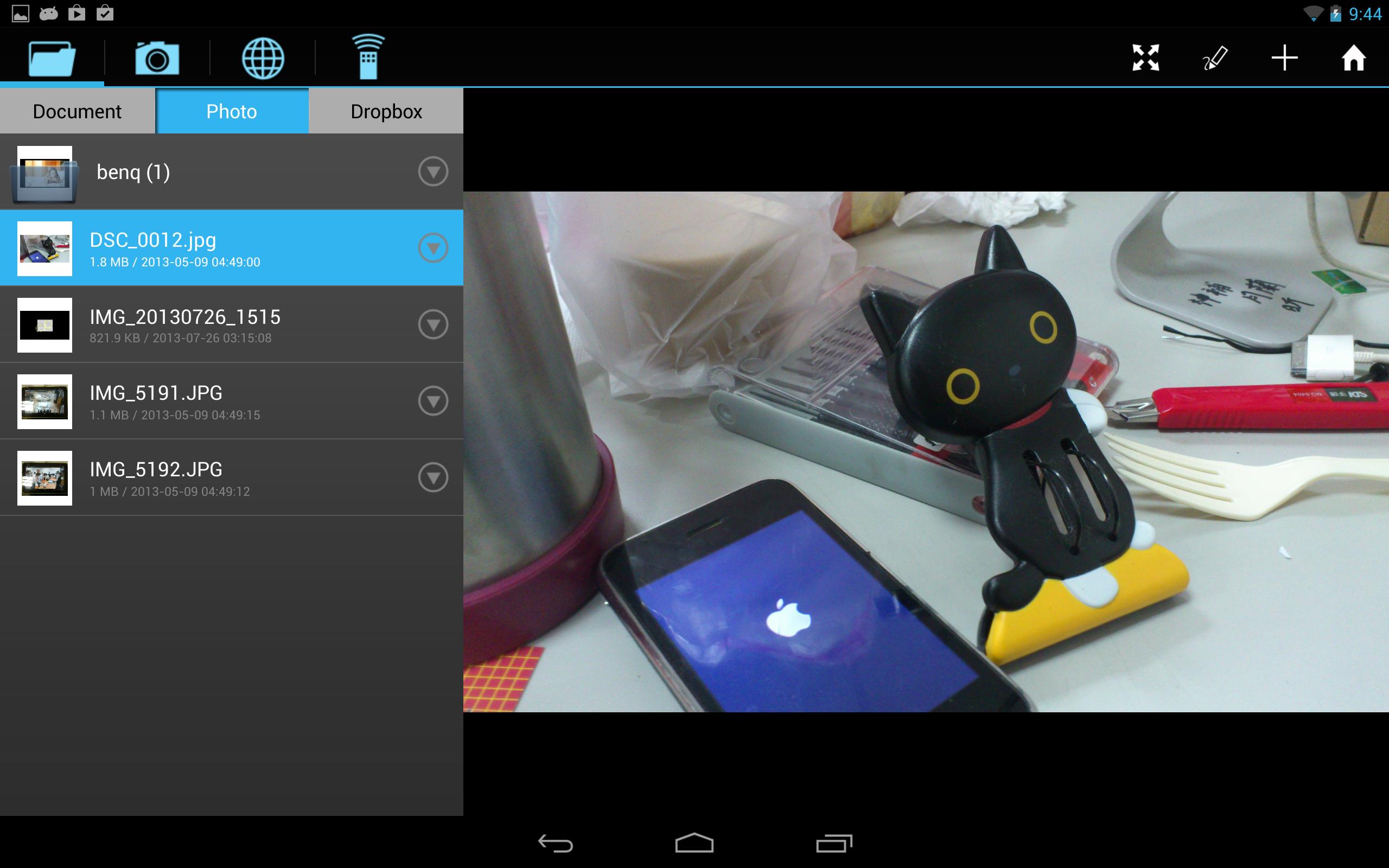
EZ QPresenter is an easy-to-use app which enables your 7'' and 10'' Android Pad to project content to BenQ LED projector wirelessly. You can display your photos/documents including PDF, MS-Office to BenQ LED network projector. Before start, please make sure at least one BenQ network projector is connected to the BenQ wireless dongle. This App is optimized on Android tablet.
【Features】
1. View MS-Office files(Word, Excel, PowerPoint), Adobe PDF and it also supports Sketch function and save to photo roll.
2. View local photo gallery and do sketch.
3. Remote control projector by your mobile device through Wi-Fi network.
4. Display web pages and support sketch function as well
5. Streaming image data from camera.
6. Display Dropbox files
【Supported BenQ projector model】
GP20
【Supported device】
7'' and 10'' Android Pad
【Supported file format】
PDF: Adobe PDF 1.6 or later
Photo: JPEG/JPG/PNG
Office: MS Office 2003 or later
【Not support】
Animation and embedded object in MS-Office
プレビュー
情報
デベロッパー
BenQ Corp.
最新バージョン
1.0.0.7
最終更新
2014-06-05
カテゴリー
ビジネス
上で利用可能
Google Play
もっと見せる
PCでGameLoopを使用してBenQ EZ Qpresenter 2.0をプレイする方法
1. 公式WebサイトからGameLoopをダウンロードし、exeファイルを実行してGameLoopをインストールします
2. GameLoopを開いて「BenQ EZ Qpresenter 2.0」を検索し、検索結果でBenQ EZ Qpresenter 2.0を見つけて、「インストール」をクリックします。
3. GameLoopでBenQ EZ Qpresenter 2.0を楽しんでください
Minimum requirements
OS
Windows 8.1 64-bit or Windows 10 64-bit
GPU
GTX 1050
CPU
i3-8300
Memory
8GB RAM
Storage
1GB available space
Recommended requirements
OS
Windows 8.1 64-bit or Windows 10 64-bit
GPU
GTX 1050
CPU
i3-9320
Memory
16GB RAM
Storage
1GB available space