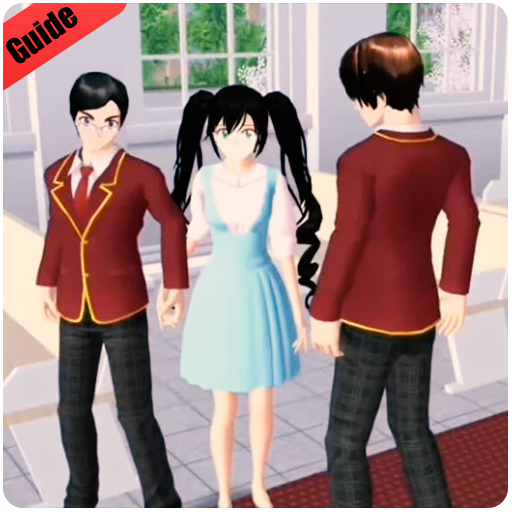
Walkthrough for SAKURA school simulator Guide 2020 PC
STUDIO.MIMA
GameLoopエミュレーターを使用してPCにWalkthrough for SAKURA school simulator Guide 2020をダウンロードします
Walkthrough for SAKURA school simulator Guide 2020 PC版
開発者STUDIO.MIMAからのWalkthrough for SAKURA school simulator Guide 2020は、過去にAndroidsystermで実行されています。
これで、GameLoopを搭載したPCでWalkthrough for SAKURA school simulator Guide 2020をスムーズにプレイできます。
GameLoopライブラリまたは検索結果にダウンロードしてください。 バッテリーに目を向けたり、間違った時間にイライラしたりすることはもうありません。
大画面でWalkthrough for SAKURA school simulator Guide 2020PCを無料でお楽しみください!
Walkthrough for SAKURA school simulator Guide 2020 序章
OUTSTANDING FEATURES
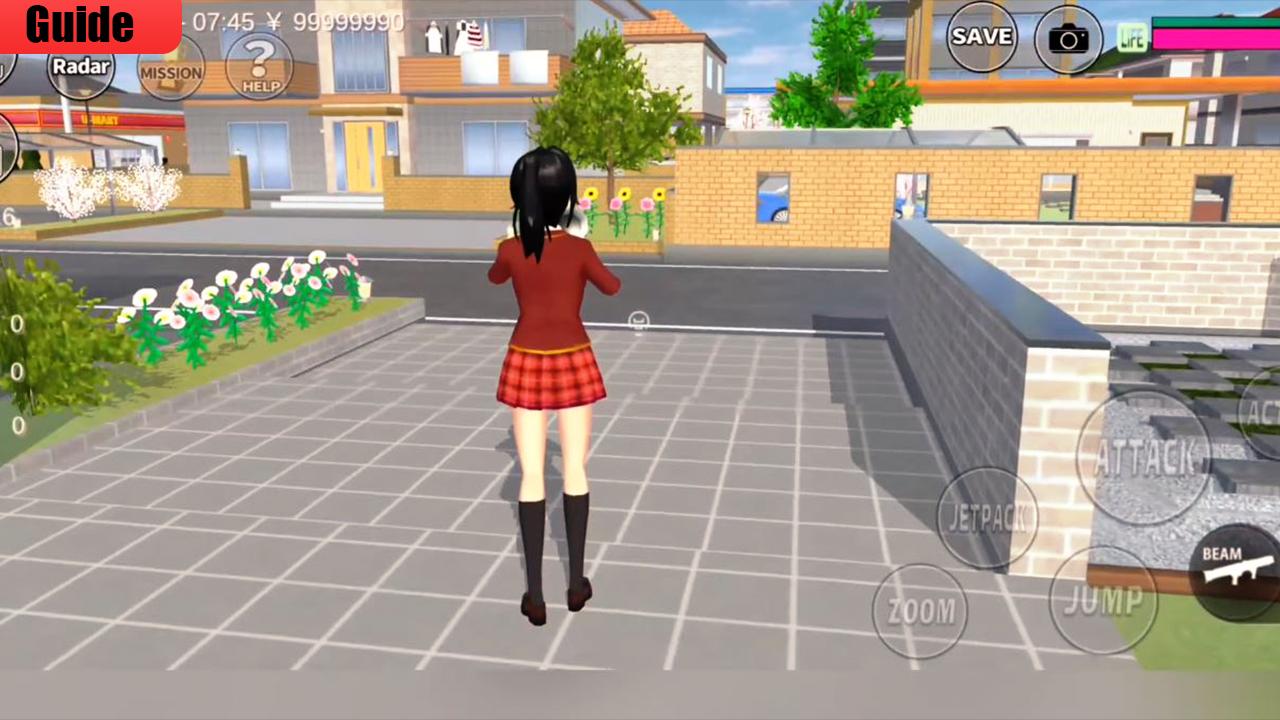
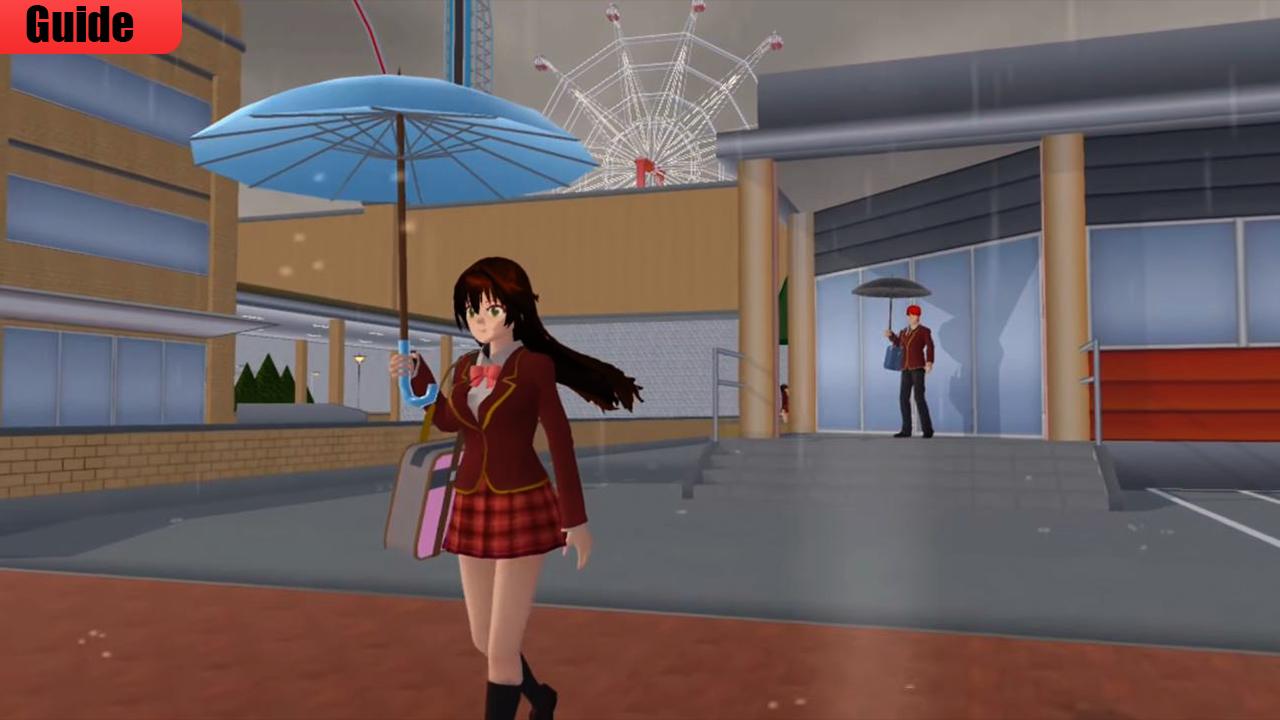
Absolutely remarkable light baked Graphics combined with Realtime Light and Shadows
Play at DAYLIGHT or at NIGHT just equipped with your Flashlight
Hundreds of Quests and Dialogue Options in High school simulator
this beautiful App will help you to know everything about the most famous School Sakura Senpai Simulator, you will find many tricks and walkthroughs, however, in this guide you will discover how to complete all School senpai Simulator Game missions and help in the most easiest way .
This is not an official Sakura School Simulator app, not associated or affiliated with developers of any app or any of their partners. This application follows the "fair use" guidelines by US law, if you feel there is a direct copyright or trademark violation that does not follow within the "fair use" guidelines, please contact us directly.
プレビュー
情報
デベロッパー
STUDIO.MIMA
最新バージョン
1.0
最終更新
2021-01-01
カテゴリー
Books-reference
上で利用可能
Google Play
もっと見せる
PCでGameLoopを使用してWalkthrough for SAKURA school simulator Guide 2020をプレイする方法
1. 公式WebサイトからGameLoopをダウンロードし、exeファイルを実行してGameLoopをインストールします
2. GameLoopを開いて「Walkthrough for SAKURA school simulator Guide 2020」を検索し、検索結果でWalkthrough for SAKURA school simulator Guide 2020を見つけて、「インストール」をクリックします。
3. GameLoopでWalkthrough for SAKURA school simulator Guide 2020を楽しんでください
Minimum requirements
OS
Windows 8.1 64-bit or Windows 10 64-bit
GPU
GTX 1050
CPU
i3-8300
Memory
8GB RAM
Storage
1GB available space
Recommended requirements
OS
Windows 8.1 64-bit or Windows 10 64-bit
GPU
GTX 1050
CPU
i3-9320
Memory
16GB RAM
Storage
1GB available space