
Guide Pressure Dragon Ball Xenoverse PC
Media Pedia Studio
GameLoopエミュレーターを使用してPCにGuide Pressure Dragon Ball Xenoverseをダウンロードします
Guide Pressure Dragon Ball Xenoverse PC版
開発者Media Pedia StudioからのGuide Pressure Dragon Ball Xenoverseは、過去にAndroidsystermで実行されています。
これで、GameLoopを搭載したPCでGuide Pressure Dragon Ball Xenoverseをスムーズにプレイできます。
GameLoopライブラリまたは検索結果にダウンロードしてください。 バッテリーに目を向けたり、間違った時間にイライラしたりすることはもうありません。
大画面でGuide Pressure Dragon Ball XenoversePCを無料でお楽しみください!
Guide Pressure Dragon Ball Xenoverse 序章
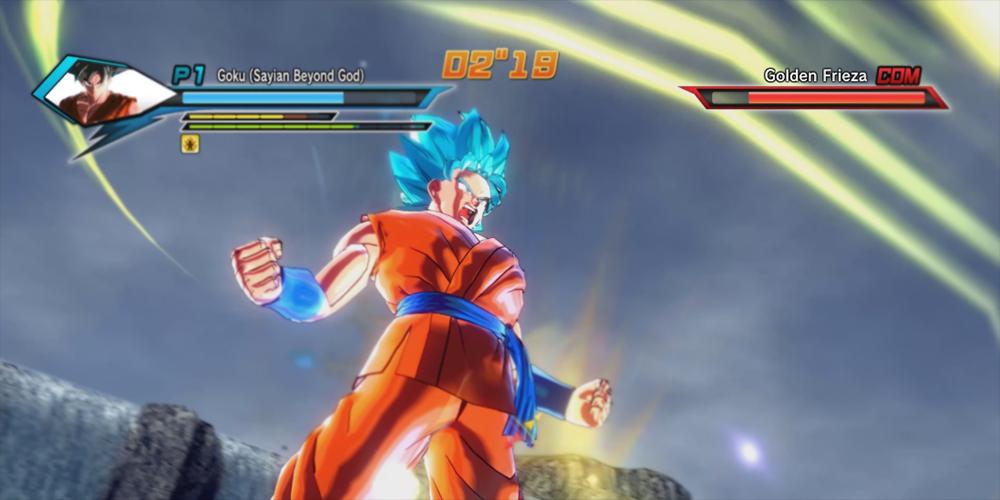
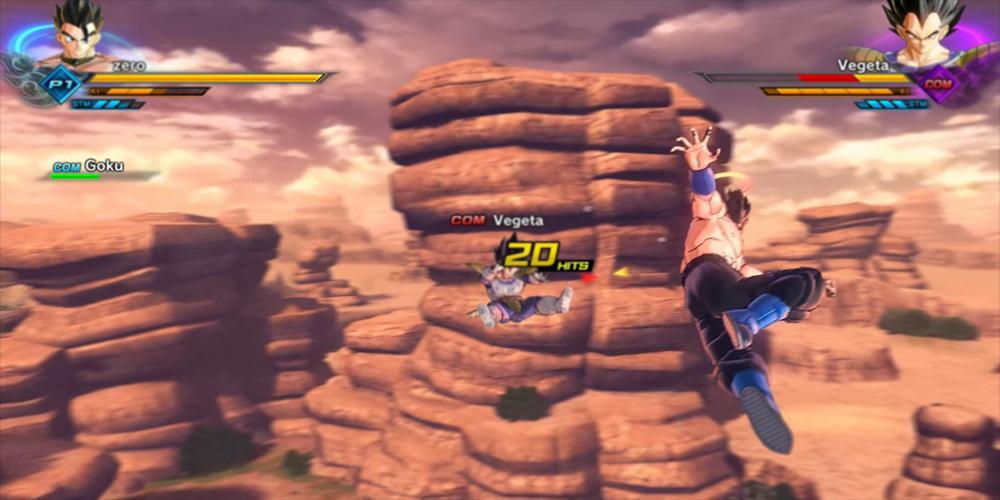
The game is set almost entirely within a number of 3D battle arenas which are mostly modeled after notable locations in the Dragon Ball universe, accessed from the main hub – the Toki-Toki City. Fighters can traverse the levels free-roaming in large spaces and can fight on ground, in the air and underwater. The game features spoken dialogue from a majority of main characters while in battle, and characters show facial expressions when they strike an opponent or take damage. Although limited, the players have some freedom to explore the planet Earth as it exists in the Dragon Ball universe along with a handful of other locations, including the aforementioned Toki-Toki City. Xenoverse is also the third Dragon Ball game to feature character creation, the first being Dragon Ball Online and the second being Dragon Ball Z: Ultimate Tenkaichi. Player-created character has the option of becoming an apprentice of the original Dragon Ball characters in order to learn their special moves and access specific costume items.
With character customization, players are able to customize their character's race, gender, facial hair, body features, clothing and character's voice effects.There are five available playable races: Saiyans, Namekians, Earthlings, Majins and Frieza's race; all of which have race specific advantages and bonuses as well as shortcomings.
The online multiplayer is accessed from the Toki-Toki City, which serves as a hub where players can form groups and take on cooperative, time-traveling missions.
プレビュー
情報
デベロッパー
Media Pedia Studio
最新バージョン
1.0.0
最終更新
2017-10-20
カテゴリー
Books-reference
上で利用可能
Google Play
もっと見せる
PCでGameLoopを使用してGuide Pressure Dragon Ball Xenoverseをプレイする方法
1. 公式WebサイトからGameLoopをダウンロードし、exeファイルを実行してGameLoopをインストールします
2. GameLoopを開いて「Guide Pressure Dragon Ball Xenoverse」を検索し、検索結果でGuide Pressure Dragon Ball Xenoverseを見つけて、「インストール」をクリックします。
3. GameLoopでGuide Pressure Dragon Ball Xenoverseを楽しんでください
Minimum requirements
OS
Windows 8.1 64-bit or Windows 10 64-bit
GPU
GTX 1050
CPU
i3-8300
Memory
8GB RAM
Storage
1GB available space
Recommended requirements
OS
Windows 8.1 64-bit or Windows 10 64-bit
GPU
GTX 1050
CPU
i3-9320
Memory
16GB RAM
Storage
1GB available space