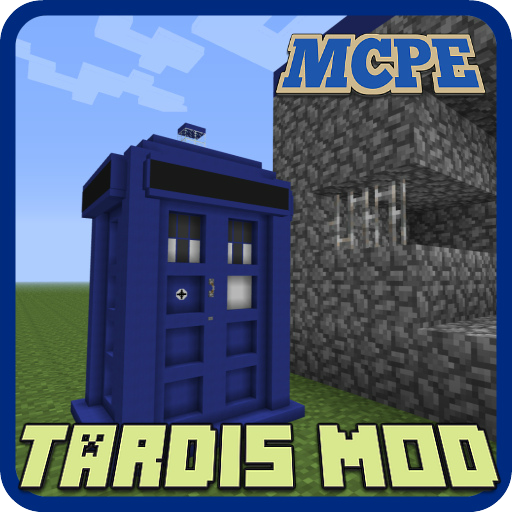
Tardis Mod for Minecraft PE PC
ZoorApps
GameLoopエミュレーターを使用してPCにTardis Mod for Minecraft PEをダウンロードします
Tardis Mod for Minecraft PE PC版
開発者ZoorAppsからのTardis Mod for Minecraft PEは、過去にAndroidsystermで実行されています。
これで、GameLoopを搭載したPCでTardis Mod for Minecraft PEをスムーズにプレイできます。
GameLoopライブラリまたは検索結果にダウンロードしてください。 バッテリーに目を向けたり、間違った時間にイライラしたりすることはもうありません。
大画面でTardis Mod for Minecraft PEPCを無料でお楽しみください!
Tardis Mod for Minecraft PE 序章
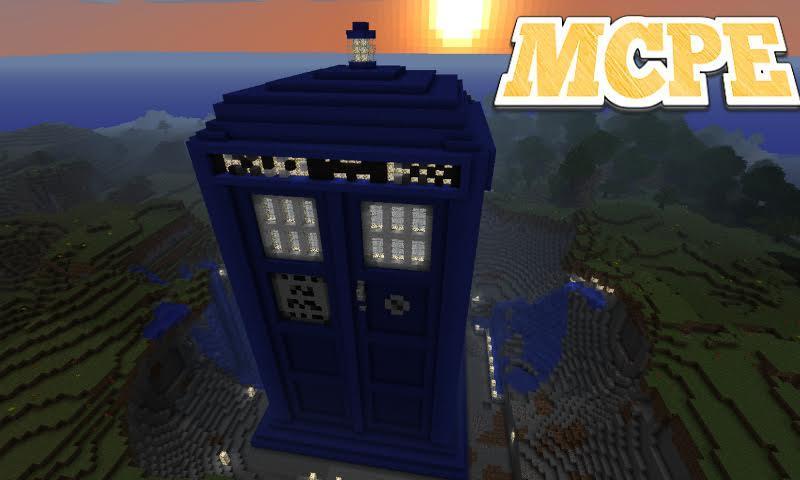
Tardis mod adds in the world Minecraft Pocket Edition time machine, it is called: "the TARDIS". With this time machine you can travel back in time and for a fraction of a second to navigate through the world MCPE.
Updated: modification compatible with 1.2, 1.1.x versions
The TARDIS is a time machine and spacecraft from the British television series.
How does it work?
First You need to get the TARDIS. It can be developed independently at the bench with recipe crafting. You can also get TARDIS using the Toolbox or Simple Commands. Then place it in a convenient place.
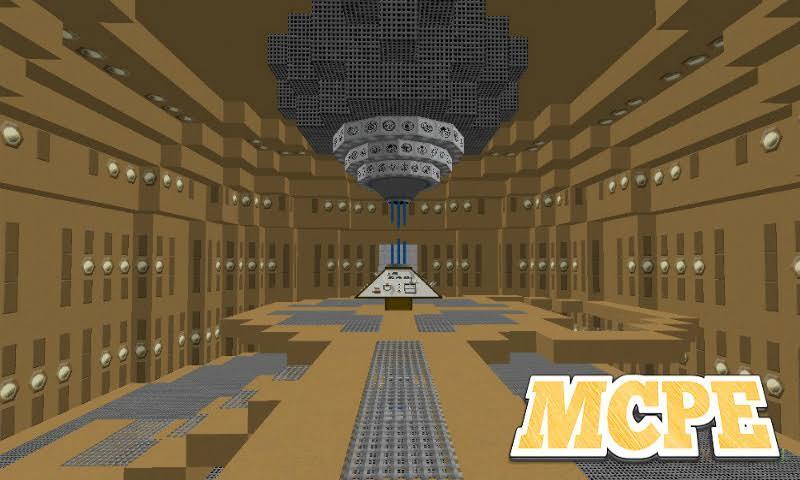
Then click on the "TARDIS" with your hand, where is the handle (it is clearly expressed by the white texture). You will be then taken to Central control room by time and space.
Management:
Block description will go clockwise (from the block opposite the entrance)
Block 1 — this block is used to run teleport, click on it as select [ x / y / z ].
2 block is saved. Click on it and the plates will be cell preservation. Top plate — loading, bottom — preserving.
3 the block is the issue of a screwdriver. If you don't have the screwdriver, push on it. A screwdriver in this version only want to remove savegames (to do this activate the save menu (block 2). Next, click on the upper plate of the desired cells.
Block 4 - this block is used to set the TARDIS. Click on it and on the plates to appear 2 settings: Themes and lighting Levels.
5 a block is a block radar. Click on it and you will see information about the position and status of the TARDIS.
6 is a block configuration [ x / z ]. Click on the block and on the plates to receive the setting of the Coordinate axis [x / z]. The GUI is intuitive.
7 is a block configuration coordinate [ y ]. Click on it and you can adjust the height (minimum 1, maximum 250).
8 a block in development.
How to get out of the main room?
If you want to leave the main room, then click on the gray door. She is behind You relative to your location as soon as you moved into the main room with the TARDIS.
PLEASE NOTE!
This is notan official application for Minecraft Pocket Addition.
The Minecraft Name, the Minecraft Brand and the Minecraft Assets are all property of Mojang AB or their respectful owner. All rights reserved. In accordance with http://account.mojang.com/documents/brand_guidelines
All information iwas taken from open sources.
プレビュー
情報
デベロッパー
ZoorApps
最新バージョン
1.5
最終更新
2018-08-07
カテゴリー
Books-reference
上で利用可能
Google Play
もっと見せる
PCでGameLoopを使用してTardis Mod for Minecraft PEをプレイする方法
1. 公式WebサイトからGameLoopをダウンロードし、exeファイルを実行してGameLoopをインストールします
2. GameLoopを開いて「Tardis Mod for Minecraft PE」を検索し、検索結果でTardis Mod for Minecraft PEを見つけて、「インストール」をクリックします。
3. GameLoopでTardis Mod for Minecraft PEを楽しんでください
Minimum requirements
OS
Windows 8.1 64-bit or Windows 10 64-bit
GPU
GTX 1050
CPU
i3-8300
Memory
8GB RAM
Storage
1GB available space
Recommended requirements
OS
Windows 8.1 64-bit or Windows 10 64-bit
GPU
GTX 1050
CPU
i3-9320
Memory
16GB RAM
Storage
1GB available space