
Coloring Book - Paint & Color PC
DARTCOM-IT S.R.L.
GameLoopエミュレーターを使用してPCにColoring Book - Paint & Colorをダウンロードします
Coloring Book - Paint & Color PC版
開発者DARTCOM-IT S.R.L.からのColoring Book - Paint & Colorは、過去にAndroidsystermで実行されています。
これで、GameLoopを搭載したPCでColoring Book - Paint & Colorをスムーズにプレイできます。
GameLoopライブラリまたは検索結果にダウンロードしてください。 バッテリーに目を向けたり、間違った時間にイライラしたりすることはもうありません。
大画面でColoring Book - Paint & ColorPCを無料でお楽しみください!
Coloring Book - Paint & Color 序章
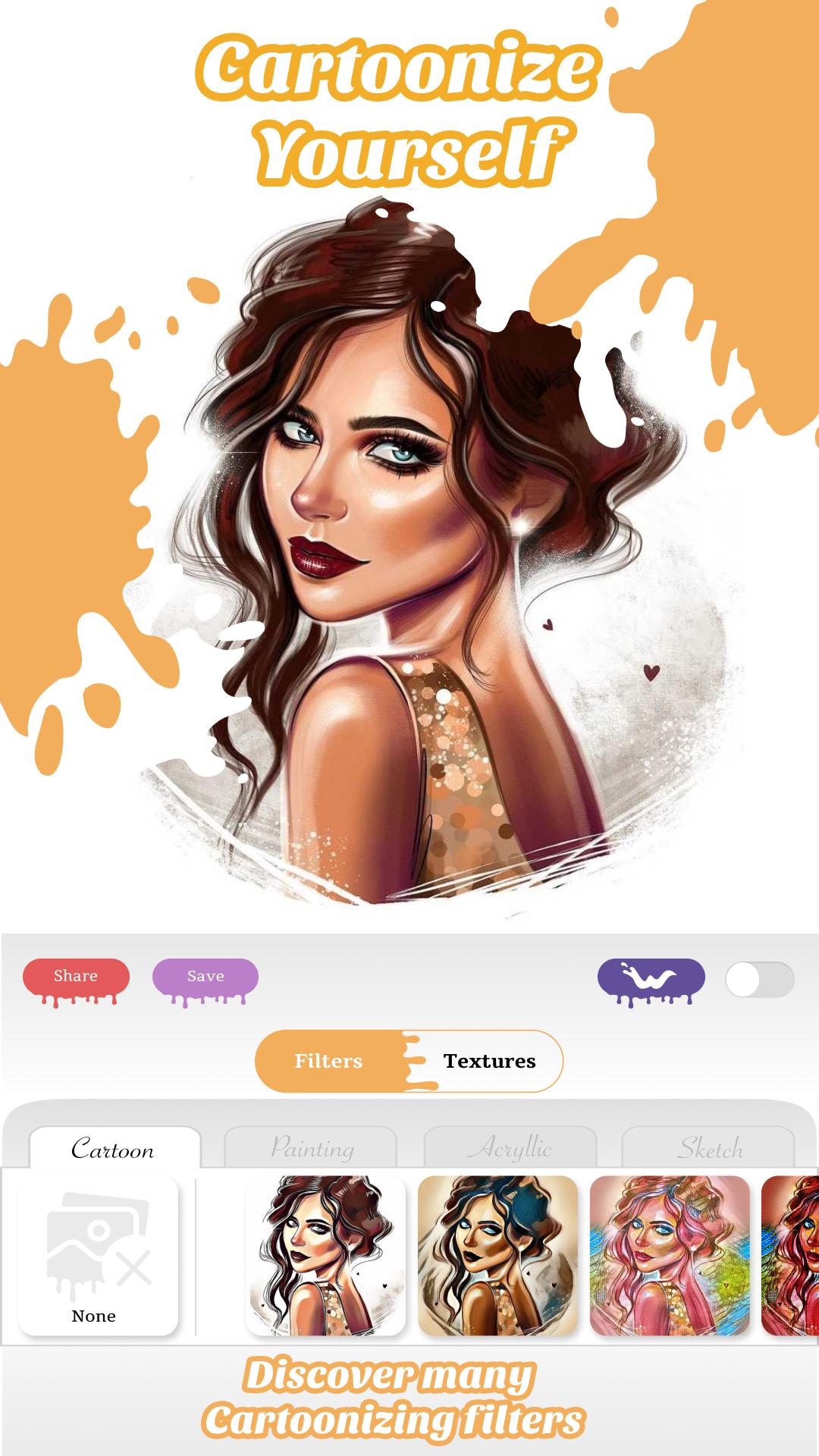
Paint & Color is the newest and the best Coloring Book and Mandala Maker.
Features:
- Create avatars by taking selfies and coloring them.
- Create and color unique Mandalas.
- Take a photo of your image and color it on your iPad or iPhone.
- Biggest database of images.
- New images everyday.
- A lot of free images.
- Much more...
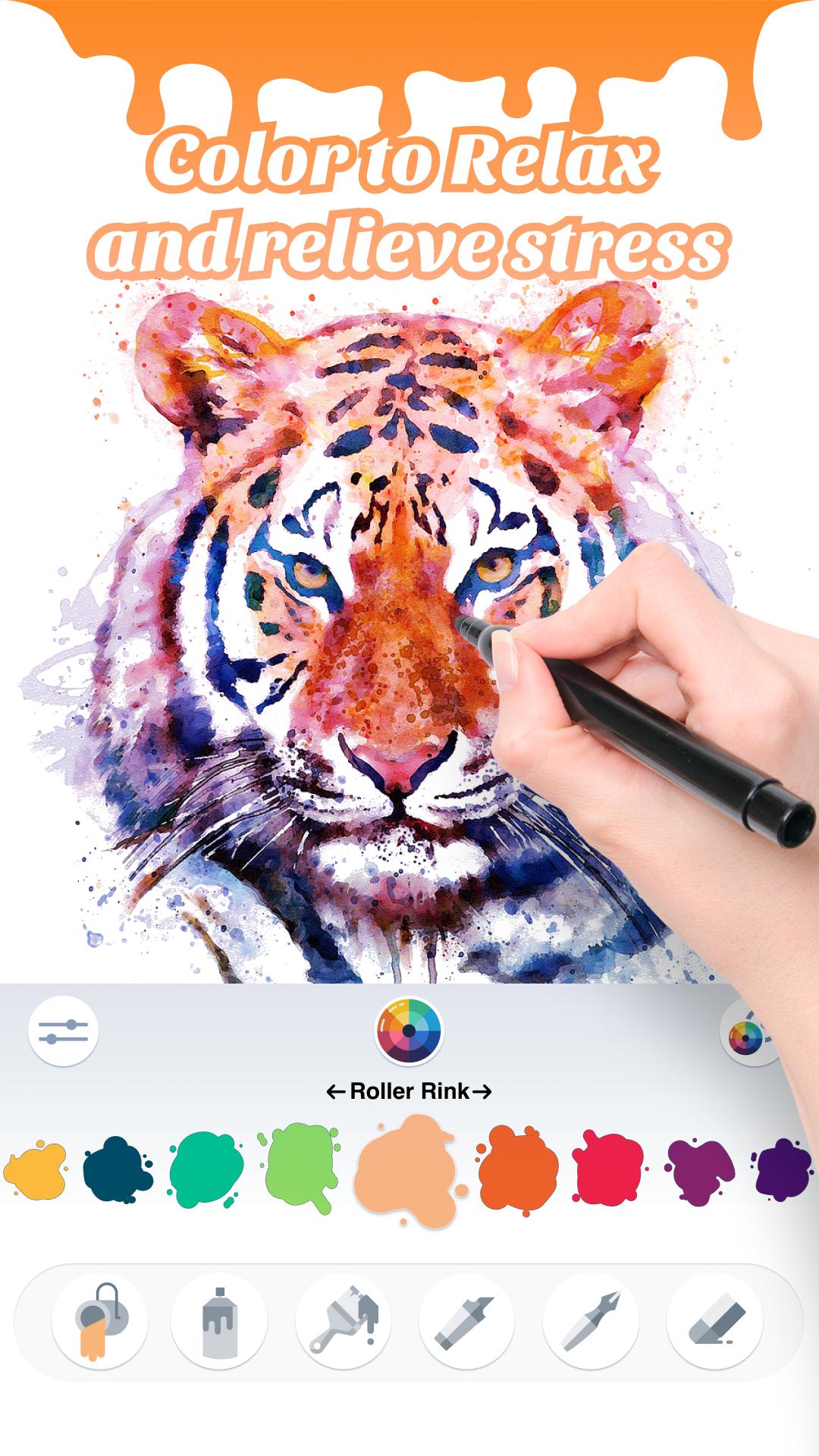
Paint & Color, features color pages with all sorts of unique animals, flowers, places, food, comics, culture and so on. It equals to an electronic color book that you can draw or color everywhere.
Paint & Color is the best therapy for relaxing and for stressing out. It is developed for any age.
Download today Paint & Color for free and enjoy funny and creative moments every day!
プレビュー
情報
デベロッパー
DARTCOM-IT S.R.L.
最新バージョン
2.0
最終更新
2021-01-11
カテゴリー
Books-reference
上で利用可能
Google Play
もっと見せる
PCでGameLoopを使用してColoring Book - Paint & Colorをプレイする方法
1. 公式WebサイトからGameLoopをダウンロードし、exeファイルを実行してGameLoopをインストールします
2. GameLoopを開いて「Coloring Book - Paint & Color」を検索し、検索結果でColoring Book - Paint & Colorを見つけて、「インストール」をクリックします。
3. GameLoopでColoring Book - Paint & Colorを楽しんでください
Minimum requirements
OS
Windows 8.1 64-bit or Windows 10 64-bit
GPU
GTX 1050
CPU
i3-8300
Memory
8GB RAM
Storage
1GB available space
Recommended requirements
OS
Windows 8.1 64-bit or Windows 10 64-bit
GPU
GTX 1050
CPU
i3-9320
Memory
16GB RAM
Storage
1GB available space