
Capcut - Video Editor 2020 Tips PC
DevsProApps
GameLoopエミュレーターを使用してPCにCapcut - Video Editor 2020 Tipsをダウンロードします
Capcut - Video Editor 2020 Tips PC版
開発者DevsProAppsからのCapcut - Video Editor 2020 Tipsは、過去にAndroidsystermで実行されています。
これで、GameLoopを搭載したPCでCapcut - Video Editor 2020 Tipsをスムーズにプレイできます。
GameLoopライブラリまたは検索結果にダウンロードしてください。 バッテリーに目を向けたり、間違った時間にイライラしたりすることはもうありません。
大画面でCapcut - Video Editor 2020 TipsPCを無料でお楽しみください!
Capcut - Video Editor 2020 Tips 序章
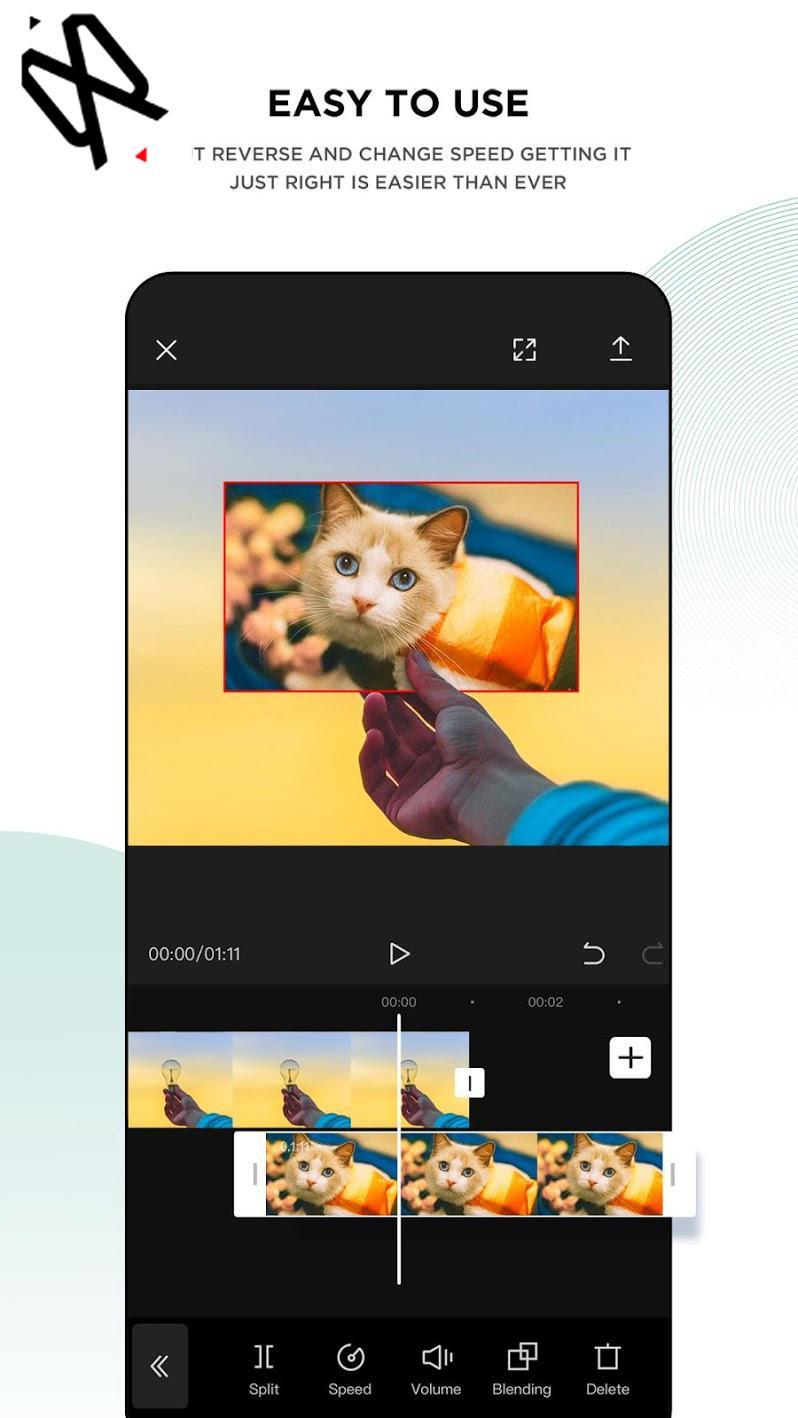
You can find in our app how how to edit your videos using CapCut or Viamaker.
CapCut is a free all in one video editing that helps you create incredible videos for 100% free.
* What is CapCut or Viamaker?
* How to use features and functions (Text, voice, images, Music, stickers, effects and more)
* Export and Sizes.
Video Adjust
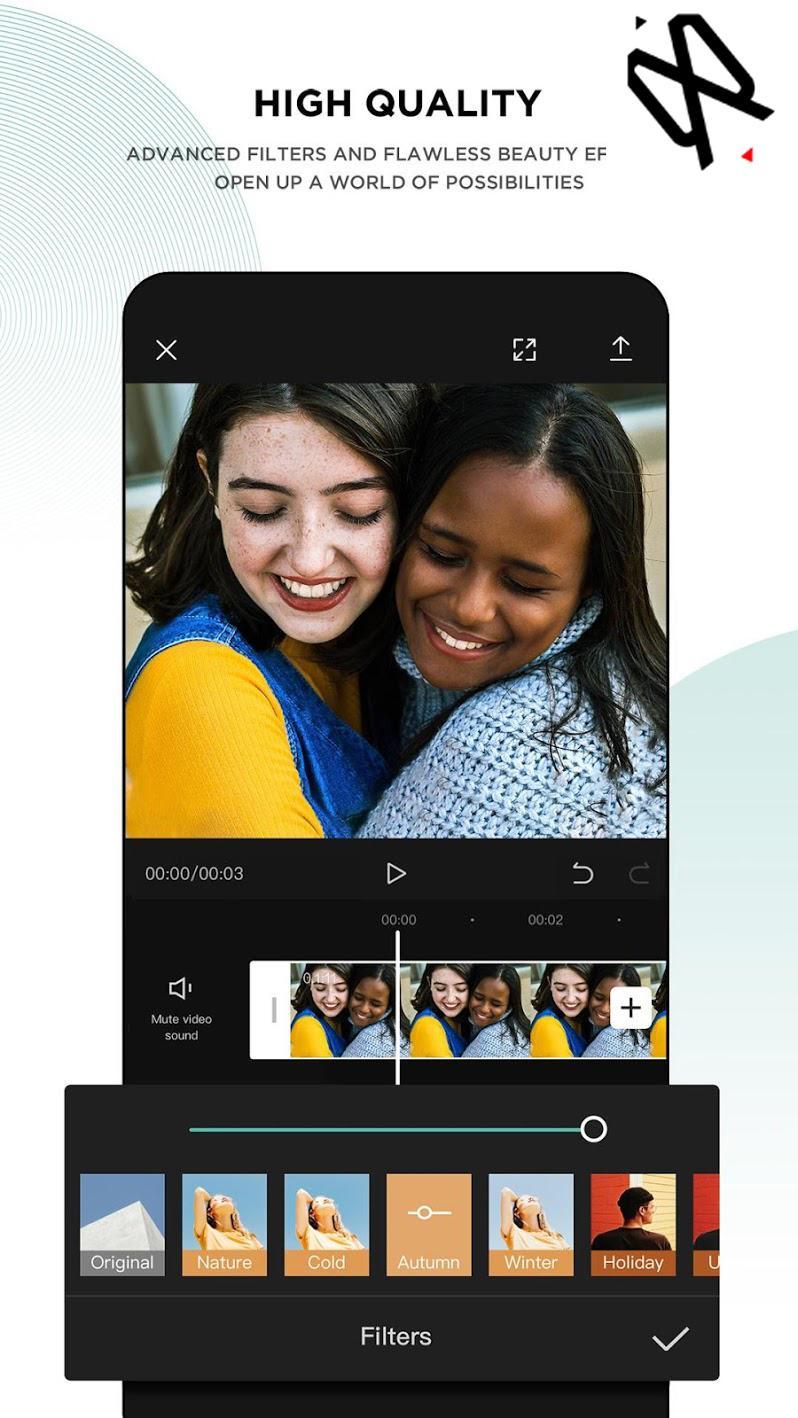
* Contrast, saturation, brightness, tone and so much more! Whether you are a professional video editor or just a beginner interested in video editing, it’s user-friendly enough for you to create your amazing clips.
Video Merger & Video Joiner
* Merge video clips into one video, add video to video or add audio to videos. It is a free TikTok video editor and video maker for YouTube, also the professional video cutter and video joiner, helps compress and combine videos without losing quality.
The app is easy to use. and helps you to create videos for TikTok and other social media with high quality.
ATTENTION: This app complies with the united states copyrights act for fair use. If you see any copyrights violation that does not follow our fair usage guidelines, Please contact us directly.
NOTE: This is an unofficial Tips and Guide for video editing.
プレビュー
情報
デベロッパー
DevsProApps
最新バージョン
1.1
最終更新
2020-09-08
カテゴリー
Books-reference
上で利用可能
Google Play
もっと見せる
PCでGameLoopを使用してCapcut - Video Editor 2020 Tipsをプレイする方法
1. 公式WebサイトからGameLoopをダウンロードし、exeファイルを実行してGameLoopをインストールします
2. GameLoopを開いて「Capcut - Video Editor 2020 Tips」を検索し、検索結果でCapcut - Video Editor 2020 Tipsを見つけて、「インストール」をクリックします。
3. GameLoopでCapcut - Video Editor 2020 Tipsを楽しんでください
Minimum requirements
OS
Windows 8.1 64-bit or Windows 10 64-bit
GPU
GTX 1050
CPU
i3-8300
Memory
8GB RAM
Storage
1GB available space
Recommended requirements
OS
Windows 8.1 64-bit or Windows 10 64-bit
GPU
GTX 1050
CPU
i3-9320
Memory
16GB RAM
Storage
1GB available space